


- Document Solutions for PDF .NET Overview
- Key Features
- Getting Started
- Product Architecture
-
Features
- Attachment
- Annotations
- Document
- Document Optimization
- Font
- Forms
- Form XObjects
- Actions
- Graphics
- Output Intents
- Images
- Incremental Update
- Linearization
- Links
- Outline
- Pages
- Layouts
- Complex Graphic Layouts
- Tables
- Security
- Digital Signature
- Soft Mask
- Stamps
- Tagged PDF
- PDF Conformance
- Parse PDF Documents
- Layers
- Text
- Text Search, Replace and Delete
- Watermark
- AI Assistant
- Access Primitive and High-Level PDF Objects
- Render HTML to PDF
- Save PDF as Image
- Barcodes in PDF
- Best Practices
- Walkthrough
- Tutorials
- Samples
- API Reference
- Document Solutions PDF Viewer Overview
- Release Notes
PDF Conformance
DsPdf provides APIs for creating PDF documents that conform to PDF/A and PDF/UA requirements. Use the Metadata and document conformance APIs to configure document metadata, tagged content, namespaces, document language, and other required document settings.
See Tagged PDF for information about creating tagged documents.
Create PDF/A Documents
Use the Metadata.PdfA property and related document settings to declare and configure PDF/A documents.
Supported PDF/A conformance levels include:
PdfA1a
PdfA1b
PdfA2a
PdfA2b
PdfA2u
PdfA3a
PdfA3b
PdfA3u
PdfA4
PdfA4e
PdfA4f
Depending on the selected conformance level, PDF/A documents may require:
tagged content
embedded fonts
document metadata
output intents
associated embedded files
Create PDF/A-4 Documents
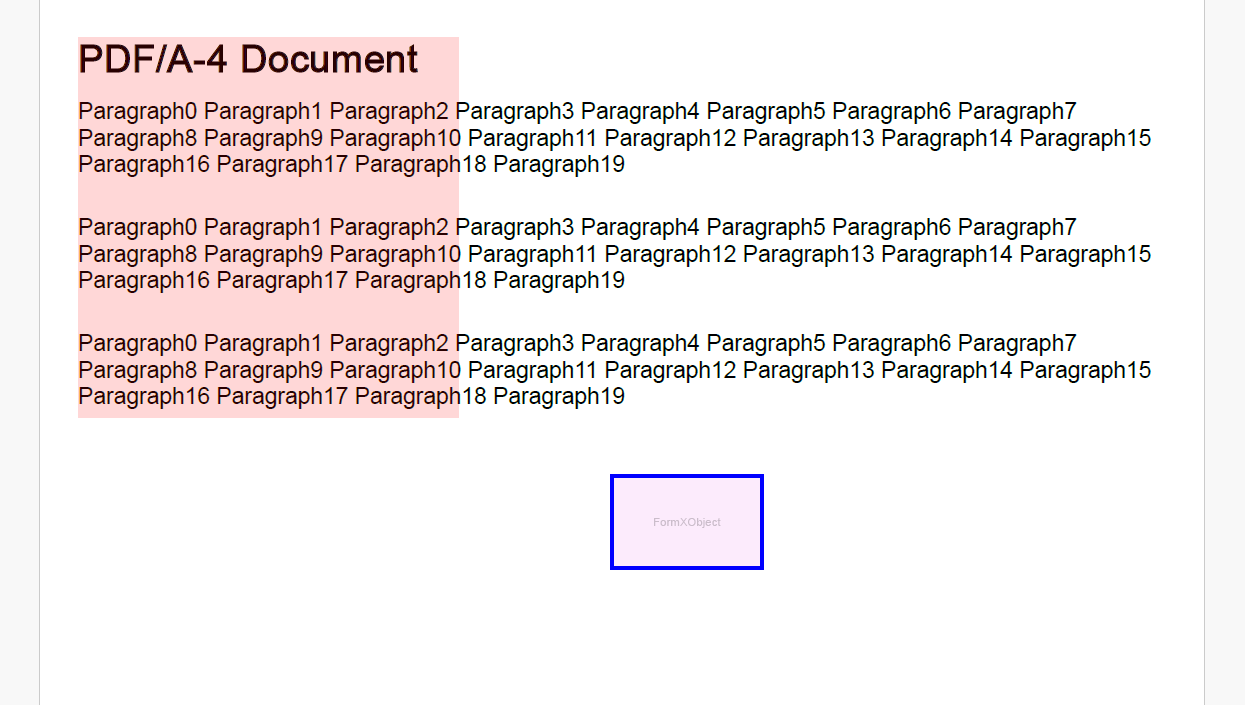
PDF/A-4 documents are based on PDF 2.0. PDF/A-4e supports engineering workflows and RichMedia annotations. PDF/A-4f supports arbitrary embedded files associated with document elements.
The following example demonstrates how to create a PDF/A-4 document:
static void DoPdfA_4_01()
{
// PDF/A-4 requires all content to be tagged so create and populate
// StructElement during rendering
GcPdfDocument doc = new GcPdfDocument();
Font fnt = Font.FromFile(@"../../../arial.ttf");
StructElement sePart = new StructElement("Part");
doc.StructTreeRoot.Children.Add(sePart);

for (int pageIndex = 0; pageIndex < 3; pageIndex++)
{
    // add page
    Page page = doc.Pages.Add();
    var g = page.Graphics;
    float y = 20;
    if (pageIndex == 0)
    {
        StructElement seParagraph = new StructElement("P");
        seParagraph.DefaultPage = page;
        // add it to Part element
        sePart.Children.Add(seParagraph);

        var tl = g.CreateTextLayout();
        tl.DefaultFormat.Font = fnt;
        tl.DefaultFormat.FontBold = true;
        tl.DefaultFormat.FontSize = 20;
        tl.Append("PDF/A-4 Document");
        tl.MaxWidth = page.Size.Width - 40;
        tl.PerformLayout(true);
        g.BeginMarkedContent(new TagMcid("P", 0));
        g.DrawTextLayout(tl, new PointF(20, 20));
        g.EndMarkedContent();
        y += tl.ContentHeight + 10;

        seParagraph.ContentItems.Add(new McidContentItemLink(0));
    }

    for (int i = 1; i <= 3; i++)
    {
        // create paragraph element
        StructElement seParagraph = new StructElement("P");
        seParagraph.DefaultPage = page;
        // add it to Part element
        sePart.Children.Add(seParagraph);

        //
        StringBuilder sb = new StringBuilder();
        for (int j = 0; j < 20; j++)
            sb.Append($"Paragraph{j} ");
        sb.Remove(sb.Length - 1, 1);
        var tl = g.CreateTextLayout();
        tl.DefaultFormat.Font = fnt;
        tl.DefaultFormat.FontSize = 12;
        tl.Append(sb.ToString());
        tl.MaxWidth = page.Size.Width - 40;
        tl.PerformLayout(true);

        // draw TextLayout within tagged content enclosed with
        // BeginMarkedContent and EndMarkedContent
        g.BeginMarkedContent(new TagMcid("P", i));
        g.DrawTextLayout(tl, new PointF(20, y));
        g.EndMarkedContent();

        y += tl.ContentHeight + 20;

        // add content item to paragraph StructElement
        seParagraph.ContentItems.Add(new McidContentItemLink(i));
    }
}

// PDF/A-4 allows transparency drawing in PDF file
// add transparency drawing
var gpage = doc.Pages[0].Graphics;
gpage.FillRectangle(new RectangleF(20, 20, 200, 200), Color.FromArgb(40, Color.Red));

// PDF/A-4 allows using Form XObjects
// add FormXObject
var r = new RectangleF(0, 0, 80, 50);
FormXObject fxo = new FormXObject(doc, r);
var gfxo = fxo.Graphics;
gfxo.FillRectangle(r, Color.FromArgb(40, Color.Violet));
TextFormat tf = new TextFormat()
{
    Font = fnt,
    FontSize = 6,
    ForeColor = Color.FromArgb(50, Color.Black),
};
gfxo.DrawString("FormXObject", tf, r, TextAlignment.Center, ParagraphAlignment.Center);
gfxo.DrawRectangle(r, Color.Blue, 3);
gpage.DrawForm(fxo, new RectangleF(300, 250, r.Width, r.Height), null, ImageAlign.ScaleImage);

// PDF/A-4 allows using embedded PDF files conforming PDF/A1, PDF/A2, PDF/A3, PDF/A4
// add attachment associated with document
EmbeddedFileStream ef = EmbeddedFileStream.FromFile(doc, "c:\\temp\\PdfA_2B_Test01.pdf");
// ModificationDate and MimeType should be specified for EmbeddedFile in PDF/A
ef.ModificationDate = DateTime.Now;
ef.MimeType = "application/pdf";
FileSpecification fs = FileSpecification.FromEmbeddedFile(ef);
fs.UnicodeFile.FileName = fs.File.FileName;
fs.Relationship = AFRelationship.Unspecified;
doc.EmbeddedFiles.Add("PdfA_2B_Test01.pdf", fs);
// associated embedded file with document
doc.AssociatedFiles.Add(fs);

// MarkInfo.Marked of PDF/A document should be true
doc.MarkInfo.Marked = true;

//
// Metadata.CreatorTool and DocumentInfo.Creator should be same for PDF/A document
doc.Metadata.CreatorTool = doc.DocumentInfo.Creator;
// Title should be specified for PDF/A document
doc.Metadata.Title = "GcPdf Document";
doc.ViewerPreferences.DisplayDocTitle = true;
// version should be >= 2.0
doc.PdfVersion = "2.0";
doc.Metadata.PdfA = PdfAConformanceLevel.PdfA4;
doc.Metadata.PdfRev = "2026";
// the DocumentInfo should not be present in PDF/A-4
doc.DocumentInfo = null;

doc.Save("pdfa4_01.pdf");
}
Create PDF/UA Documents
Use tagged PDF content and document metadata to configure PDF/UA documents.
Supported PDF/UA versions include:
PDF/UA-1
PDF/UA-2
PDF/UA documents require:
tagged PDF structure
embedded fonts
document title
document language
Create PDF/UA-2 Documents
PDF/UA-2 documents additionally support PDF 2.0 structure namespaces and structure-based destinations.
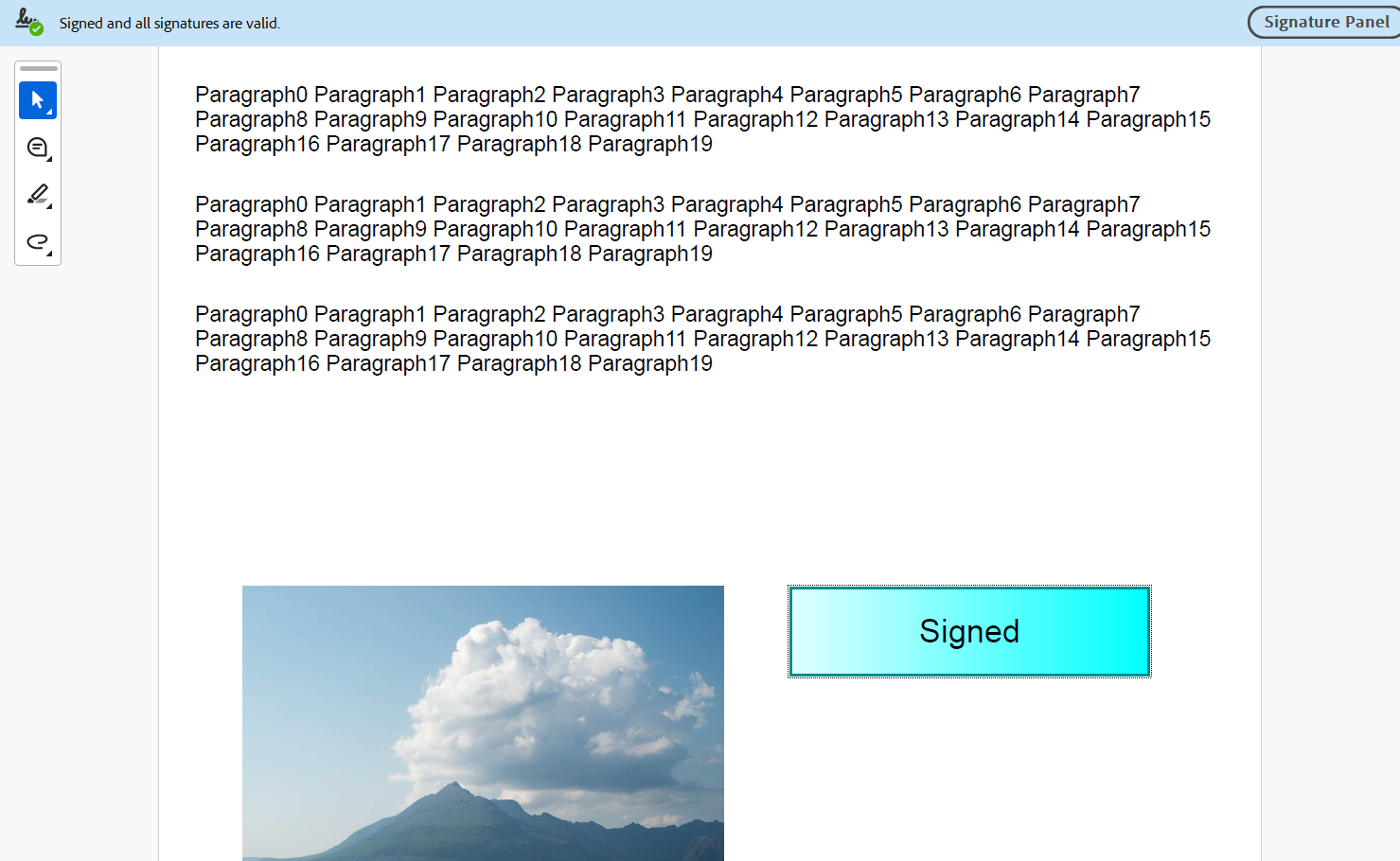
The following example demonstrates how to create a PDF/UA-2 document:
static void DoPdfUA2()
{
GcPdfDocument doc = new GcPdfDocument();

// create Part element, it will contain P (paragraph) elements
Font fnt = Font.FromFile("../../../arial.ttf");
// // add default PDF/UA-2 namespace to the struct tree
Namespace ns = new Namespace("http://iso.org/pdf2/ssn");
doc.StructTreeRoot.Namespaces.Add(ns);
StructElement seDoc = new StructElement("Document");
seDoc.NS = ns;
doc.StructTreeRoot.Children.Add(seDoc);
StructElement sePart = new StructElement("Part");
seDoc.Children.Add(sePart);
var img = Image.FromFile("../../../clouds.jpg");

for (int pageIndex = 0; pageIndex < 3; pageIndex++)
{
    // add page
    Page page = doc.Pages.Add();
    var g = page.Graphics;
    float y = 20;
    for (int i = 0; i < 3; i++)
    {
        // create paragraph element
        StructElement seParagraph = new StructElement("P");
        seParagraph.DefaultPage = page;
        // add it to Part element
        sePart.Children.Add(seParagraph);

        //
        StringBuilder sb = new StringBuilder();
        for (int j = 0; j < 20; j++)
            sb.Append($"Paragraph{j} ");
        sb.Remove(sb.Length - 1, 1);
        var tl = g.CreateTextLayout();
        tl.DefaultFormat.Font = fnt;
        tl.DefaultFormat.FontSize = 12;
        tl.Append(sb.ToString());
        tl.MaxWidth = page.Size.Width - 40;
        tl.PerformLayout(true);

        // draw TextLayout within tagged content
        g.BeginMarkedContent(new TagMcid("P", i));
        g.DrawTextLayout(tl, new PointF(20, y));
        g.EndMarkedContent();

        y += tl.ContentHeight + 20;

        // add content item to paragraph StructElement
        seParagraph.ContentItems.Add(new McidContentItemLink(i));
    }

    // create figure element
    StructElement seFigure = new StructElement("Figure");
    seFigure.DefaultPage = page;
    seFigure.ActualText = $"Figure {pageIndex + 1}.3";
    // add it to Part element
    sePart.Children.Add(seFigure);

    //
    g.BeginMarkedContent(new TagMcid("Figure", 3));
    g.DrawImage(img, new RectangleF(30, 300, 300, 200), null, ImageAlign.ScaleImage);
    g.EndMarkedContent();
    seFigure.ContentItems.Add(new McidContentItemLink(3));
}

// add file attachments
var ef = EmbeddedFileStream.FromFile(doc, @"../../../TextFile.txt");
ef.CreationDate = DateTime.Now;
ef.ModificationDate = DateTime.Now;
var fs = FileSpecification.FromEmbeddedFile(ef);
fs.Desc = "TextFile.txt";
fs.Relationship = AFRelationship.Data;
doc.EmbeddedFiles.Add(@"TextFile.txt", fs);

// Add signature
X509Certificate2 cert = new X509Certificate2("../../../User.pfx", "User12");
SignatureProperties sp = new SignatureProperties();

sp.SignatureBuilder = new Pkcs7SignatureBuilder(cert);
//sp.Certificate = cert;

sp.Location = "MACHINE";
sp.SignerName = "USER";
sp.SigningDateTime = DateTime.Now;

Pkcs7SignatureBuilder b = (Pkcs7SignatureBuilder)sp.SignatureBuilder;
#pragma warning disable
b.Format = Pkcs7SignatureBuilder.SignatureFormat.adbe_pkcs7_sha1;
#pragma warning restore
//sp.SignatureFormat = SignatureFormat.PKCS7SHA1;

sp.SignatureAppearance = null;

SignatureField sf = new SignatureField();
// Contents should be provided
sf.Widget.Contents = "Signature widget";
sf.Widget.Rect = new RectangleF(350, 300, 200, 50);
sf.Widget.Page = doc.Pages[0];
FormXObject na = new FormXObject(doc, new RectangleF(0, 0, sf.Widget.Rect.Width, sf.Widget.Rect.Height));
GcPdfGraphics gg = na.Graphics;
RectangleF r = new RectangleF(PointF.Empty, gg.CanvasSize);

gg.BeginMarkedContent(new TagArtifact() { Type = TagArtifact.Types.TypeBackground, BBox = sf.Widget.Rect });
//gg.BeginMarkedContent("Form");
gg.FillRectangle(r, new LinearGradientBrush(Color.LightCyan, Color.Cyan));
gg.DrawRectangle(r, Color.DarkCyan, 3);
gg.EndMarkedContent();

gg.BeginMarkedContent(new TagMcid("P", 1));
var tl2 = gg.CreateTextLayout();
tl2.DefaultFormat.Font = fnt;
tl2.DefaultFormat.FontSize = 18;
tl2.Append("Signed");
tl2.MaxWidth = sf.Widget.Rect.Width;
tl2.MaxHeight = sf.Widget.Rect.Height;
tl2.ParagraphAlignment = ParagraphAlignment.Center;
tl2.TextAlignment = TextAlignment.Center;
tl2.PerformLayout(true);
gg.DrawTextLayout(tl2, PointF.Empty);
gg.EndMarkedContent();

sf.Widget.AppearanceStreams.Normal.Default = na;
doc.AcroForm.Fields.Add(sf);

//
StructElement seSignature = new StructElement("Form");
seSignature.DefaultPage = doc.Pages[0];
seSignature.ActualText = $"Signature";
seSignature.ContentItems.Add(new ObjrContentItemLink((IContentItem)sf.Widget));
seSignature.ContentItems.Add(new McrContentItemLink()
{
    FormXObject = na,
    ContentStreamOwner = sf.Widget,
    MCID = 1,
});
sePart.Children.Add(seSignature);

sp.SignatureField = sf;

// Tabs should be specified for page
doc.Pages[0].AnnotationsTabsOrder = AnnotationsTabsOrder.StructureOrder;

// mark as tagged
doc.MarkInfo.Marked = true;
// PDF/UA version
doc.PdfVersion = "2.0";
doc.Metadata.PdfUa = 2;
doc.Metadata.PdfUaRev = "2026";
doc.Metadata.Title = "GcPdf Document";
doc.ViewerPreferences.DisplayDocTitle = true;
doc.Lang = "en";

doc.Sign(sp, "pdfua2.pdf");
}
Note: DsPdf provides the APIs required to create PDF/A and PDF/UA documents, but it does not automatically validate compliance or convert arbitrary PDF documents into compliant PDF/A or PDF/UA files. Ensure that the document content and metadata meet the requirements defined in the relevant ISO specifications.