


Integration with FlexGrid
Expression Editor supports integration with FlexGrid control. Expression Editor, when integrated with grid, enables using expressions on grid and perform operations such as filtering, grouping, sorting, and many more. The following steps demonstrate how users can integrate Expression Editor with FlexGrid.
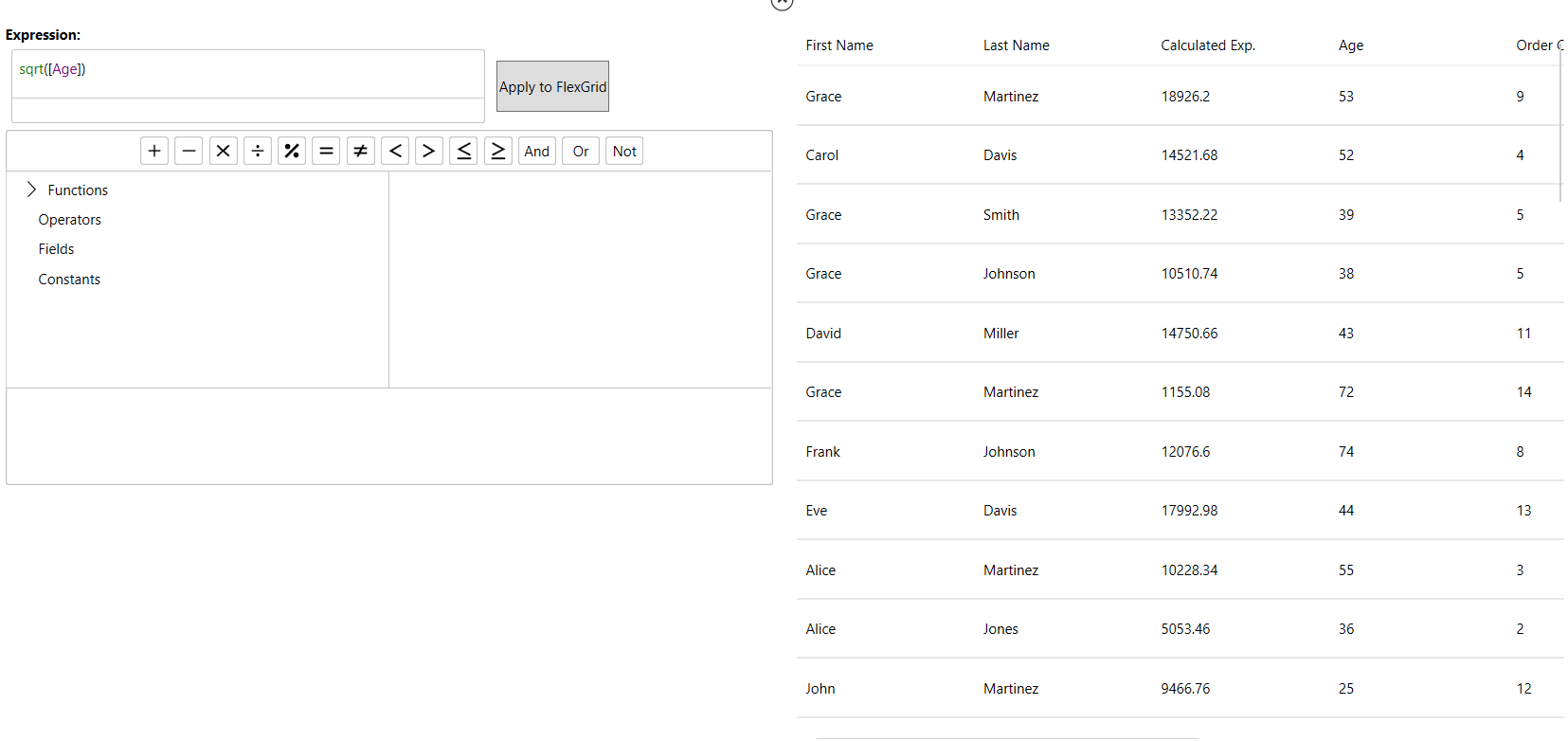
To integrate Expression Editor with the FlexGrid, you need to use ItemSource property of C1FlexGrid class that gets a collection of objects to generate grid data. Once the grid is populated, data source of Expression editor can be bound to data source of FlexGrid using the DataSource property of C1ExpressionEditor class.
The following code demonstrates integrating FlexGrid with Expression Editor.
 private void SetupGridData()
        {
            Tag = "FlexGridDemoDescription";
            _data = Customer.GenerateSampleData(50).ToList();
            grid.ItemsSource = _data;
        }
        private void SetupExpressionEditor()
        {
            expressionEditor.Engine.DataSource = _data;
        }