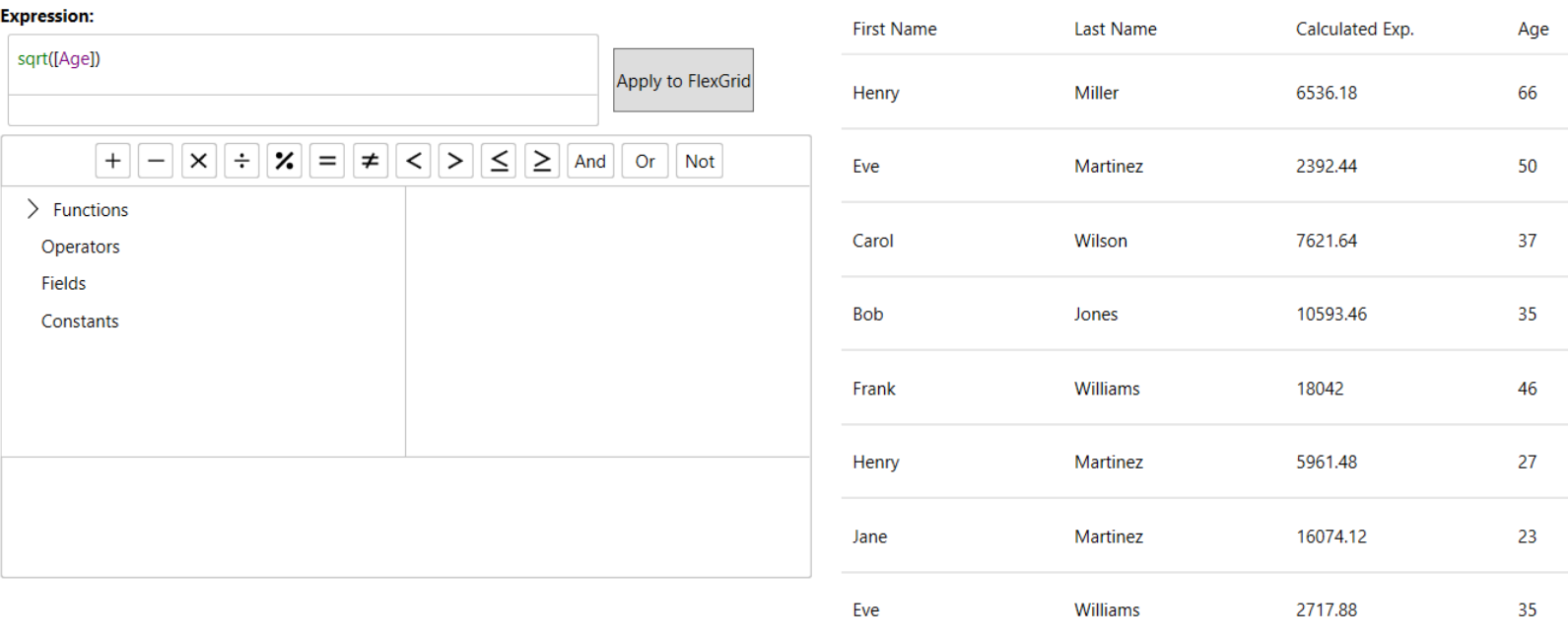
Expression Editor for WPF Edition
Expression Editor for WPF is a run-time control for creating and editing expressions that can be used to calculate values and transform data. Designed with a Visual Studio–like interface, it offers smart features such as code completion, syntax highlighting, and error reporting. It includes a rich set of built-in operators, constants, and functions for aggregate, logical, mathematical, and conversion operations. The control integrates seamlessly with data management and visualization controls such as grids and charts to aid analysis.
The editor consists of two components: C1ExpressionEditor and C1ExpressionEditorPanel. Each component can be used independently or combined with other supported controls. For example, you can use C1ExpressionEditor as an Excel-style formula bar with FlexGrid to enter expressions.