-
Spread Windows Forms Product Documentation
- Getting Started
-
Developer's Guide
- Understanding the Product
- Working with the Component
- Spreadsheet Objects
- Ribbon Control
- Sheets
- Rows and Columns
- Headers
- Cells
- Cell Types
- Data Binding
- Customizing the Sheet Appearance
- Customizing Interaction in Cells
- Tables
- Pivot Table
- Understanding the Underlying Models
- Customizing Row or Column Interaction
- Formulas in Cells
- Sparklines
- Keyboard Interaction
- Events from User Actions
- File Operations
- Storing Excel Summary and View
- Printing
- Chart Control
- Enhanced Chart
- Customizing Drawing
- Touch Support with the Component
- Spread Designer Guide
- Assembly Reference
- Import and Export Reference
- Version Comparison Reference
Elevation and Rotation
You can specify the elevation or rotation for a chart.
Elevation (X rotation)
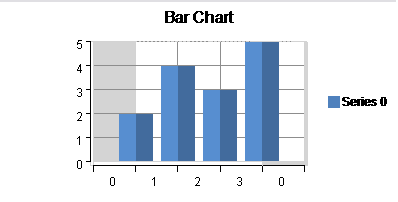
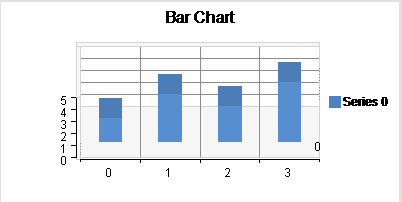
The elevation rotates the graph counterclockwise around the horizontal axis. Set the Elevation property of the PlotArea class to set the X rotation angle. The following image displays a graph with a changed elevation.
Rotation (Y rotation)
The rotation rotates the graph counterclockwise around the vertical axis. Set the Rotation property of the PlotArea class to set the Y rotation angle . The following image displays a graph with a changed rotation.