


Claude Desktop
1. Make sure Node.js is available. This configuration uses npx to run mcp-remote.
2. Open Claude Desktop and go to Settings -> Developer -> Edit Config.
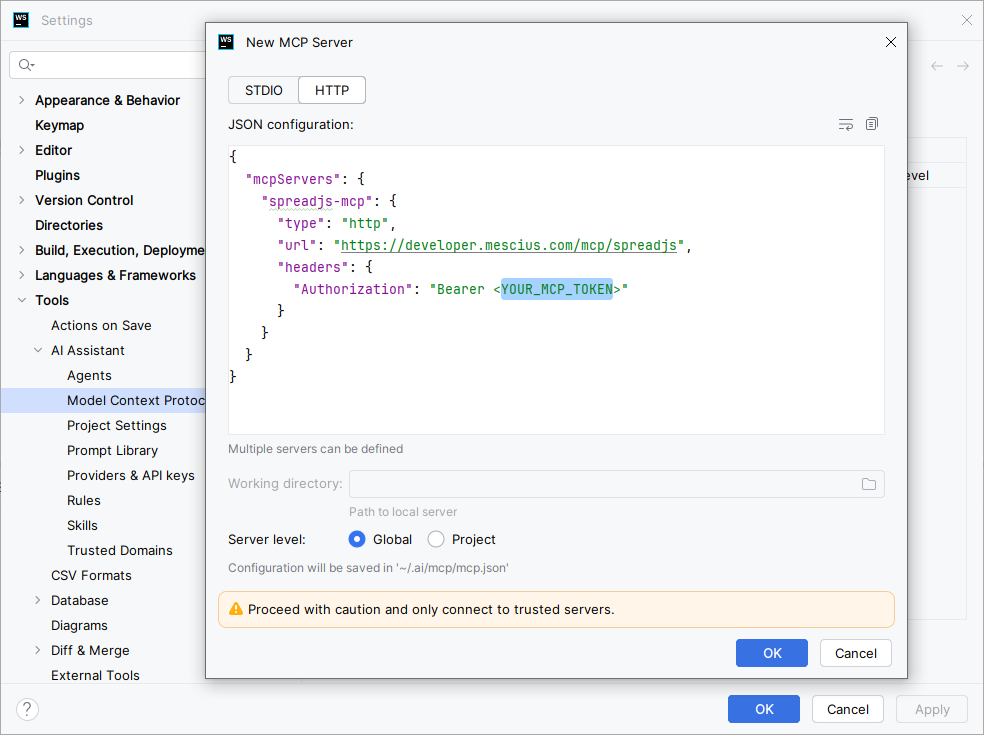
3. Open claude_desktop_config.json.
4. Add the MCP server configuration:
{
  "mcpServers": {
    "spreadjs-mcp": {
      "command": "npx",
      "args": [
        "-y",
        "mcp-remote@latest",
        "https://developer.mescius.com/mcp/spreadjs",
        "--transport",
        "http-only",
        "--header",
        "Authorization:${MCP_TOKEN}"
      ],
      "env": {
       "MCP_TOKEN": "Bearer <YOUR_MCP_TOKEN>"
      }
    }
  }
}
5.Save the file.
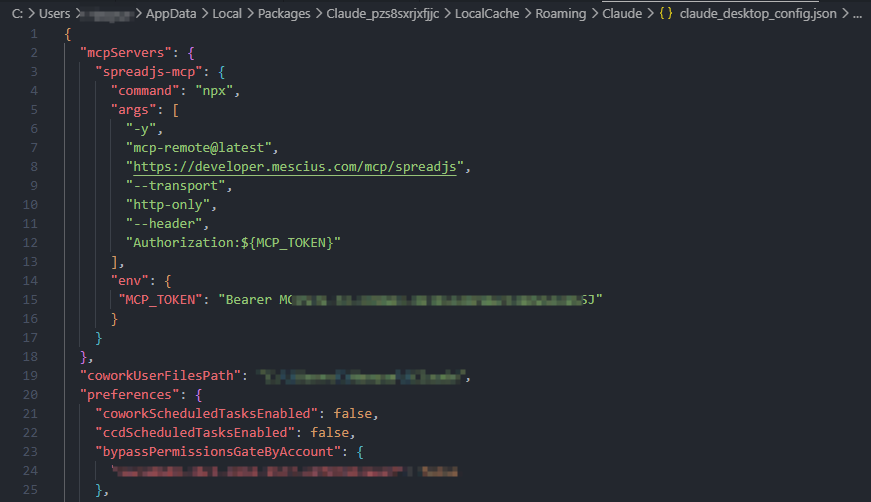
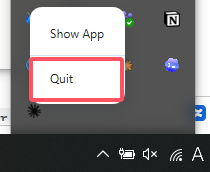
6. Restart Claude Desktop. On Windows, quit Claude Desktop from the system tray. Closing the window is not enough.
7. After restarting, confirm that spreadjs-mcp is available in Claude Desktop.
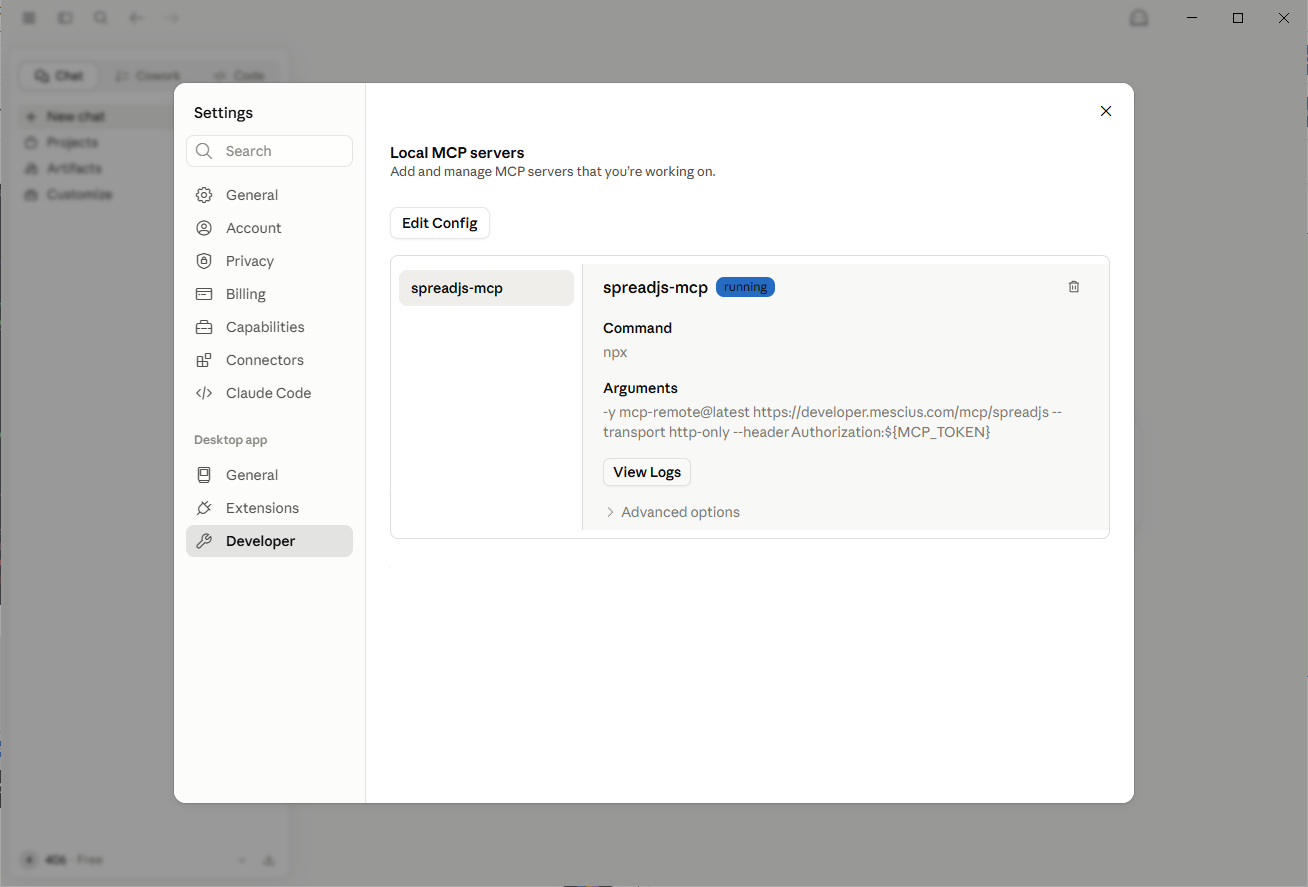
Reference: Getting Started with Local MCP Servers on Claude Desktop