Assigning Predefined Labels to an Appointment
Labels can be assigned in code or at run time through the Appointment dialog box. The following code, added to the Form_Load event, assigns a Must Attend label to an appointment:
// Add a new appointment.
C1.C1Schedule.Appointment app;
app = this.c1Schedule1.DataStorage.AppointmentStorage.Appointments.Add();
// Set some details for the appointment.
app.Subject = "Meeting";
app.Location = "Large Conference Room";
app.Duration = TimeSpan.FromMinutes(45);
app.Start = new DateTime(2021, 11, 01, 13, 30, 0);
// Assign a predefined label to the appointment.
app.Label = this.c1Schedule1.DataStorage.LabelStorage.Labels[6];
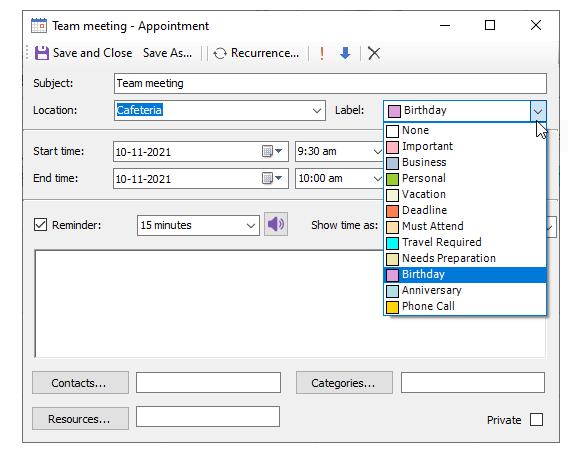
At run time, the label can be set in the Appointment dialog box by setting the Label drop-down arrow and selecting one of the available options. In the image below the Must Attend label is selected: