


Ribbon Overview
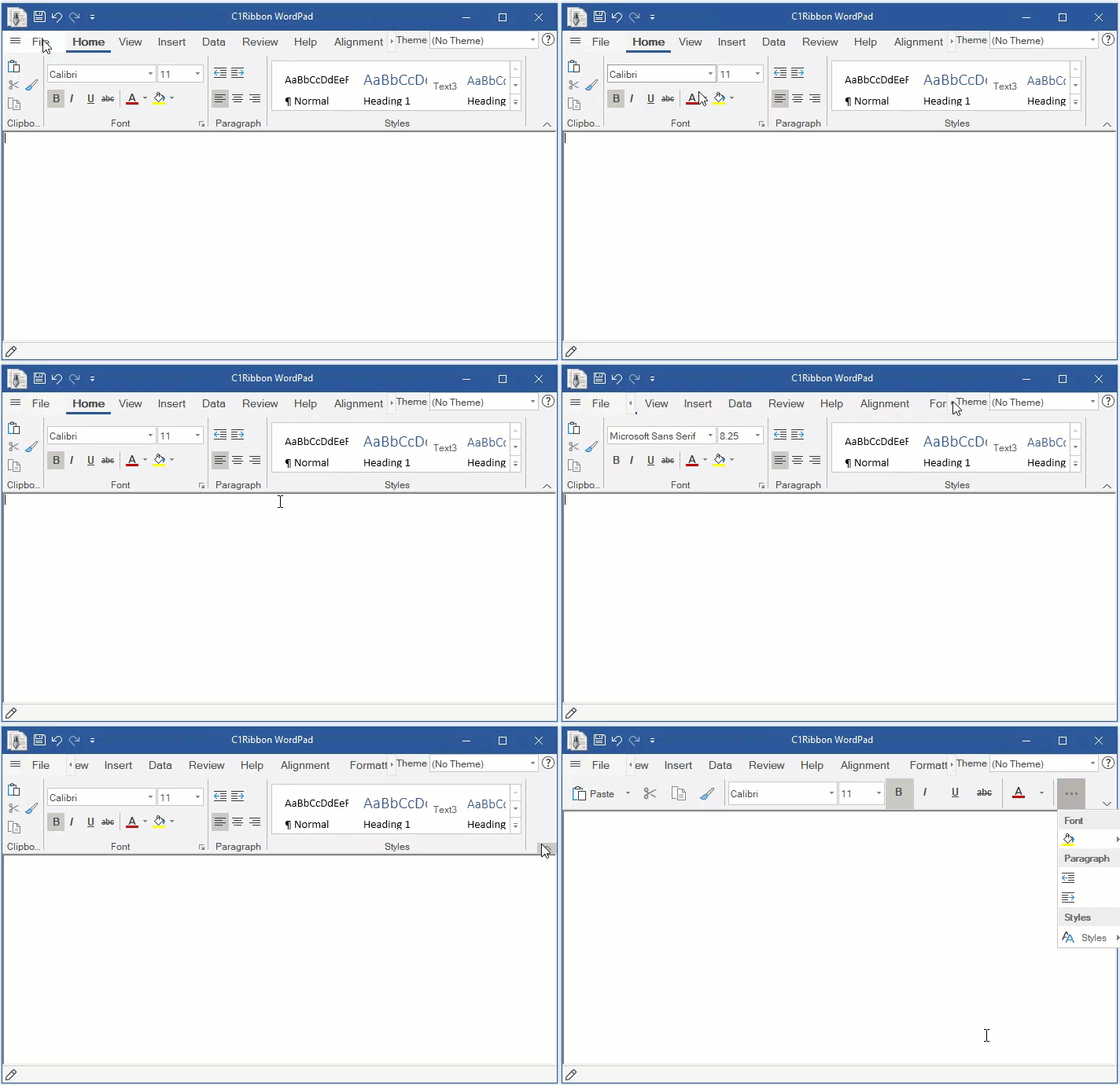
Ribbon for WinForms is a ribbon style flat menu similar to what Microsoft offers in its Office 365 applications. With tabs, groups, numerous supported group items, toolbars, backstage view and above all, the simplified view, Ribbon lets you create latest Microsoft Office 2019 style applications with minimal code and great functionality. One can easily categorize the related menu items into tabs and then groups for that organized and clean user interface. Support for contextual tab group gives you further flexibility to show some tabs only when required. Gallery, variety of light and dark themes, Quick Access Toolbar (QAT) and icon sets are some other essential features to enhance the end-user experience. Further more, the full-fledged API of Ribbon for WinForms provides all these features without any compromise with the run-time performance of your application.
Note that the new Ribbon for WinForms is a better, faster and latest version of the already existing Ribbon for WinForms, now referred to as Classic Ribbon for WinForms. Existing users of Classic Ribbon may migrate to the latest version by following steps described in Upgrade from Classic Ribbon to New Ribbon topic.
Documentation | Blogs |
|---|---|
Note: ComponentOne Ribbon control is compatible with both .NET and .NET Framework.
Please be advised that this ComponentOne software tool is accompanied by various sample projects and/or demos, which may make use of other ComponentOne development tools included with ComponentOne.
Please refer to pre-installed product samples through the following path:
Documents\ComponentOne Samples\WinForms\vx.x.x\C1WinRibbon
The following sample is available in C1Ribbon:
Sample | Description |
|---|---|
WordPad | This demonstrates how to use C1Ribbon to build a simple Office style text editor. |
C1IconDemo | This demonstrates how to use C1Icon in ribbon applications. |
API References | |
|---|---|