Behavior
The C1DateRangeEdit class provides properties and events to configure date range selection behavior, predefined ranges, and selection constraints.
Select a Date Range
The control allows selection of a start date and an end date from the drop-down calendar. The selected range is displayed in the editor and highlighted in the calendar.
// Get selected date range
var range = dateRangeEdit.GetSelectedDateRange();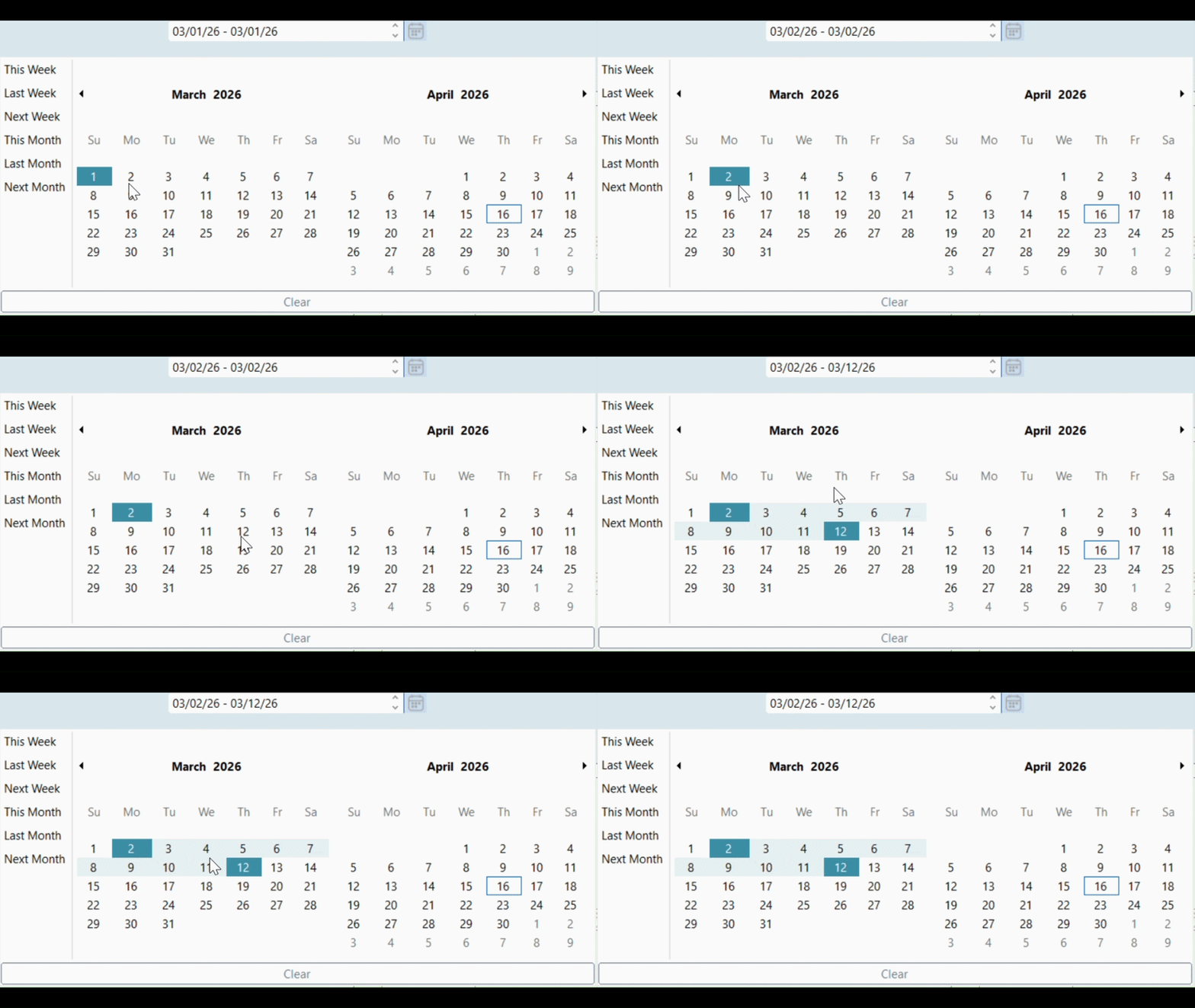
Use Predefined Ranges
Use predefined ranges to provide quick access to commonly used date intervals.
// Enable predefined ranges
dateRangeEdit.Calendar.ShowPredefinedRanges = true;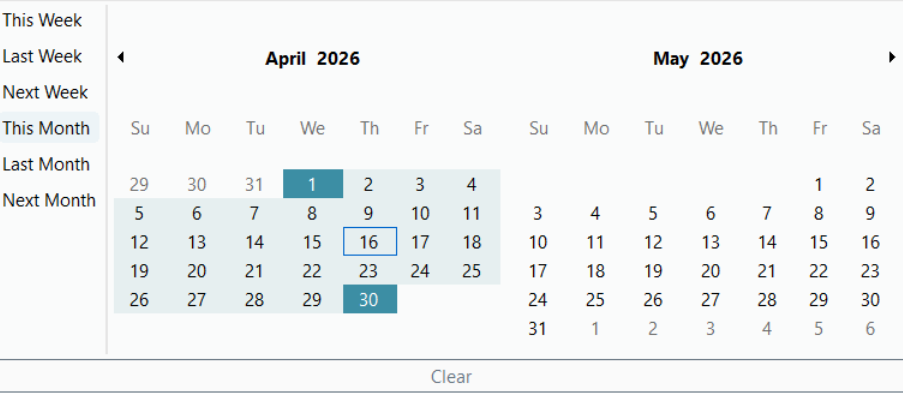
Set Date Range Constraints
Use the MinValue and MaxValue properties to restrict selectable dates.
Dates earlier than MinValue or later than MaxValue cannot be selected.
// Set minimum date
dateRangeEdit.MinValue = new DateTime(2026, 04, 10);

// Set maximum date
dateRangeEdit.MaxValue = new DateTime(2026, 04, 23);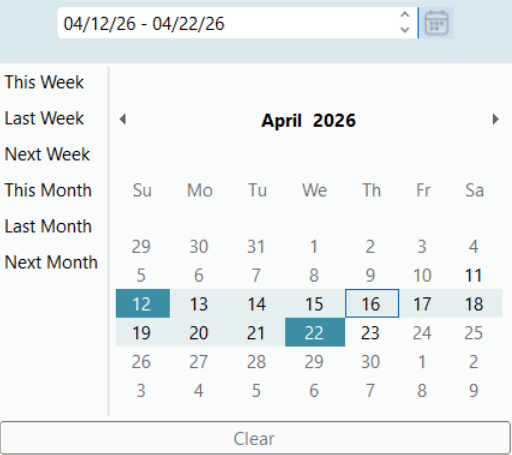
Limit the Selection Range
Use the MaxSelectionCount property to restrict the number of selectable days.
// Limit number of selectable days
dateRangeEdit.Calendar.MaxSelectionCount = 3;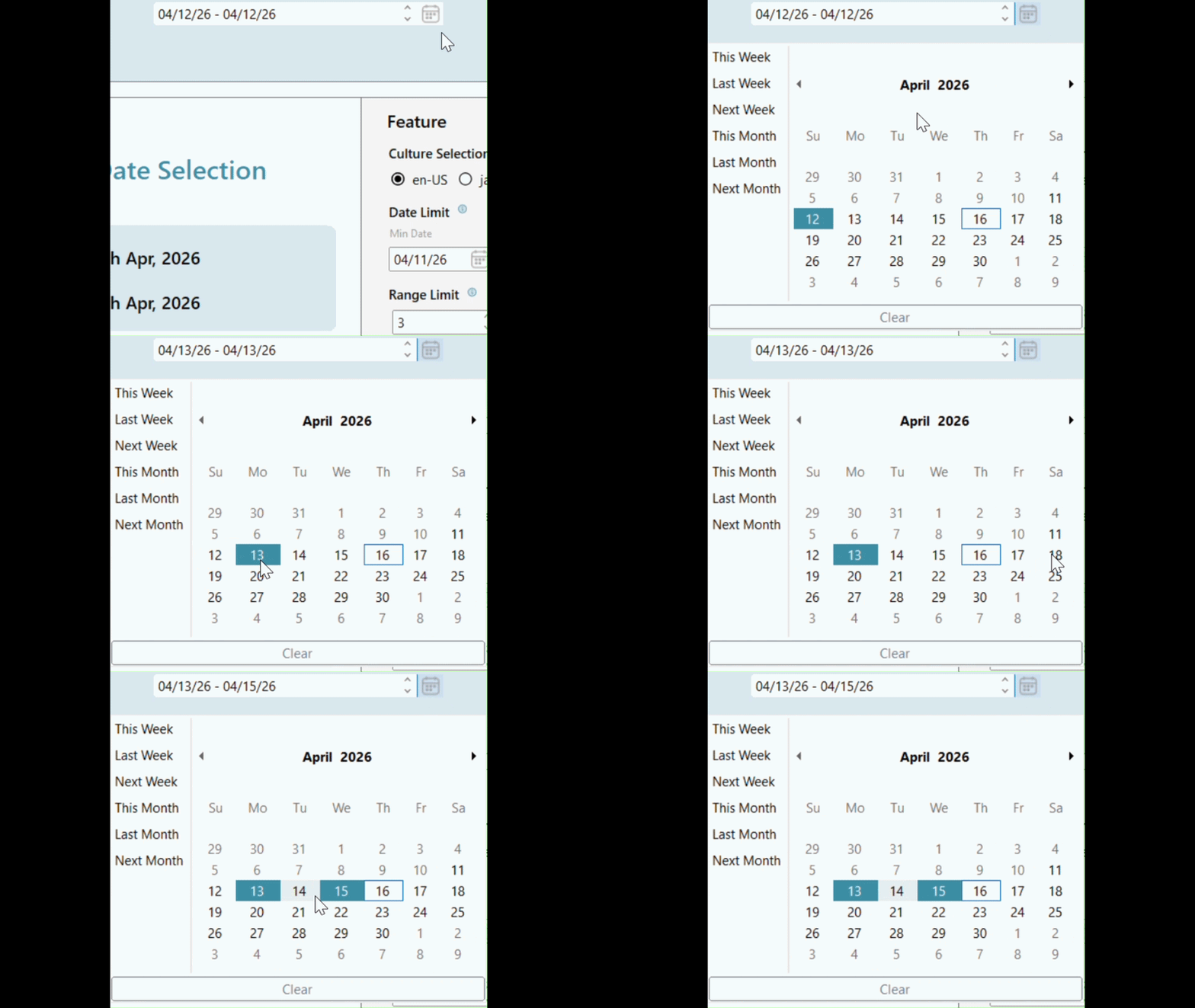
Configure Calendar Dimensions
Use the CalendarDimensions property to display multiple months simultaneously.
// Show multiple months
dateRangeEdit.Calendar.CalendarDimensions = 3;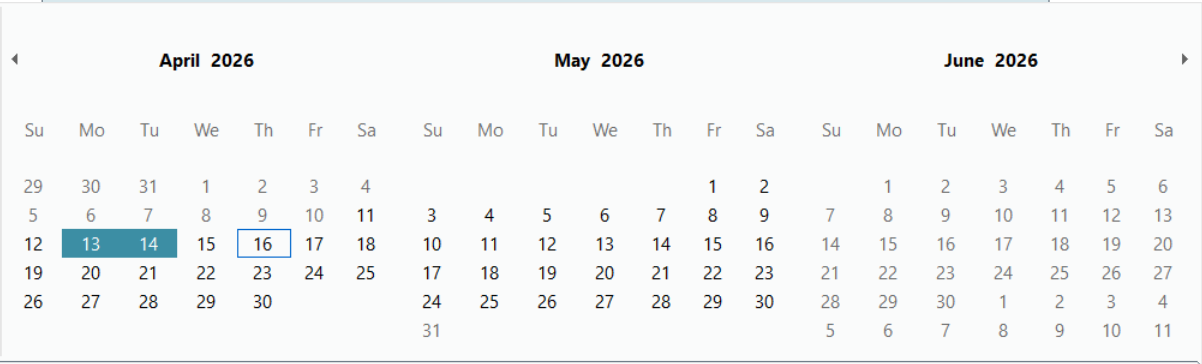
Handle Events
The control provides events for handling date range interaction.
DateRangeSelectedoccurs when a date range is selected.DateRangeChangedoccurs when the selected range changes.
dateRangeEdit.DateRangeSelected += (s, e) =>
{
    // Handle range selected
};

dateRangeEdit.DateRangeChanged += (s, e) =>
{
    // Handle range changed
};
Culture-Specific Behavior
DateRangeEdit reflects culture-specific formatting and calendar behavior based on the current application culture.
// Example: change cultureSystem.Threading.Thread.CurrentThread.CurrentCulture =
    new System.Globalization.CultureInfo("ja-JP");