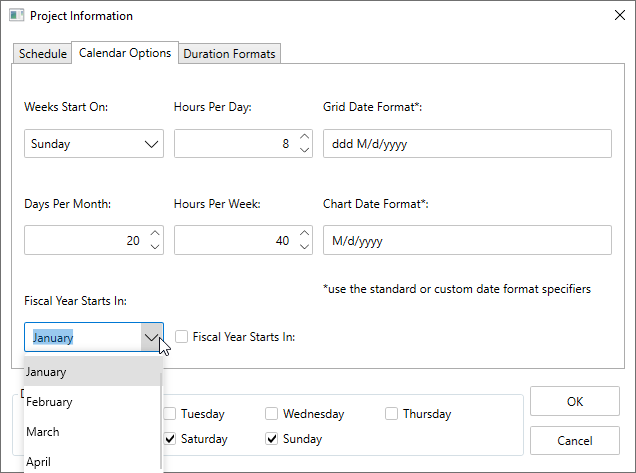
Change Month when Fiscal Year begins
By default, the fiscal year starts on January, but you can easily modify this at runtime.
To change the month at runtime, follow the steps below:
- Click the Project Information button from the toolbar.
The Project Information dialog box appears.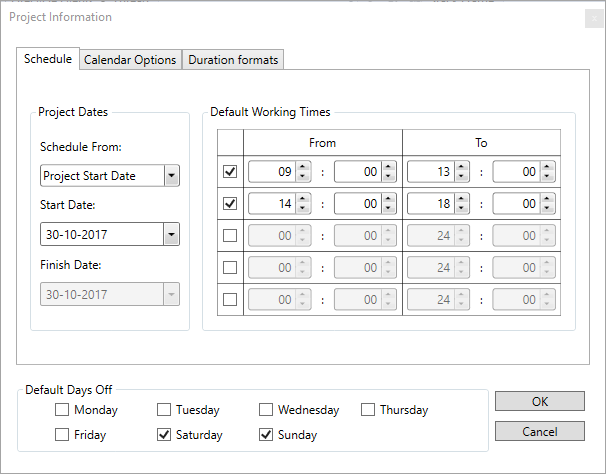
- Select the Calendar Options tab.
- Select the month you want to choose from the Fiscal Year Starts in dropdown list box as demonstrated in the following image.