


- Introduction
- Report Readers
- Report Authors
- DevOps
-
Developers
- Quick Start
- Breaking Changes
- ActiveReports Version Compatibility and Migration
- License ActiveReports
- Configure ActiveReports Using Code
- Work with Reports using Code
- Report Parts
- Create Designer and Viewer Applications
- Extensibility in ActiveReports
- External Customizations in ActiveReports
- Export Reports
- Print Reports
- Plugins Development
- Samples
- Troubleshooting
ActiveReports Version Compatibility and Migration
ActiveReports 19 supports the side-by-side installation with previous versions and allows to migrate from version to version.
We recommend that you follow certain rules for migrating from one version to another. In case of any question, please contact our Support Team by using any of these channels:
Web site | |
|---|---|
Note: As not all old versions of ActiveReports are supported, you should check migration possibilities without delay. This will help us fix problems that may appear.
Migration Rules
Perform migration in testing branches. Do not migrate in production without a possibility to roll back.
We recommend that you first use the ActiveReports Upgrade tool.
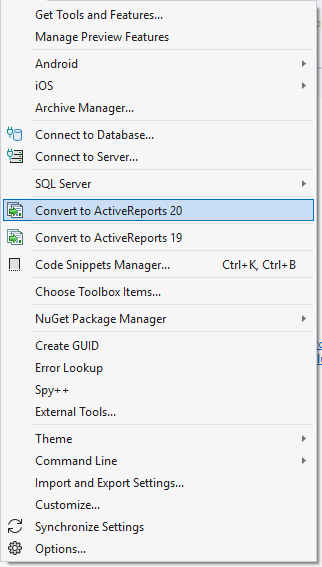
This tool upgrades reports and links but it cannot process:
JS code/dependencies
Some breaking changes
Some problems in Web environments
Verify affected functions and breaking changes.
Contact our Support Team in case of any problem.
See Also
Compatibility of Visual Studio Integrated Designers