


-
Spread Windows Forms Product Documentation
- Getting Started
- Developer's Guide
- Spread Designer Guide
- Assembly Reference
- Import and Export Reference
- Version Comparison Reference
Previewing a Sheet in Spread Designer
To see what the effects of any changes with Spread Designer would be at run time, you can preview the spreadsheet before saving and applying the changes to the spreadsheet. From the File menu, select Preview, and a separate window opens with the spreadsheet as it would appear at run time. This Preview window has all the changes you have made Spread Designer and allows you to test those changes before saving and applying them.
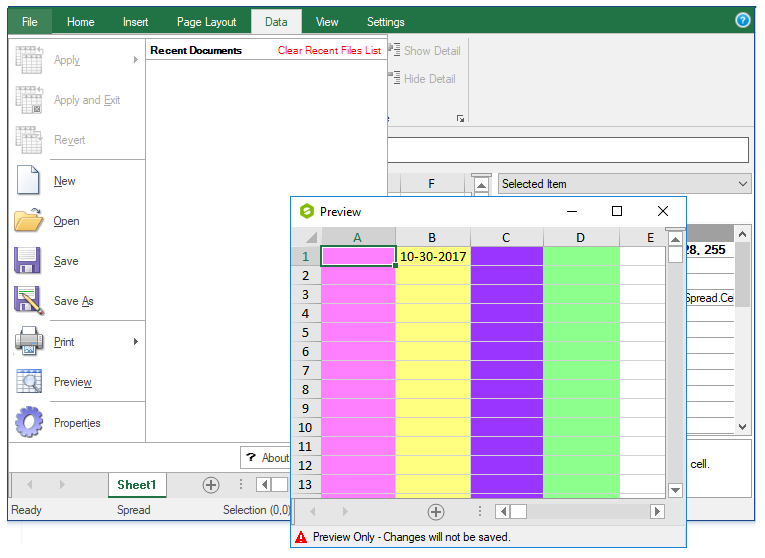
When done with the Preview window, close it by clicking the X in the upper right.
For more information on printing a sheet, refer to Printing a Sheet from Spread Designer.
For more tasks in Spread Designer, return to Working with the Design.
See Also
Resetting and Clearing Design Work
Printing a Sheet from Spread Designer