[]
        
(Showing Draft Content)

Customizing a Line as an Arrow

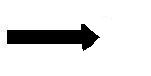
Besides an arrow shape, you can setup a line shape and change the ends to be arrow heads. You can create an arrow from a line shape in code or in the Spread Designer.

When you create a line in the Spread Designer you can then set the start cap and end cap using the shape properties as shown here. Create a shape in the designer using the Insert menu and shape option, then right-click on the shape to set additional properties.
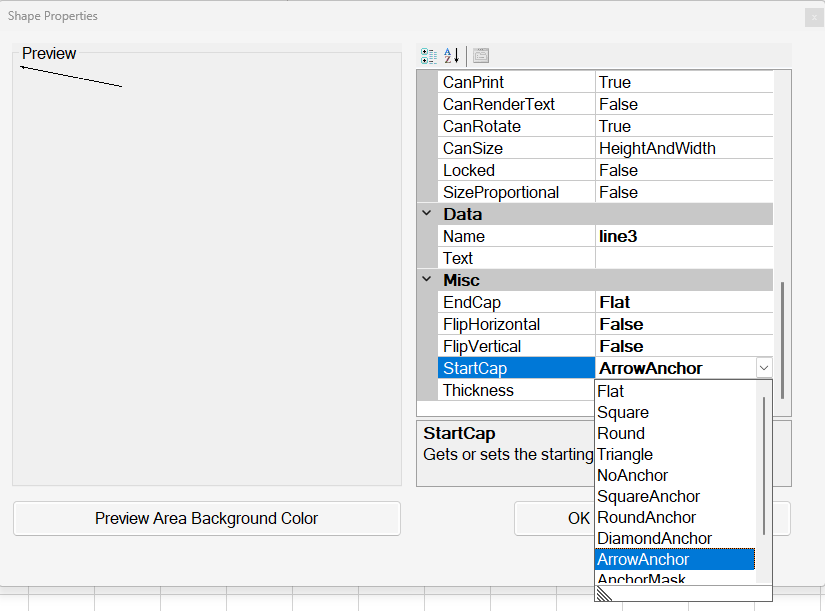
Spread WinForms displays the Shape Properties pane where developers configure the Start Cap and End Cap settings for a line.

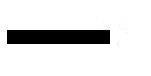
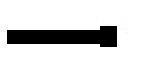
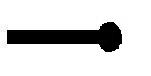
The cap types are listed in this table, shown with a simulated image that roughly illustrates the appearance.

Type of Cap

Appearance

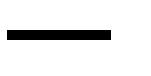
Flat

Spread WinForms displays a line with a flat endpoint, illustrating the Flat cap type available in Spread Designer shape properties.

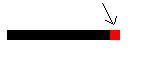
Square

Spread WinForms displays a line with a square endpoint, illustrating the Square cap type available in Spread Designer shape properties.

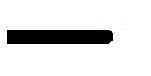
Round

Spread WinForms displays a line with a rounded endpoint, illustrating the Round cap type available in Spread Designer shape properties.

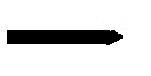
Triangle

Spread WinForms displays a line with a triangular endpoint, illustrating the Triangle cap type in Spread Designer shape properties.

NoAnchor

Spread WinForms displays a plain line endpoint, illustrating the NoAnchor cap type available in Spread Designer shape properties.

SquareAnchor

Spread WinForms displays a line with a square anchor endpoint, illustrating the SquareAnchor cap type in Spread Designer shape properties.

RoundAnchor

Spread WinForms displays a line with a round anchor endpoint, illustrating the RoundAnchor cap type in Spread Designer shape properties.

DiamondAnchor

Spread WinForms displays a line with a diamond anchor endpoint, illustrating the DiamondAnchor cap type in Spread Designer shape properties.

ArrowAnchor

Spread WinForms displays a line with an arrow anchor endpoint, illustrating the ArrowAnchor cap type in Spread Designer shape properties.

AnchorMask

Spread WinForms displays a short line preview illustrating the AnchorMask cap type available in Spread Designer shape properties.

Custom

User-defined

For more details on the line shape in code, refer to the LineShape class in the Assembly Reference.

See Also

Customizing Text as a Shape

Customizing a Polygon