Context Menus
You can display additional menus by right-clicking on various areas of the SpreadJS Designer interface:
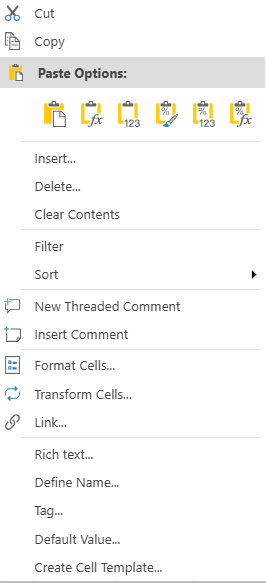
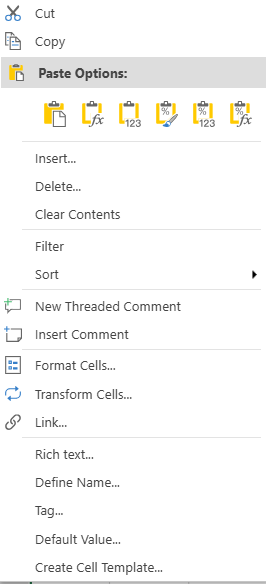
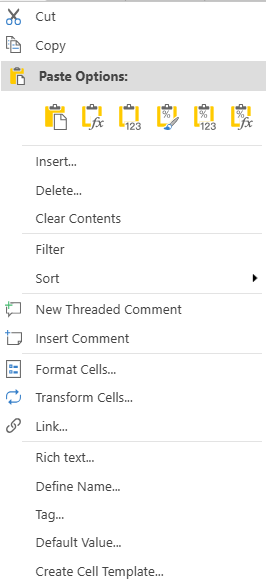
Context menu for a cell. |
|
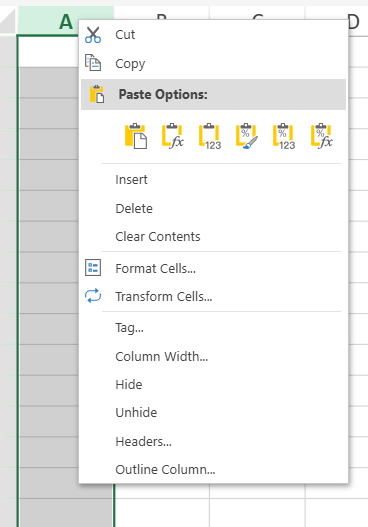
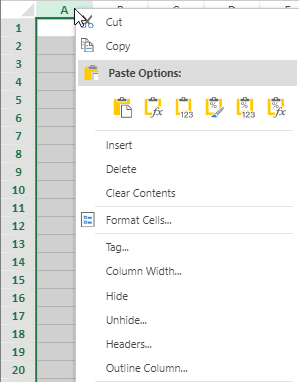
Context menu for a column. |
|
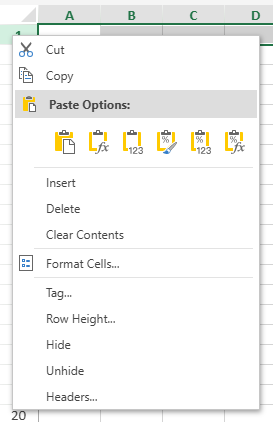
Context menu for a column header. | worksheet:
others:
|
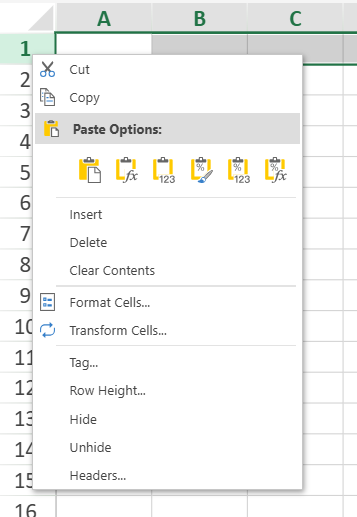
Context menu for a row. |
|
Context menu for a row header. | worksheet:
others:
|
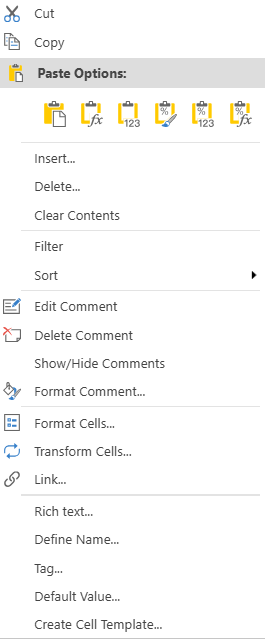
Context menu for a comment. |
|
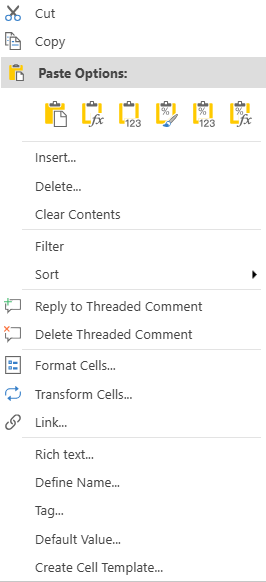
Context menu for a threaded comment. |
|
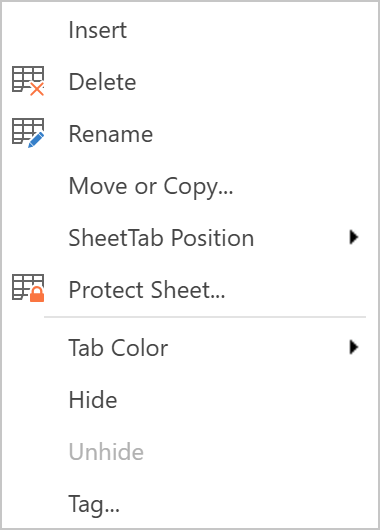
You can access various sheet-related operations in the sheet context menu by right-clicking a sheet name.
Context menu for a sheet. |
|
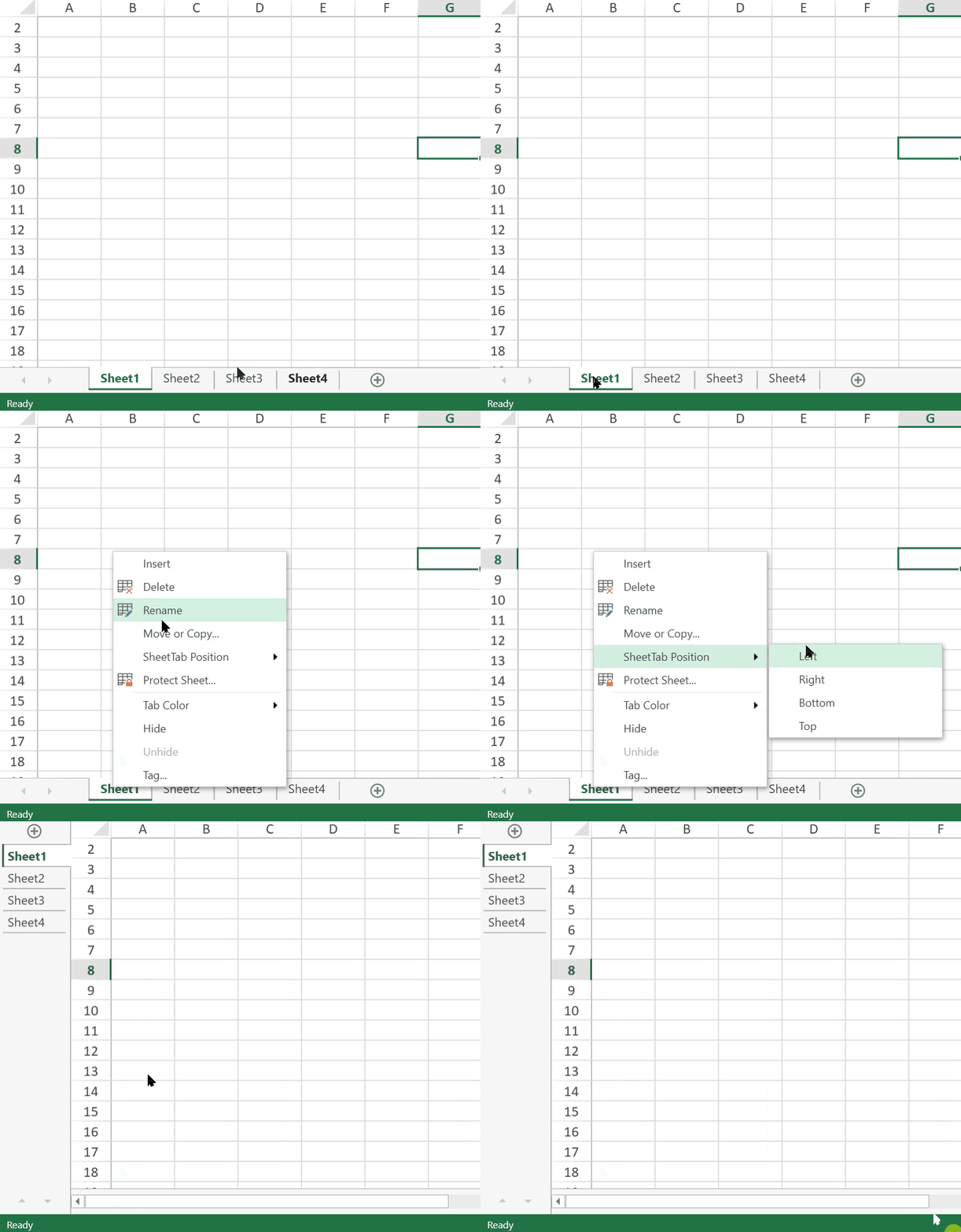
"SheetTab position" operation in the sheet context menu |
|
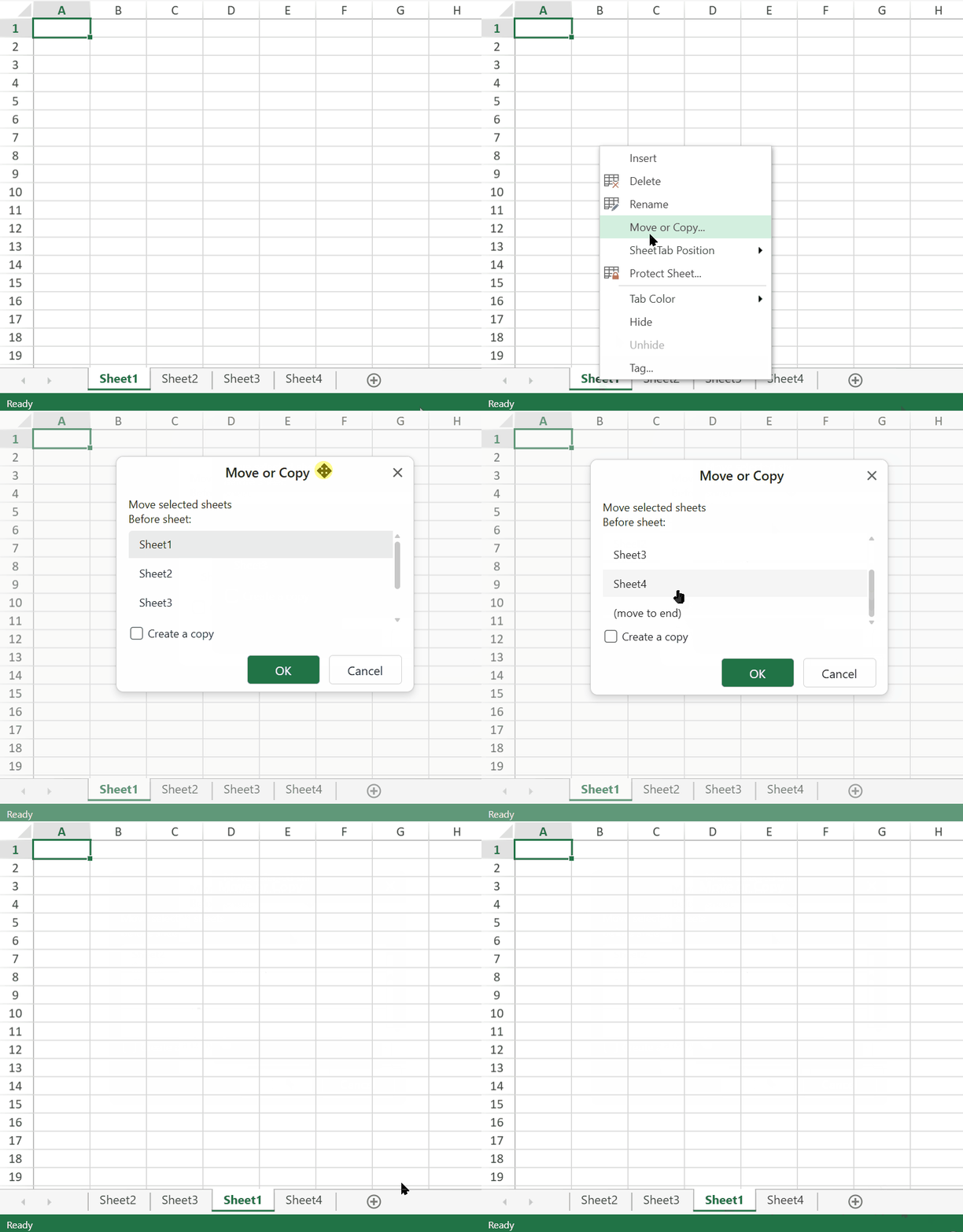
"Move" operation in the sheet context menu. |
|
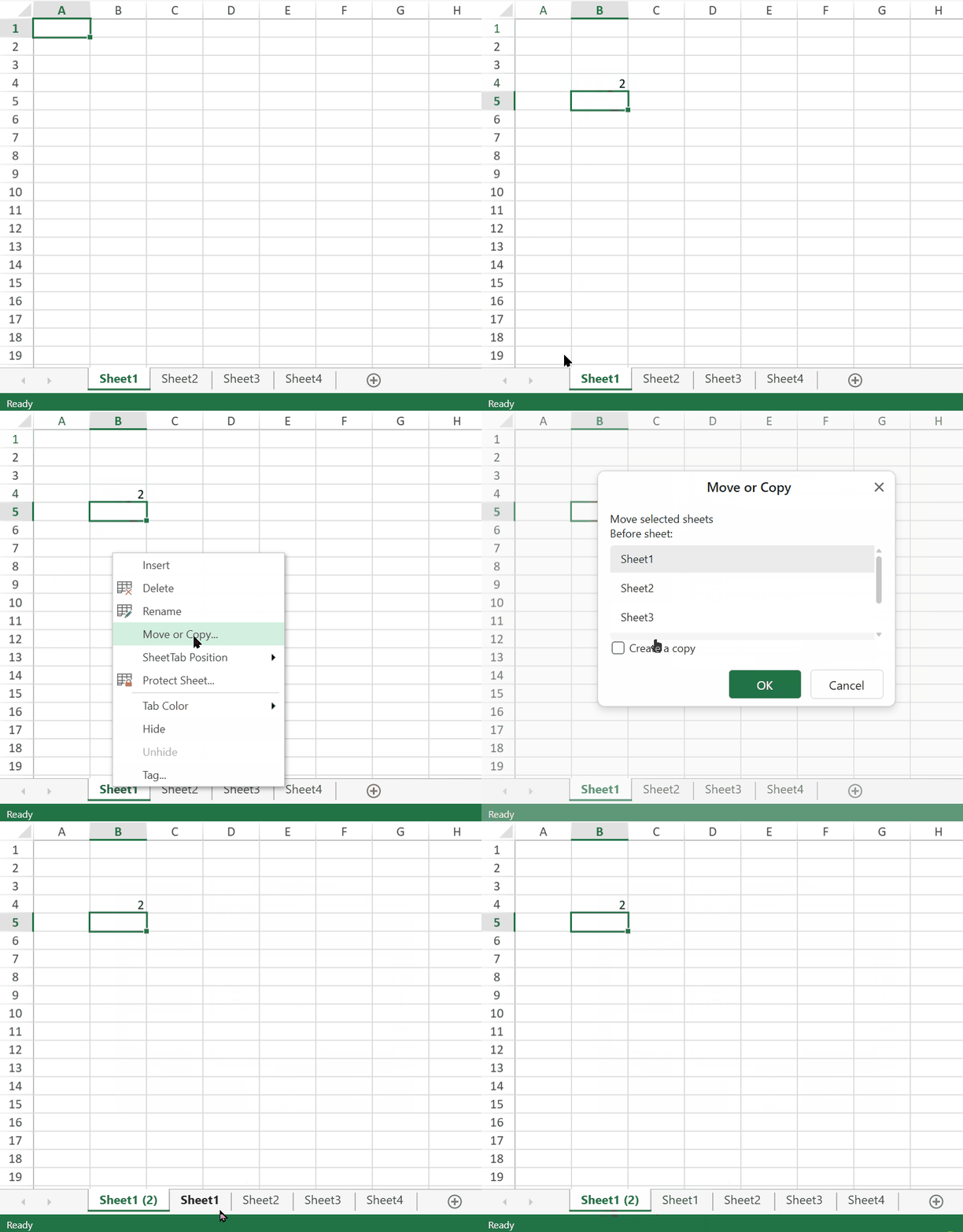
"Copy" operation in the sheet context menu. |
|
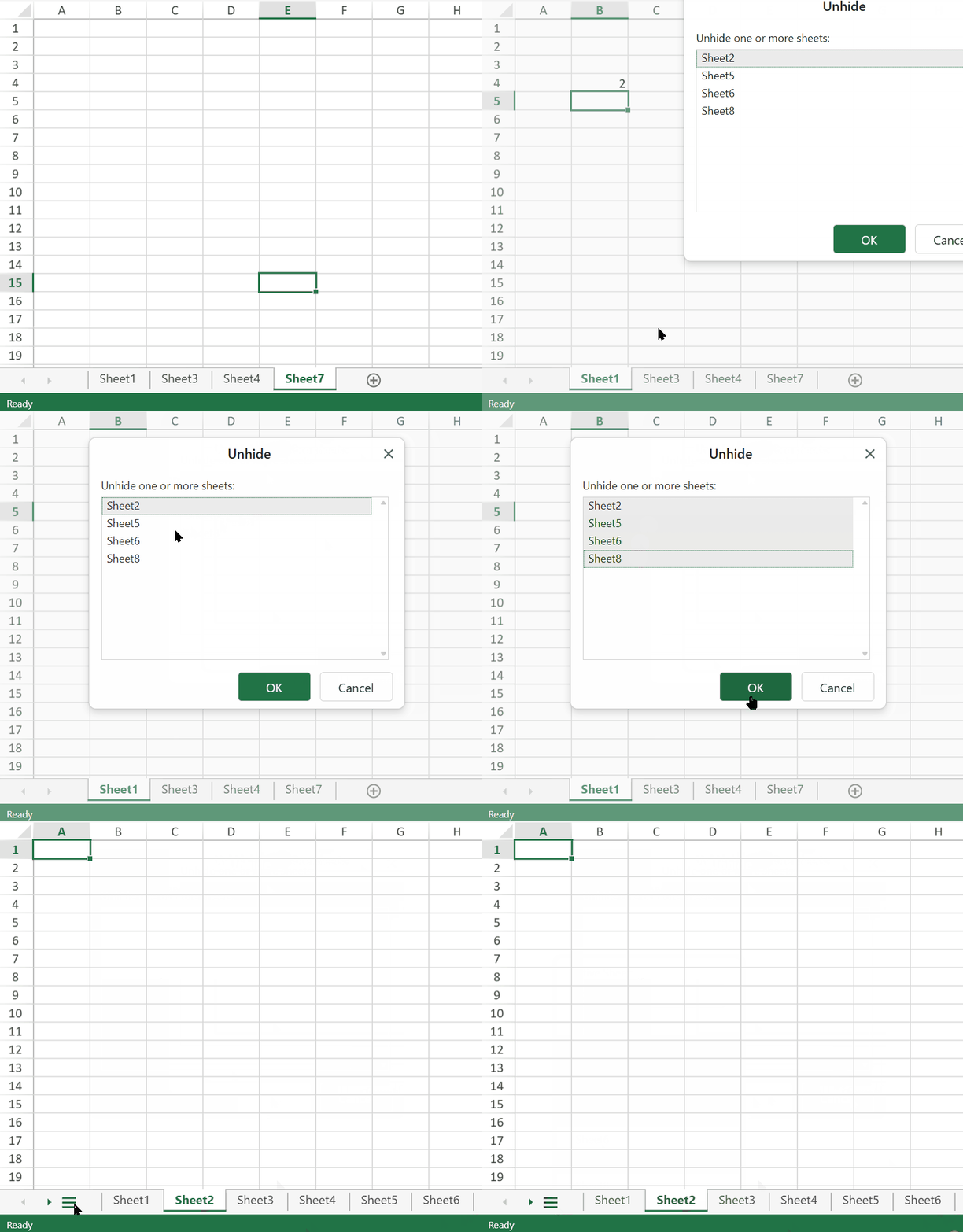
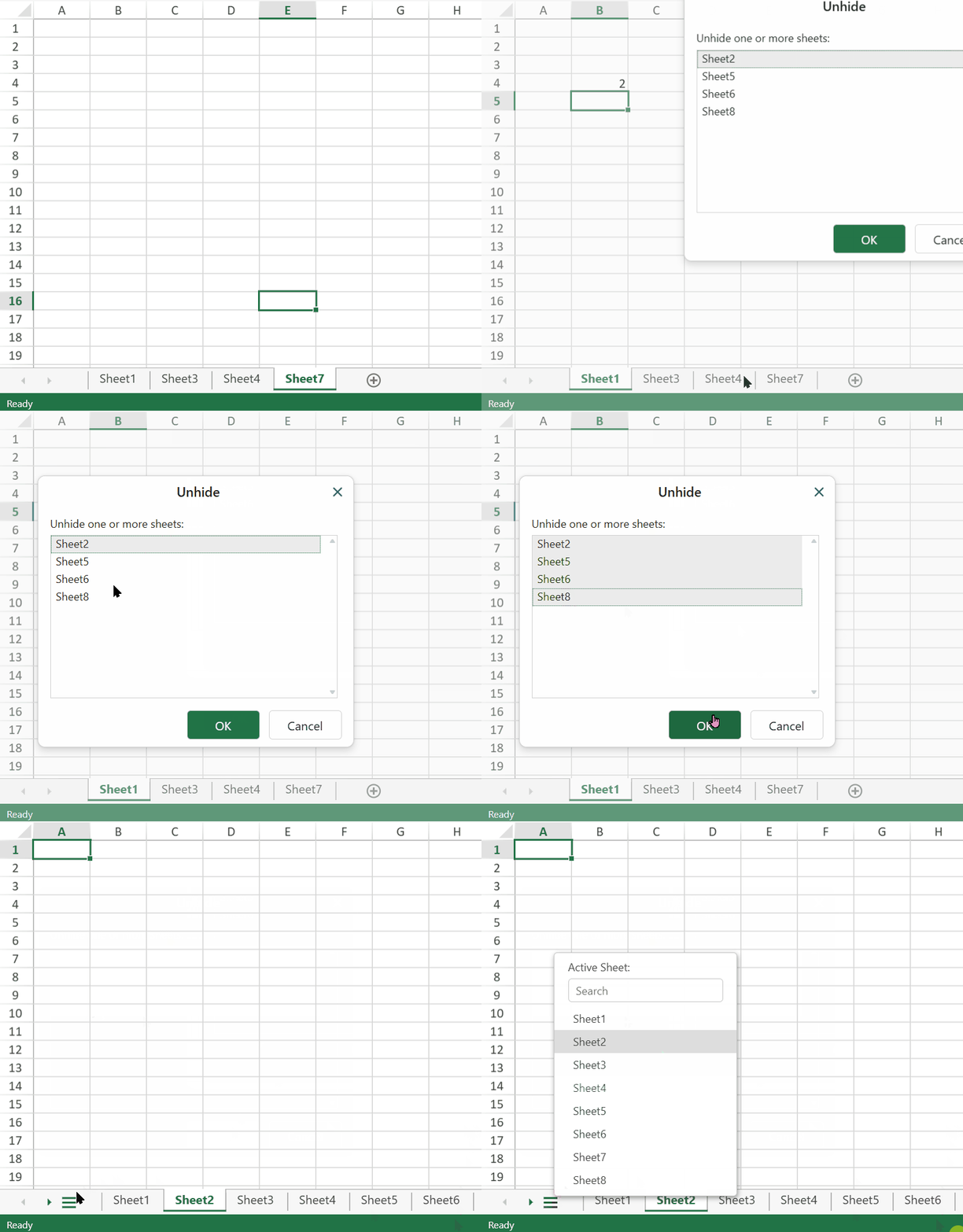
"Unhide" operations in the sheet context menu. | Unhide multiple sheets using any of the following methods: 1. Unhide multiple sheets using any of the following methods:Press and hold Ctrl and click on items to select them.
2. Press and hold Shift and click or use up/down arrows to select a range. |