OpenAI Codex CLI
Codex stores MCP configuration in config.toml.
The Codex CLI and Codex IDE extension share this configuration, so the same setup works in both clients.
1. Open ~/.codex/config.toml.
2. Add the MCP server configuration:
[mcp_servers.spreadjs-mcp]
enabled = true
url = "https://developer.mescius.com/mcp/spreadjs"
http_headers = { Authorization = "Bearer <YOUR_MCP_TOKEN>" }
3. Restart the Codex CLI. If the Codex TUI is already open, exit and reopen it.
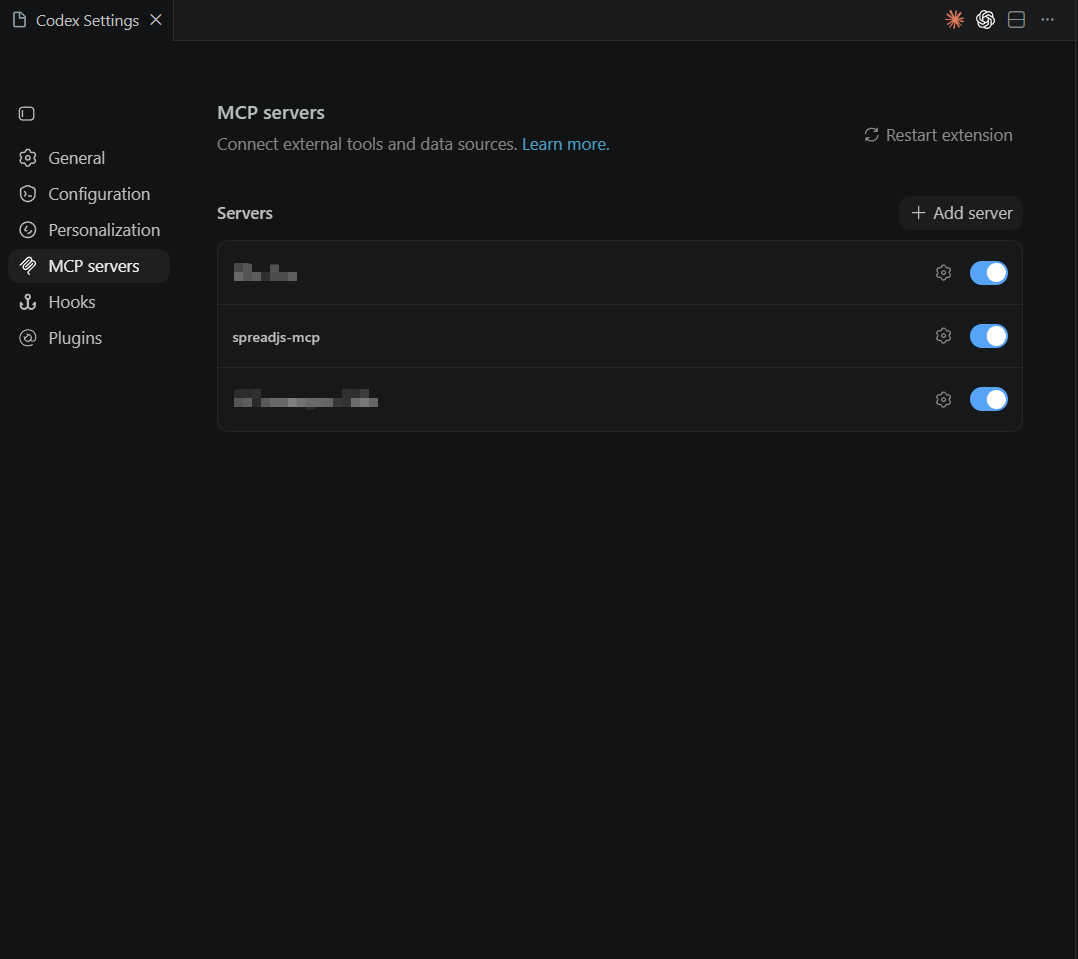
4. In the Codex TUI, run /mcp to confirm that spreadjs-mcp is available.
References: Codex MCP config.toml
Configure MCP in the Codex VS Code extension
Codex also supports MCP servers in the VS Code extension.
The Codex CLI and VS Code extension share the same MCP configuration. If you add an MCP server in one, it is available in the other.
1. Open the Codex panel in VS Code.
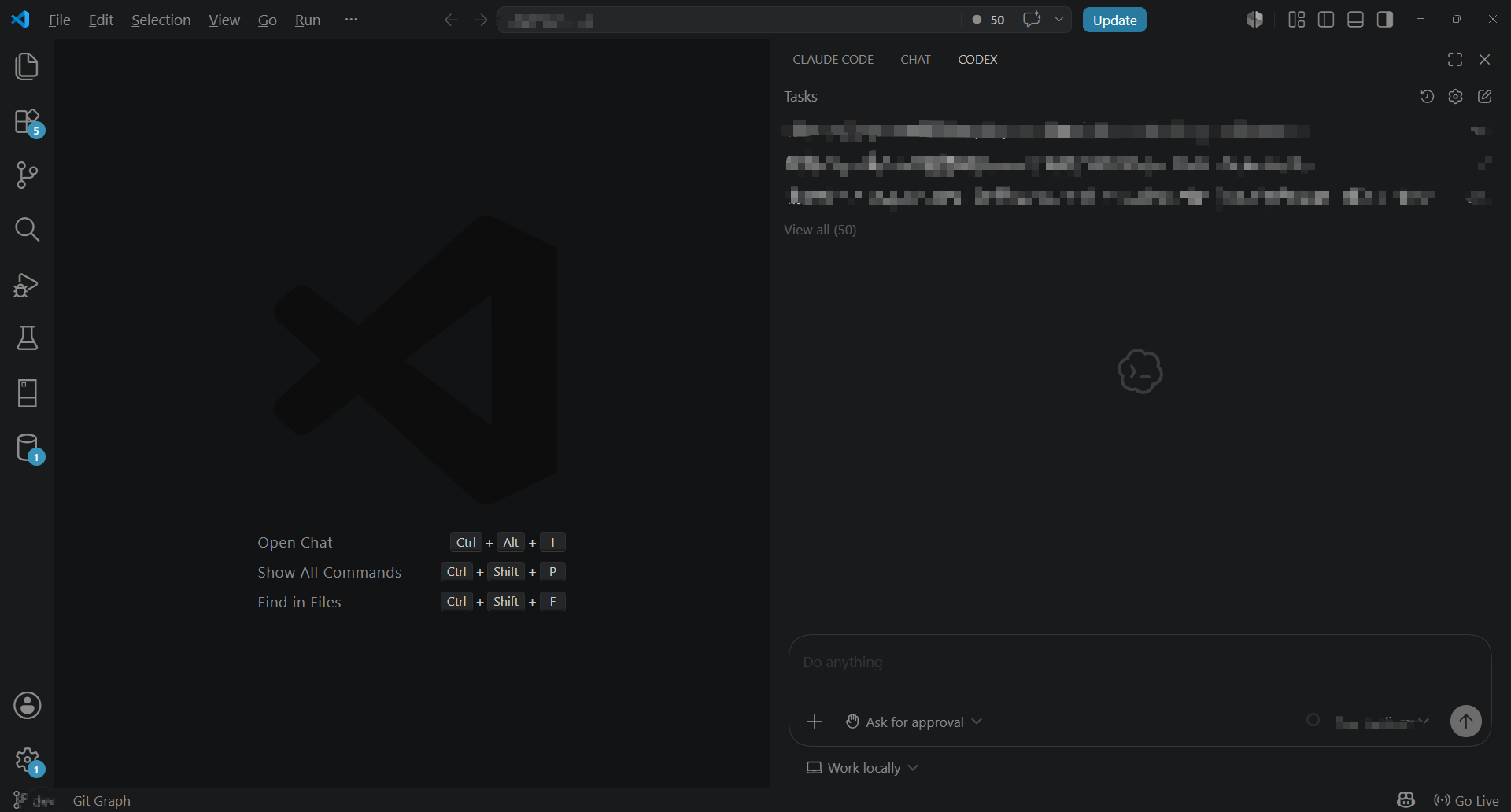
2. Click the gear icon.
3. Open Codex Settings.
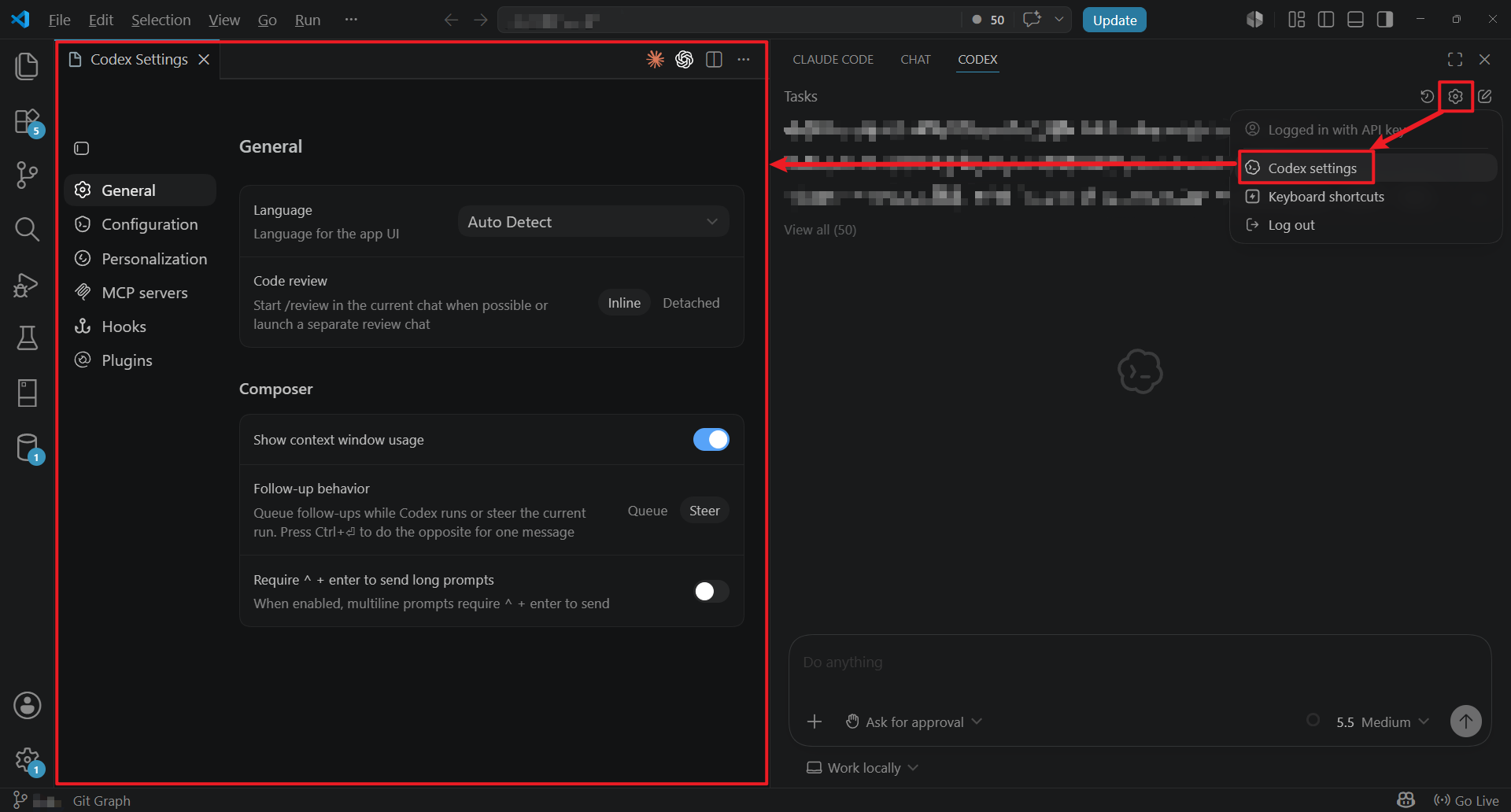
4. Select MCP servers.
5. Click Add server.
6. Enter the MCP server configuration.
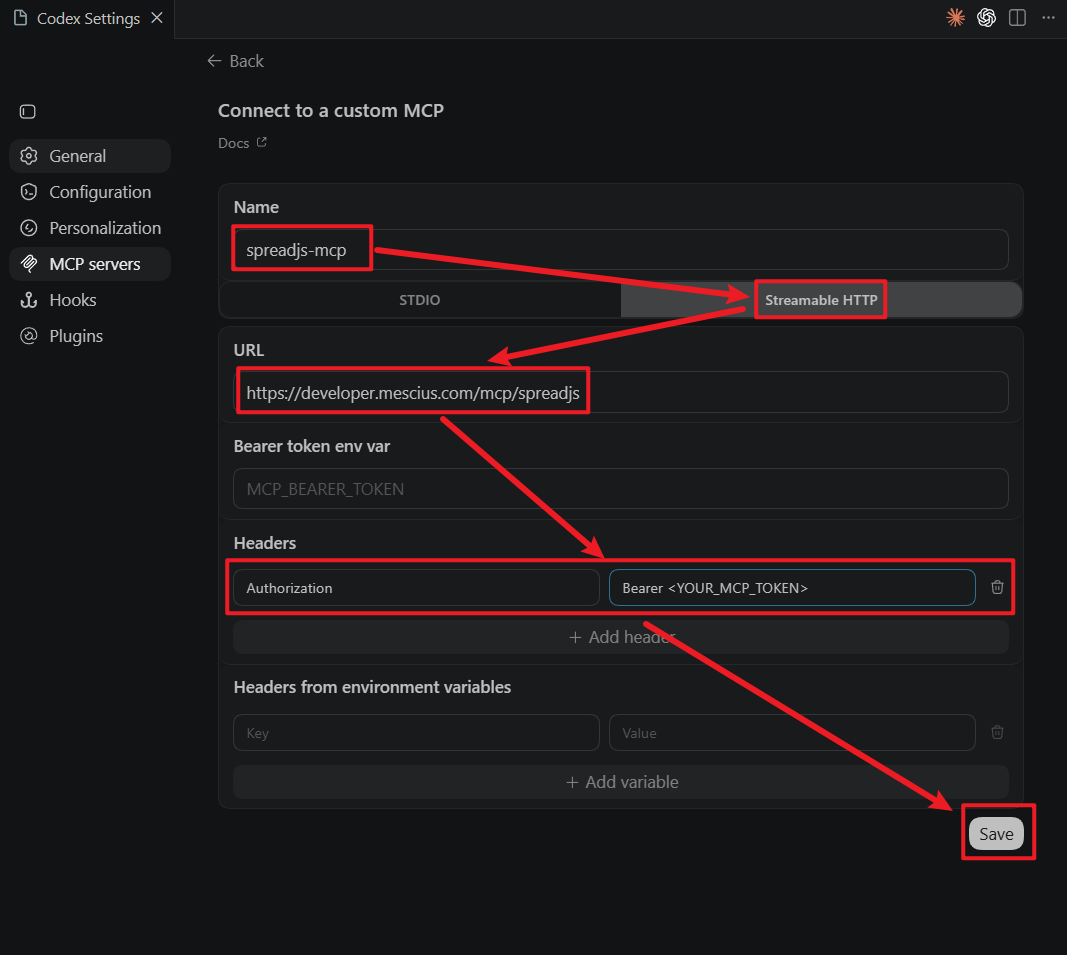
7. Click Save.