Quick Start
This guide walks you through creating a Windows Forms application that generates a Word document using the C1WordDocument class.
Set Up the Application
In Visual Studio, create a new Windows Forms App project.
Install the
 C1.PDF NuGet package to add the required assembly references to the project. The
C1.C1Wordassembly is included; no separate Word package is required.Switch to code view and create an instance of the
C1WordDocumentclass, as shown below.
// Create the C1WordDocument object.
using C1.Word;

C1WordDocument doc = new C1WordDocument();
Add Simple Text
Use the AddParagraph method of the C1WordDocument class to add a paragraph with a specific font and color. Set the document title through the Info.Title property.
//Add content to the pagedoc.Info.Title = "Simple Text Sample";// Set the document title.
doc.Info.Title = "Simple Text Sample";

// Add a paragraph with a bold Calibri 12 pt font in black.
doc.AddParagraph(
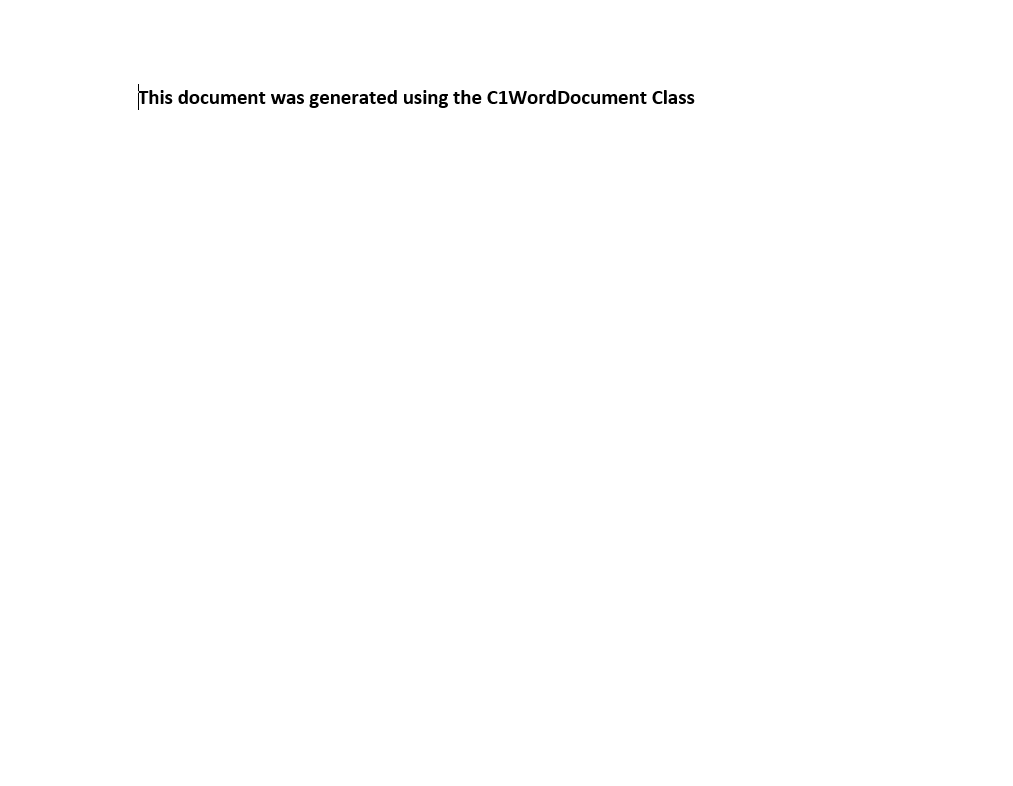
    "This document was generated using the C1WordDocument class.",
    new C1.Util.Font("Calibri", 12, C1.Util.FontStyle.Bold),
    Color.Black);
Running the Application
Use the Save method of the C1WordDocument class to save the document, then open it with the default application.
// Save the document to a file.
doc.Save("Simple.docx");

// Open the saved document.
Process.Start(new ProcessStartInfo
{
    FileName = "Simple.docx",
    UseShellExecute = true
});
The generated document looks like the following image.