


View Layouts
View layouts provide you the option to customize the document's layout and the way the PDF document may appear. PDF for .NET allows you to display the PDF documents in various layouts using PageLayout property of the PdfViewerPreferences class. The PageLayout property sets the page layout to one of the following layouts using the PageLayout enumeration:
Enumeration Values | Snapshot | Descriptions |
|---|---|---|
OneColumn |
| Displays the pages in one column. |
SinglePage |
| Displays one page at a time. |
TwoColumnLeft |
| Displays the pages in two columns, with odd-numbered pages on the left. |
TwoColumnRight |
| Displays the pages in two columns, with odd-numbered pages on the right. |
TwoPageLeft |
| Displays the pages two at a time, with odd-numbered pages on the left. |
TwoPageRight |
| Displays the pages two at a time, with odd-numbered pages on the right. |
ViewerDefault |
| Uses the current viewer default without any specified layout. |
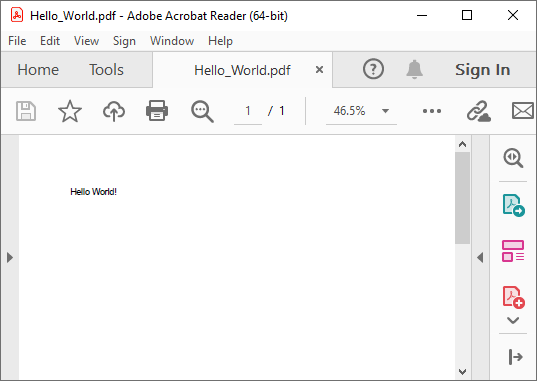 OneColumn
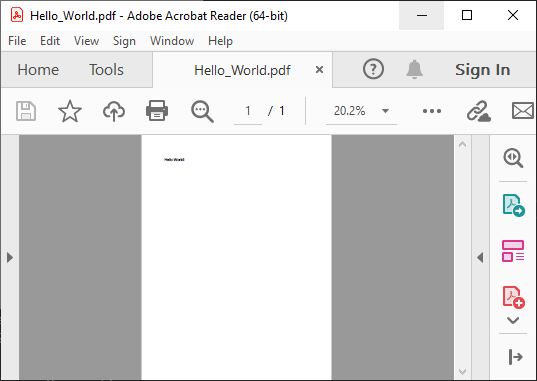 SinglePage
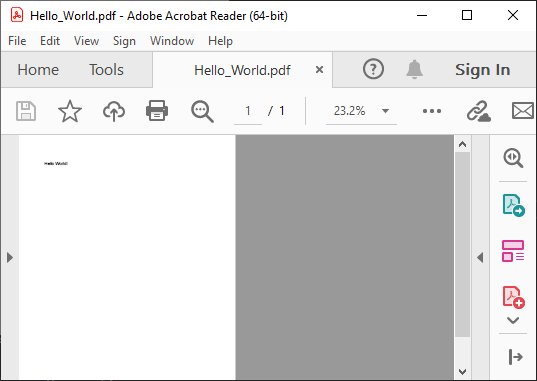 TwoColumnLeft
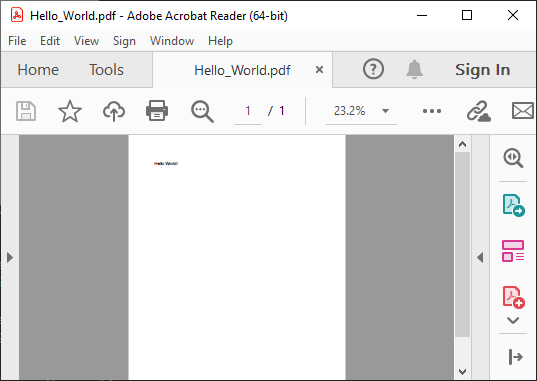 TwoColumnRight
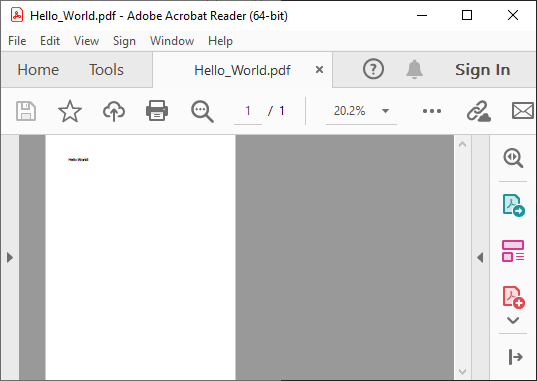 TwoPageLeft
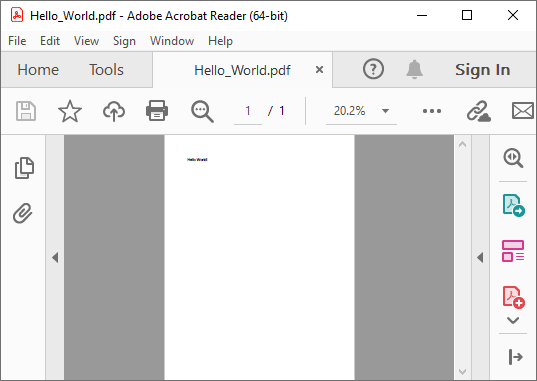 TwoPageRight
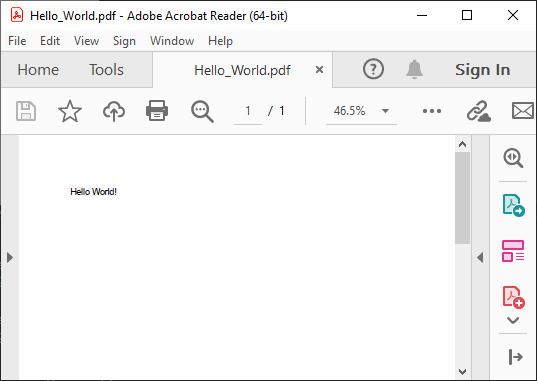 ViewerDefault
To set the view layout for Pdf document, use the following code.
pdf.ViewerPreferences.PageLayout = PageLayout.TwoColumnLeft;