


Configuring Report Controls
Once you have configured a valid Data Query, the next optional step is to add a data display control to the report. You can either configure the data controls manually or use AI assistance to intelligently recommend and create suitable data visualizations for your query results.
To enable the "Generate with AI" option, you must first configure your AI credentials. See Configure ActiveReports using Config file for instructions.
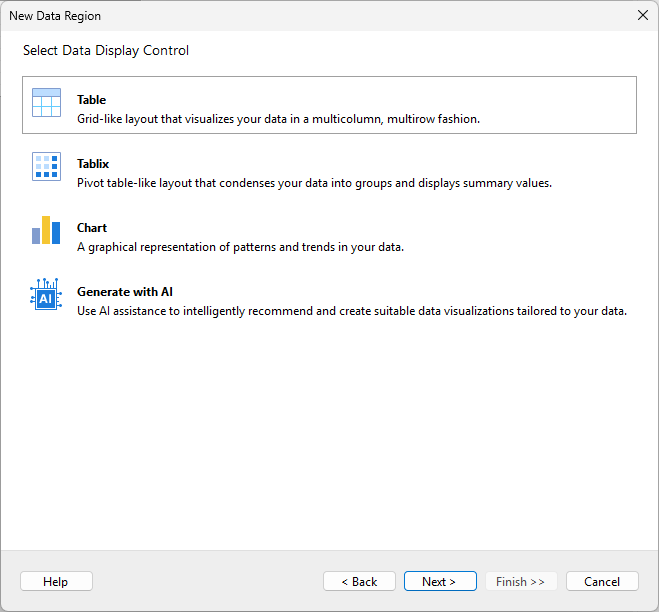
The configuration steps vary depending on the type of data display control selected. You can find detailed instructions for each type in the following articles: