


ActiveReportsJS: What's New in version 6.0
Cell-based Report Designer
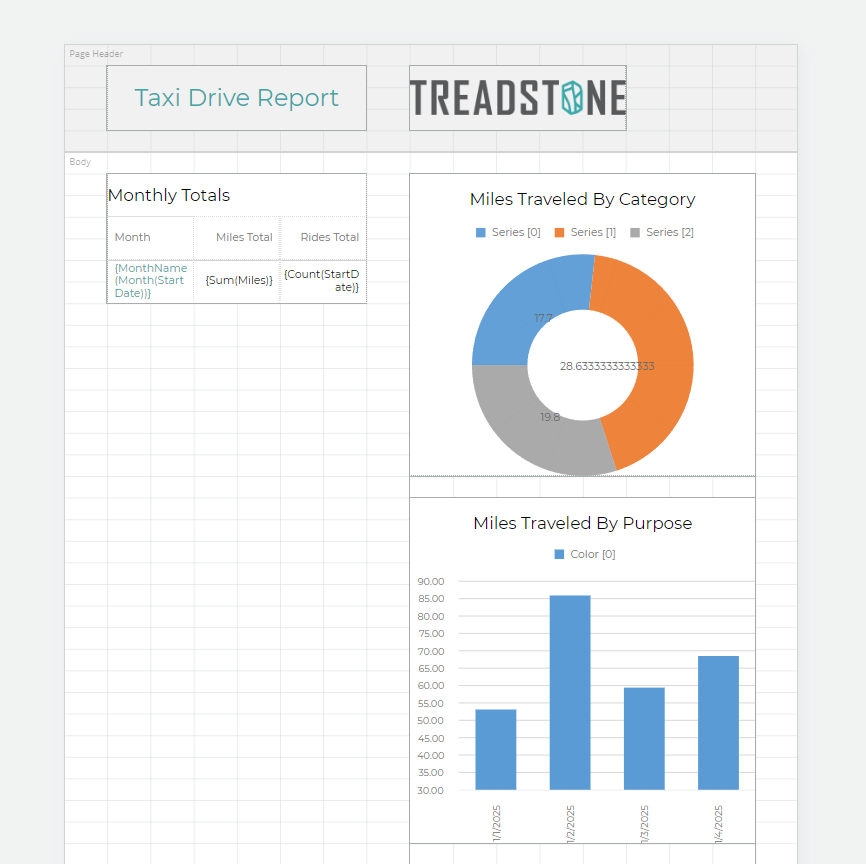
You can now design reports using the new Cell-based layout mode. This mode divides the design surface into a grid of cells, providing spreadsheet-like precision when positioning report items. It is especially useful for reports intended for Excel export, ensuring accurate alignment and structure in the generated spreadsheet. For more details, see the Layout Mode documentation page. You can also explore a working example of a report designed with the Cell-based layout on the demo web-site.
New Excel Export
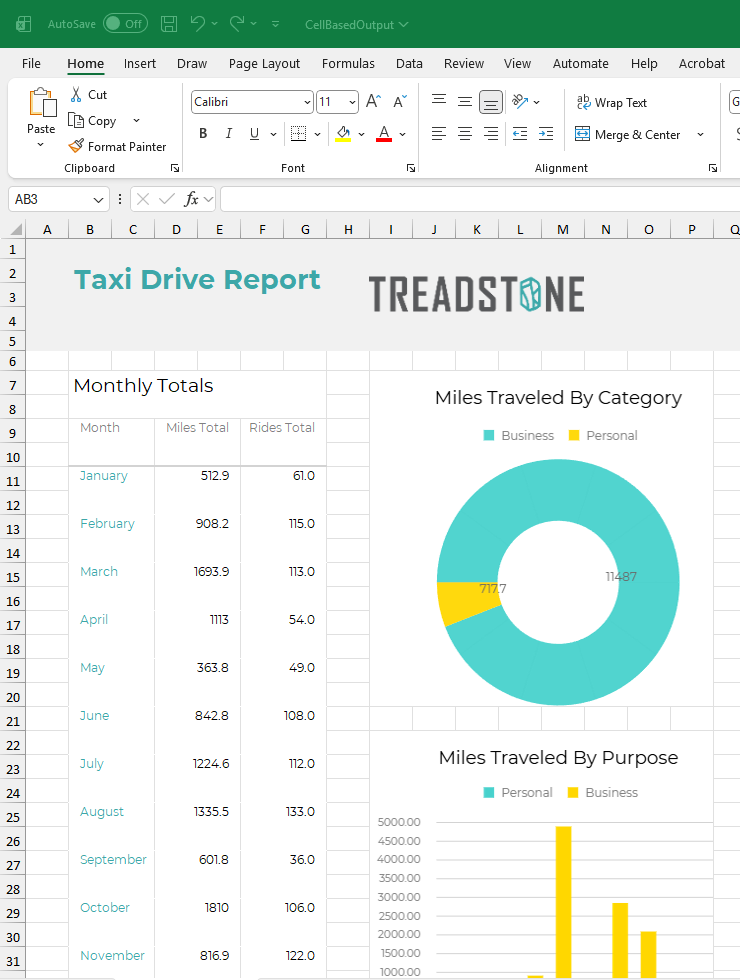
The new Excel Export has been completely redesigned to address many of the issues you’ve reported over the years:
It now generates a separate sheet for each report section in continuous and pageless report layouts.
It preserves number and date data types, applying the same formatting defined in the report.
It leverages the new Cell-based layout to represent report content with precise cell alignment — no more tiny, fragmented columns and rows!
You can learn more about Excel export in the Export Reports in the Viewer and Export Reports via API pages.
API Improvements
Report Viewer Component
Adding Custom Drop-Down Buttons
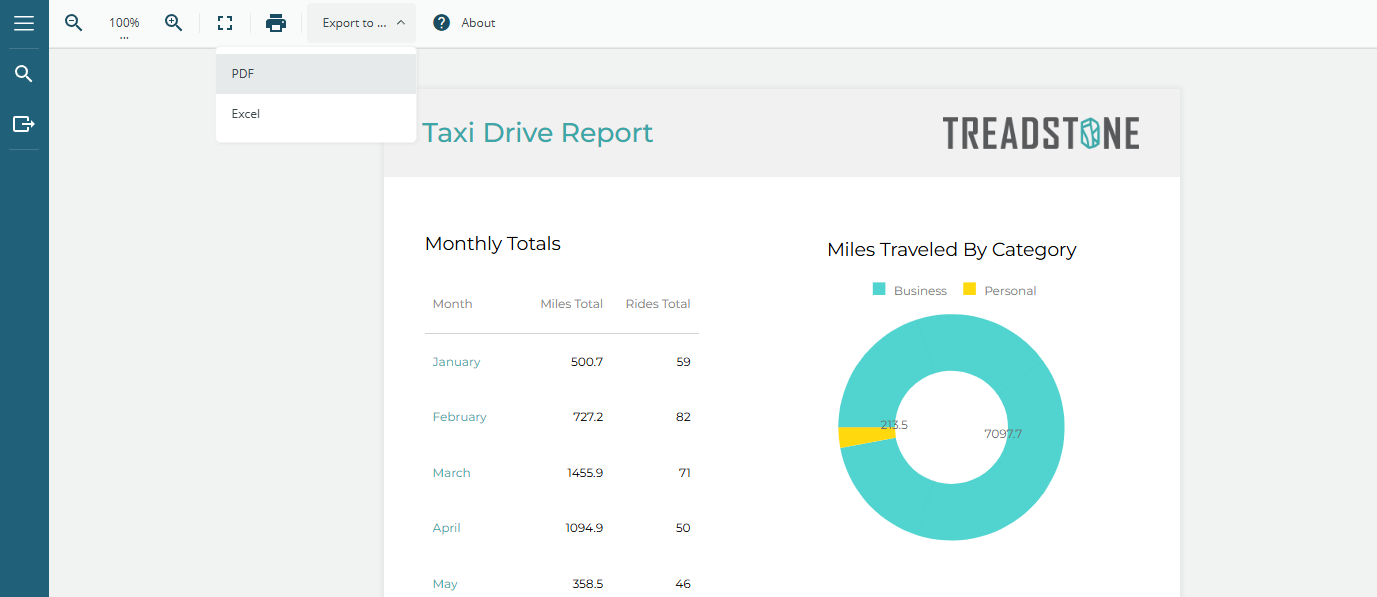
You can now add custom drop-down buttons to the toolbar of the Report Viewer component. This enhancement allows you to group related actions under a single toolbar item, creating a cleaner and more flexible user interface. Learn more on the Customization page, or explore the complete code sample in this online demo.
Configuring animation effects
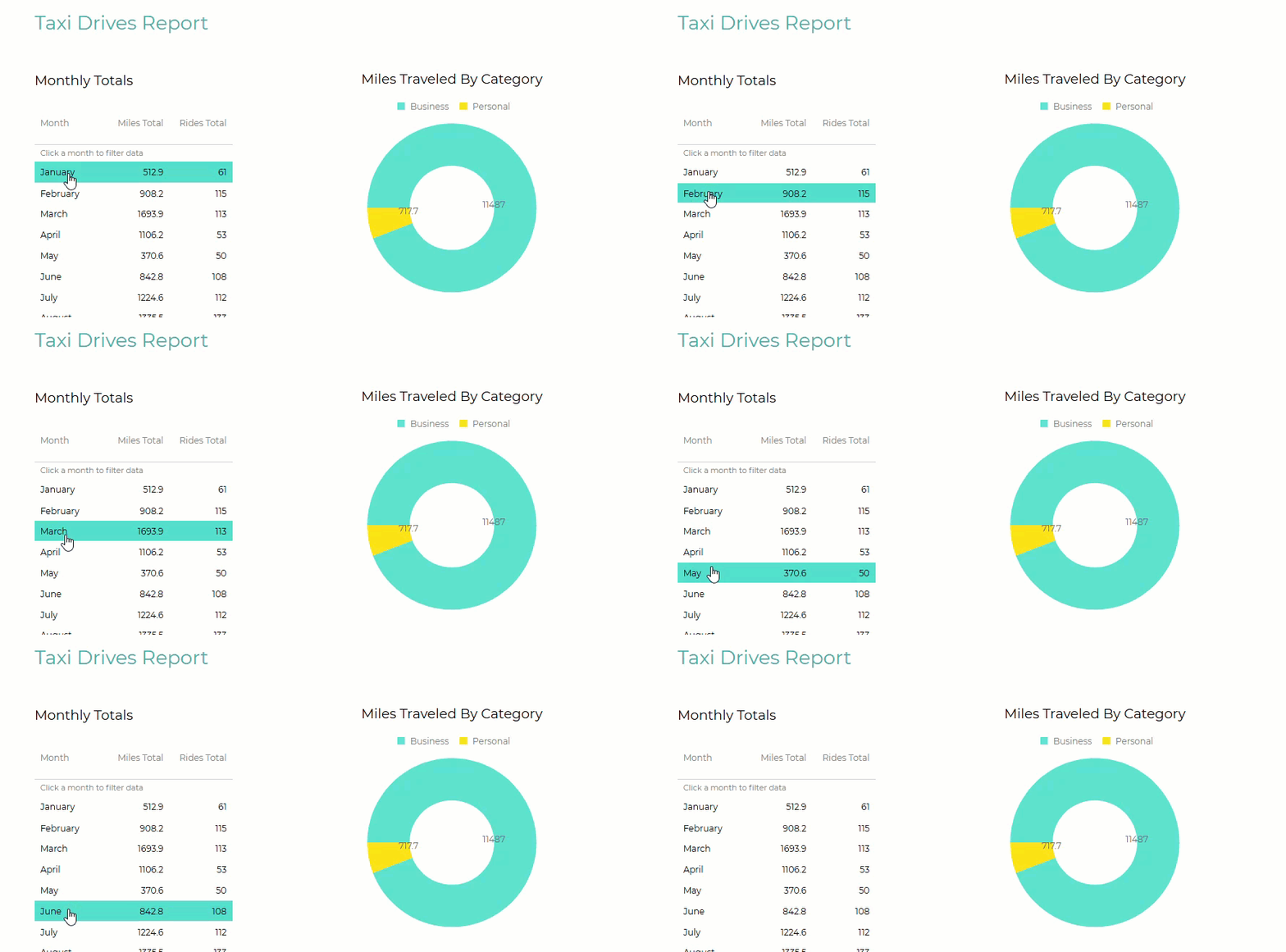
The Report Viewer initialization options and the React, Vue, Angular, and Svelte Report Viewer components now include a new animations property that lets you configure animation effects for charts and tables.
For tables, you can enable the onHover animation and specify the text and background colors for the highlighted row.For charts, you can enable onLoad, onHover, and highlight animations.You can see these animations in action in this demo.
Report Designer Component
Destroying the Designer Instance
The Report Designer API now includes a new destroy method that allows you to properly clean up the designer instance from the UI. The React, Angular, Svelte, and Vue Designer components automatically invoke this method during their respective lifecycle events.