# CSS Transitions in Popup
Learn how to use CSS transitions with Wijmo's Popup components in this tutorial
## Content
The __Popup__ control's __fadeIn__ and __fadeOut__ properties add simple animations when the Popup is shown or hidden.
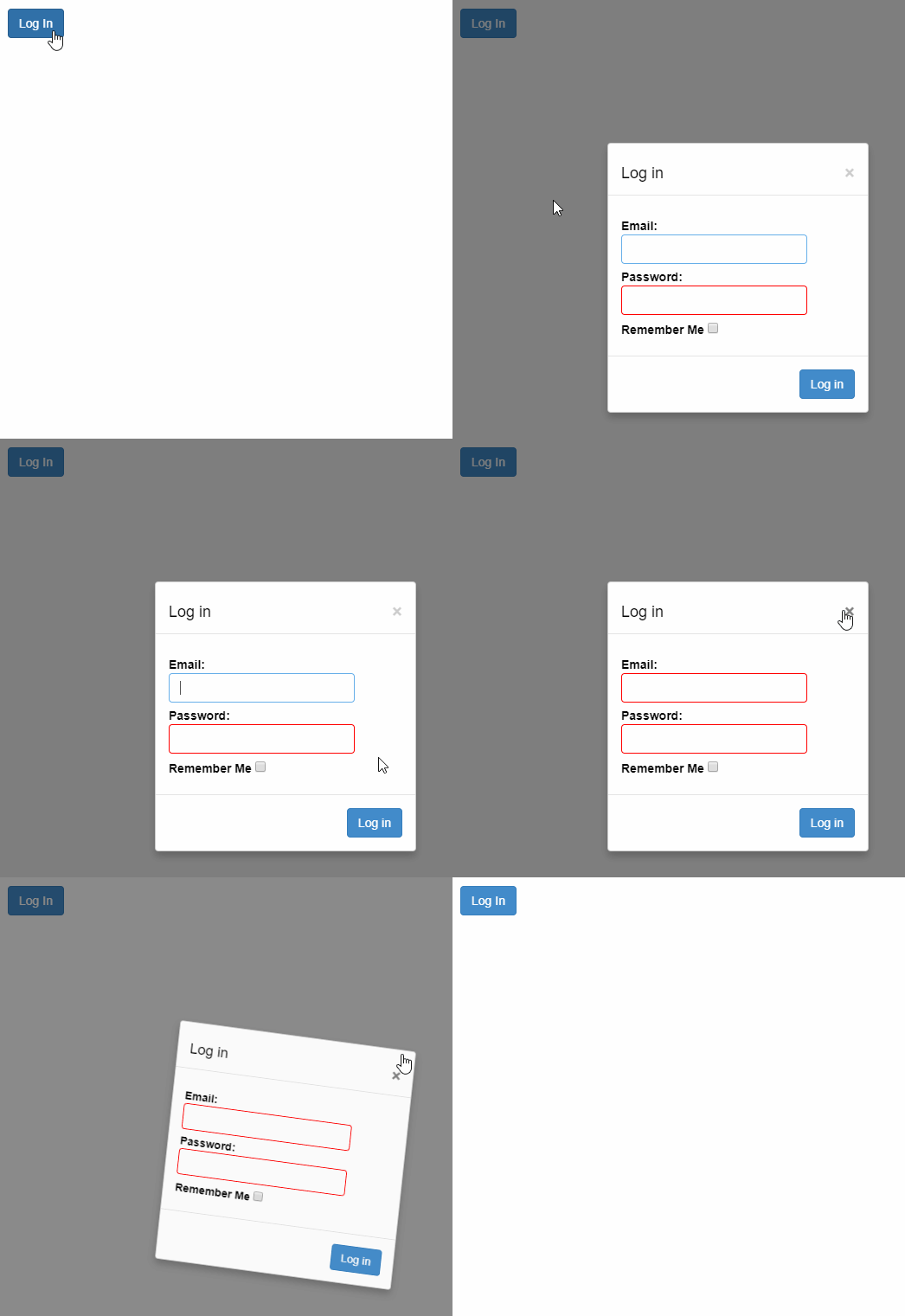
You can create your own custom CSS-based animations by adding and removing classes to the Popup's host element in response to the __shown__ and __hiding__ events, and defining CSS rules that apply animations based on those classes.
In the below example, we have created a login form to display as a PopUp dialog and open/close it using custom animations.
##### HTML
```html
```
##### CSS
```css
/* CSS animations for fading in and out */
.custom-animation {
opacity: 0;
transform: rotate3d(1, .5, .5, 180deg) scale(0.1);
transition: all ease-in .4s;
}
.custom-animation-visible {
opacity: 1;
transform: none;
}
```
##### Javascript
```javascript
import * as wijmo from '@mescius/wijmo';
import * as input from '@mescius/wijmo.input';
function init() {
let login = new input.Popup('#frmLogin', {
fadeIn: false,
shown: (sender) => {
wijmo.toggleClass(sender.hostElement, 'custom-animation-visible', true);
},
hiding: (sender) => {
wijmo.toggleClass(sender.hostElement, 'custom-animation-visible', false);
}
});
//
document.querySelector('#btnLogin').addEventListener('click', () => {
login.show(true);
});
}
```