# ColorPicker Overview
Learn about Wijmo's ColorPicker component in this documentation topic
## Content
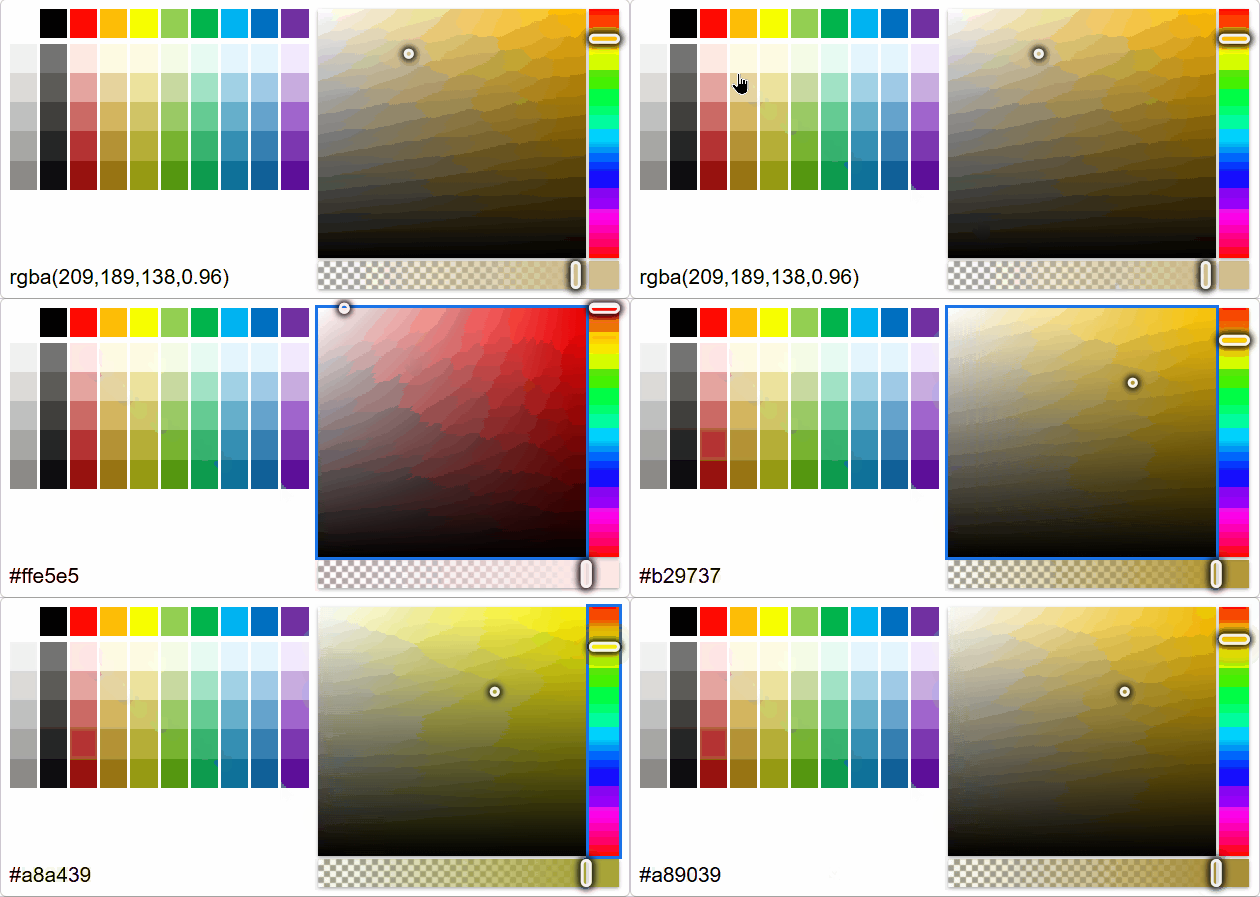
The **ColorPicker** control lets users select a color by clicking on panels to adjust channels, such as hue, saturation, brightness and alpha. The control can be used as a drop-down for the **InputColor** control. You can use the **value** property to get or set the currently selected color.
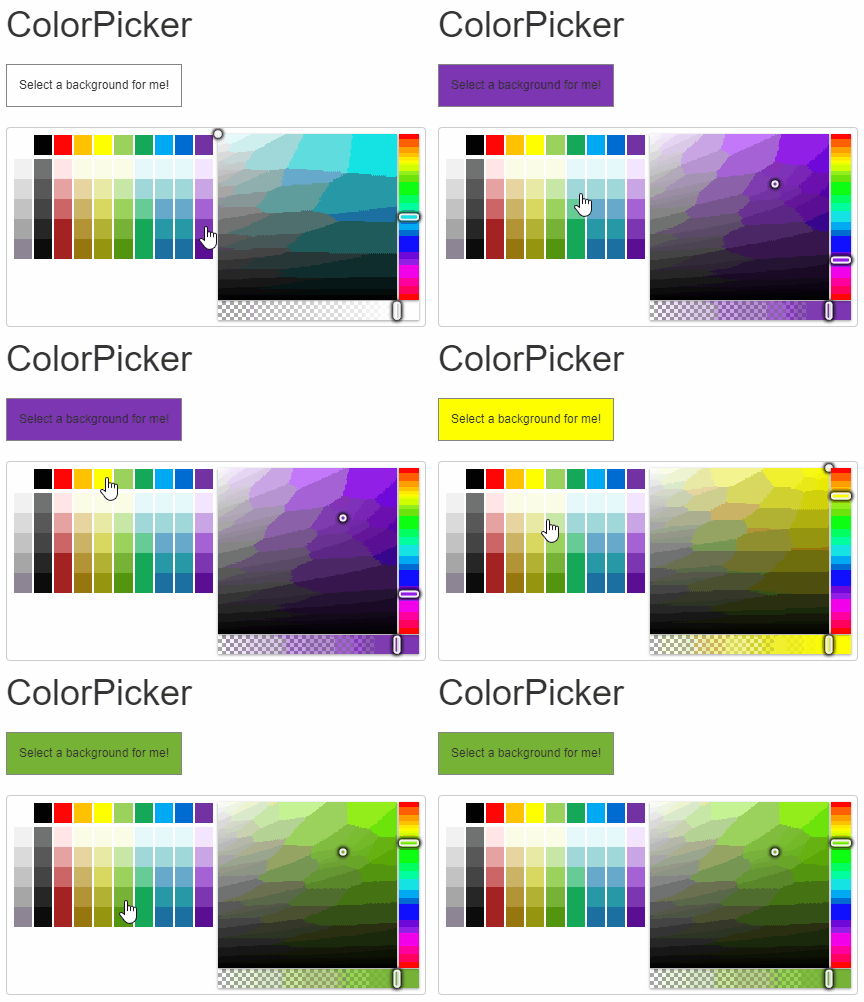
##### HTML
```html
ColorPicker
Select a background for me!
```
##### CSS
```css
h1{
margin: 10px;
}
.wj-colorpicker {
margin: 10px;
}
#output {
margin: 10px;
float: left;
font-size: 12px;
border: 1px solid grey;
padding: 12px;
}
```
##### Javascript
```javascript
import * as input from '@mescius/wijmo.input';
function init() {
// ColorPicker
let theColorPicker = new input.ColorPicker('#theColorPicker', {
showAlphaChannel: true,
showColorString: true,
valueChanged: (sender) => setBackground(sender.value)
});
// show the color that was selected
function setBackground(color) {
document.getElementById('output').style.background = color;
theColorPicker.value = color;
}
}
```
Also, you can customize the ColorPicker by changing values of the **showAlphaChannel**, **showColorString**, and **palette** properties. For detailed implementation, see the [ColorPicker](/wijmo/demos/Input/ColorPicker/Overview) demo.
***
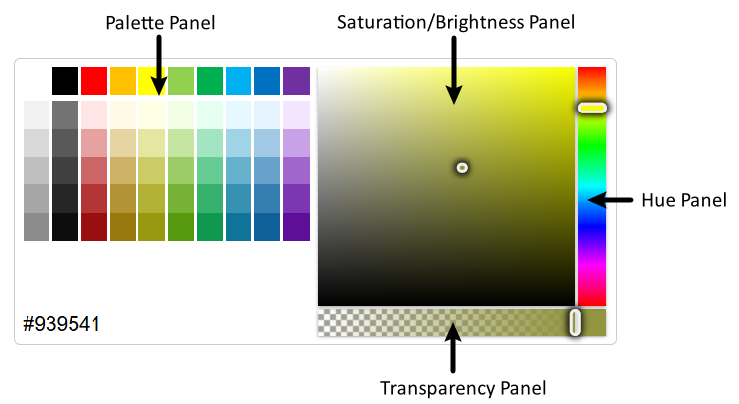
The ColorPicker is divided into 4 panels: **Palette Panel**, **Saturation/Brightness Panel**, **Hue Panel**, and **Transparency Panel**. Each area supports changing colors via the keyboard Up/Down/Left/Right Arror keys after gaining focus.
By default, the ColorPicker does not support using the `Tab` key and `Shift + Tab` key to switch focus between panels. You can enable switching in the following ways:
```javascript
import * as wjInput from '@mescius/wijmo.input';
new wjInput.ColorPicker('#theColorPicker', {
keyActionTab: wjInput.ColorPickerTabKeyAction.All
});
```