# Calendar Range
Learn about Date Ranges using Wijmo's Calendar component in this documentation topic
## Content
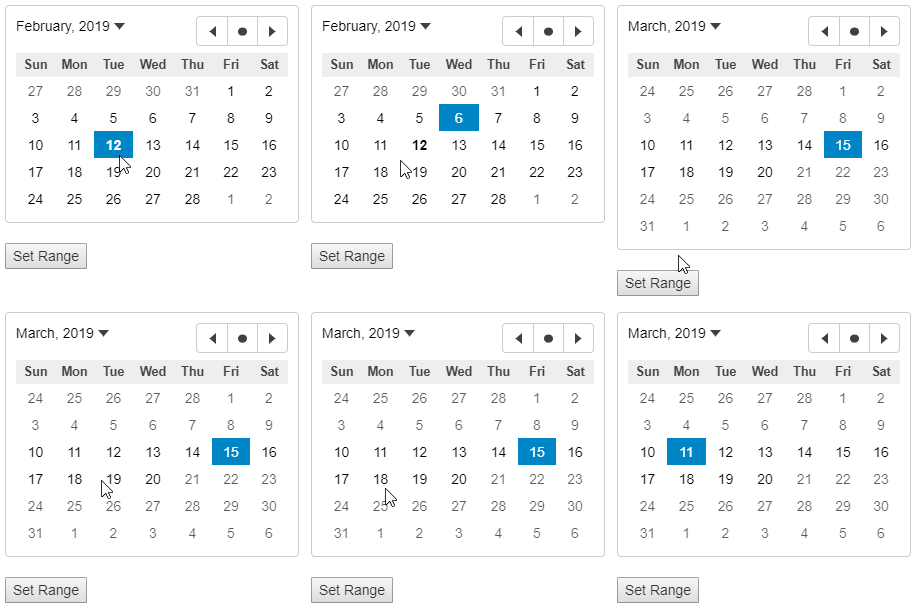
By default, user can select any day from the month that the Calendar control is currently displaying. However, you can restrict the range of dates from which user can make a selection by using the __min__ and __max__ properties.
Default behavior of the __min__ and __max__ properties is to apply them as constraints on value of the __value__ property. That is, user can not change the control value to anything smaller than min value or larger than max value. You can also set value of these properties to null which means there is no restriction on selection of date by the user.
However, note that the min and max properties only restrict the dates that user can select and doesn't put any restrictions on values that can be assigned to the control in code or via bindings.
Therefore, if your code sets or changes the value of the min and max properties, and you want these limits to be applied to the current control value, you must do that in code as well.
##### HTML
```html
```
##### Javascript
```javascript
import * as input from '@mescius/wijmo.input';
function init() {
// create Calendar with a range restriction
let curr = new Date(), firstDay = new Date(curr.setDate(curr.getDate() - curr.getDay())), lastDay = new Date(curr.setDate(curr.getDate() - curr.getDay() + 6));
//
let theCalendar = new input.Calendar('#theCalendar', {
showHeader: false,
min: firstDay,
max: lastDay
});
}
```