General Tab
In This Topic
The General tab of the Spread Settings dialog allows you to set various properties for sheet display and Clipboard operations.
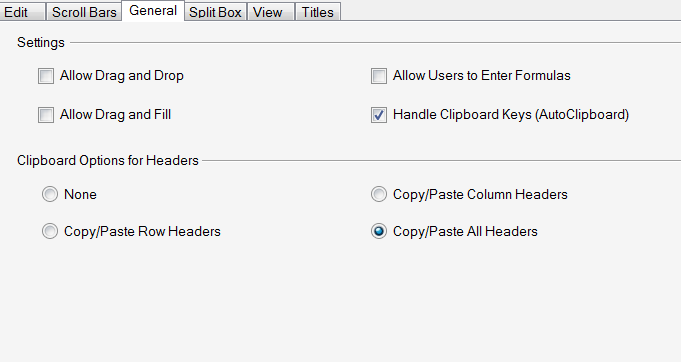
This tab provides the following items:
| Item | Description |
|---|---|
| Allow Drag and Drop | Set whether to allow the user to drag-and-drop a range of cells |
| Allow Drag and Fill | Set whether to allow the user to drag and fill cells with the contents of a cell or cells |
| Allow Users to Enter Formulas | Set whether to allow the user to enter formulas in a cell |
| Handle Clipboard Keys (AutoClipboard) | Set whether the component supports the Clipboard shortcut keys |
| Clipboard Options for Headers | Set whether headers are included when data is copied to or pasted from the Clipboard |
For more information on these settings, refer to Customizing Sheet Interaction in the Developer’s Guide.