Edit Tab
In This Topic
The Edit tab of the Spread Settings dialog allows you to set various properties of the cell and how editing is handled.
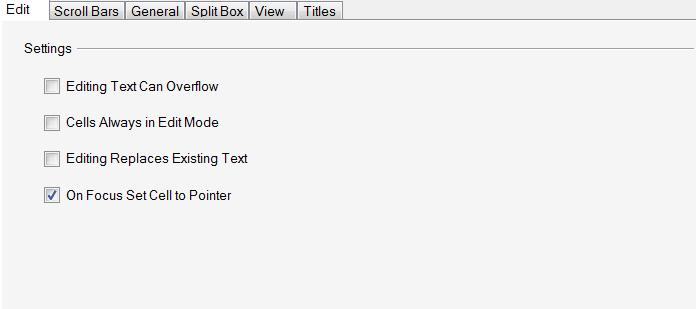
This tab provides the following items:
| Item | Description |
|---|---|
| Editing Text Can Overflow | Set whether data can overflow into adjacent empty cells while a cell is in edit mode |
| Cells Always in Edit Mode | Set whether a cell is in edit mode whenever it becomes the active cell |
| Editing Replaces Existing Text | Set whether the existing text in a cell is selected when the cell enters edit mode |
| On Focus Set Cell to Pointer | Set whether the location of the active cell moves when the user moves the focus to the view using the mouse |
For more information on cell edit settings, refer to the members of the Cell class and to Customizing Interaction in Cells in the Developer’s Guide.