# FlexGrid
## Content
**FlexGrid** provides a powerful and flexible way to display data from a data source in tabular format. FlexGrid is a full-featured grid, providing various features including automatic column generation; sorting, grouping and filtering data using the CollectionView; and intuitive touch gestures for cell selection, sorting, scrolling and editing. FlexGrid brings a spreadsheet-like experience to your mobile apps with quick cell editing capabilities. The control also allows you to reorder rows and columns without using any code.
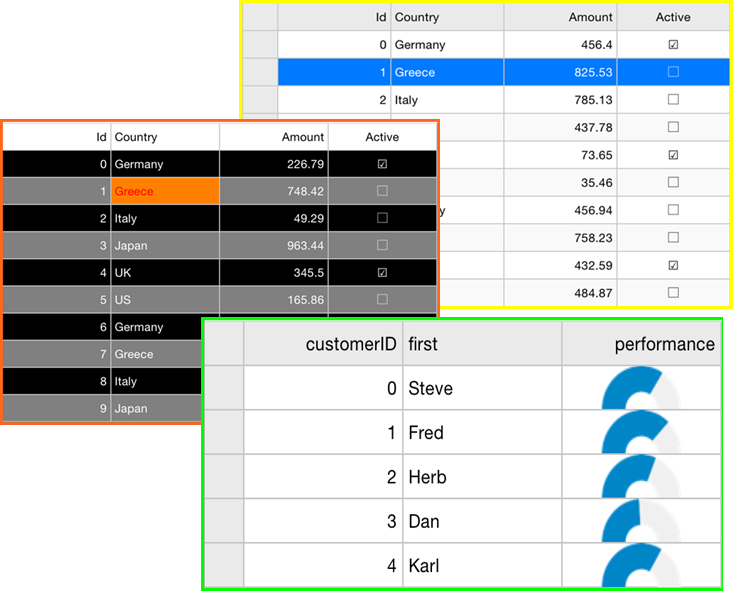
FlexGrid provides design flexibility with conditional formatting and cell level customization. This allows developers to create complex grid-based applications, as well as provides the ability to edit and update databases at runtime.
> type=note
> Please note that from 2018v3 onwards, the default appearance of FlexGrid has changed to the material design pattern. For information on how to switch back to the classic view, see [Material Theme](/componentone/docs/xamarin/online-forms/controls/OverviewFlexGrid/features/material-theme).