# Change Month when Fiscal Year begins
## Content
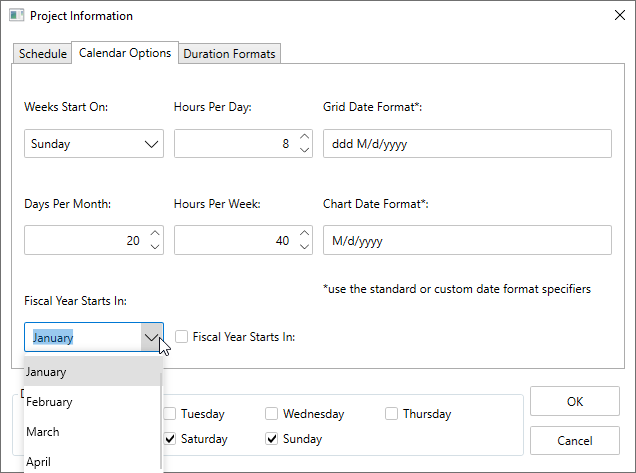
By default, the fiscal year starts on January, but you can easily modify this at runtime.
To change the month at runtime, follow the steps below:
1. Click the **Project Information** button from the toolbar.
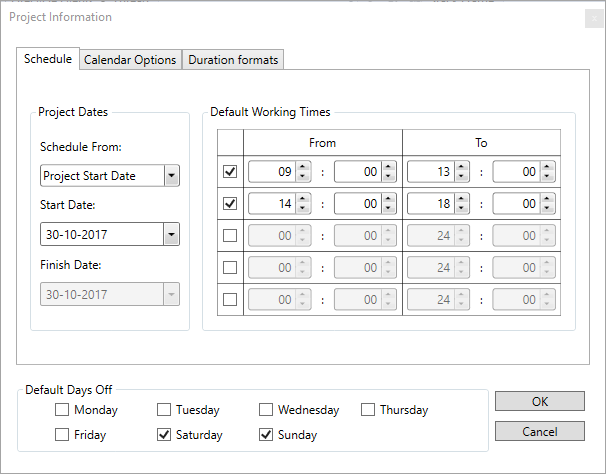
The Project Information dialog box appears.
2. Select the **Calendar** **Options** tab.
3. Select the month you want to choose from the **Fiscal Year Starts** in dropdown list box as demonstrated in the following image.