# Styling

This topic covers how to customize the overall appearance of the DataFilter control.

## Content


DataFilter allows you to customize the overall appearance of the control. The following GIF depicts a styled DataFilter control.
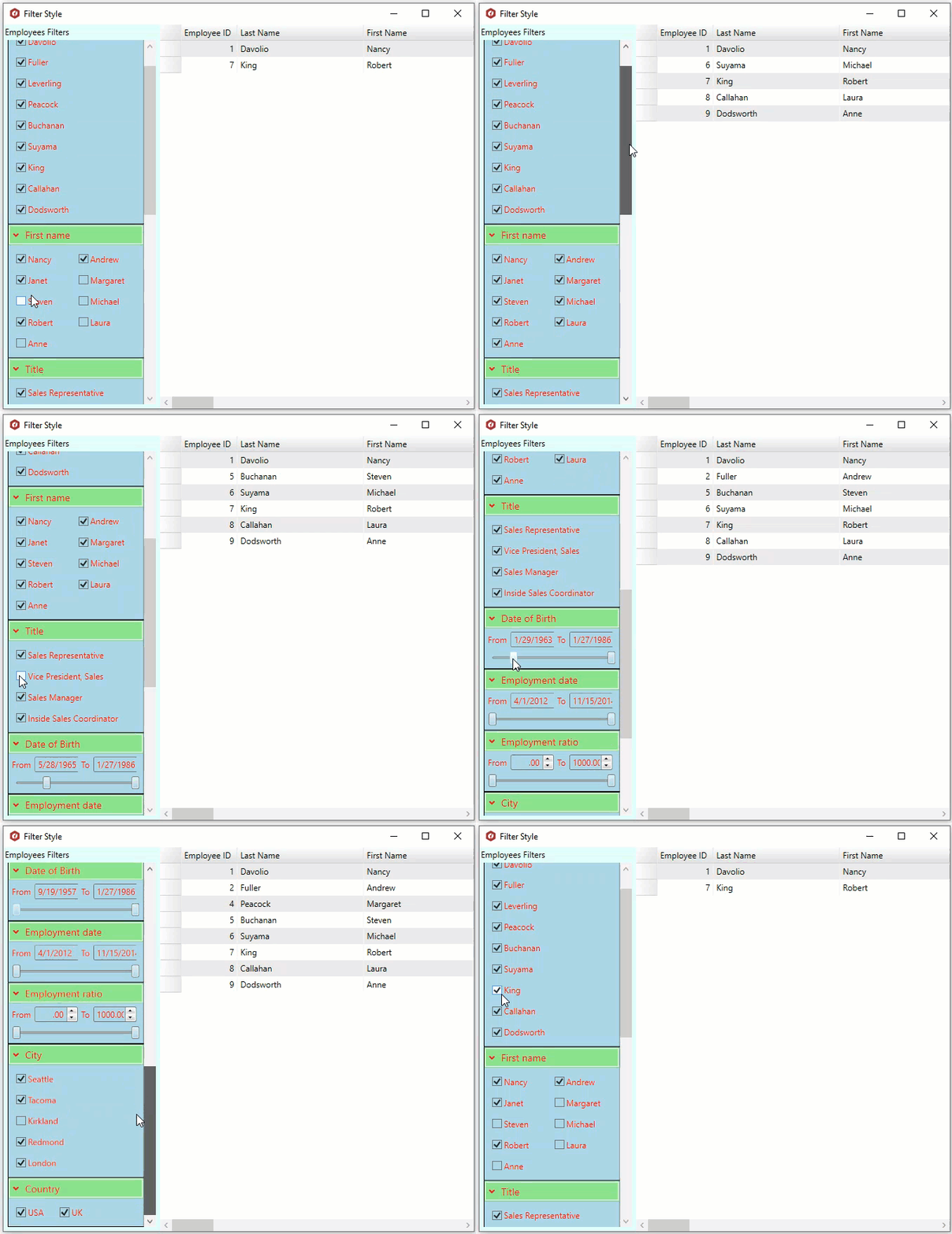
![The image shows a styled datafilter](https://cdn.mescius.io/document-site-files/images/0bed9dd6-7ca6-4e9d-a89e-443ea1c855b0/images/stylingdatafilters.gif)

To apply styling to DataFilter, use the following code.

```xml
<c1:C1DataFilter x:Name="c1DataFilter1" HeaderContent="Employees Filters" Grid.Column="0"
Background="#E2FDF9"
ExpandedMouseOverBrush="Gold"
ExpandedBackground="LightGreen"
CollapsedBackground="#F8C4C7"
ItemBackground="#AED8E6"
ItemForeground="Red"
ItemBorderBrush="Black"
ItemBorderThickness="1"/>
<c1:C1FlexGrid AutoGenerateColumns="True" x:Name="flexGrid" Grid.Column="1"/>
```