# Changing the View
Learn how to change the current data view by selecting a date or series of date in the C1Calendar control.
## Content
At run time, you can change the current data view by selecting a date or series of dates on the [C1Calendar](/componentone/docs/win/online-schedule/) control. To change the view select a date ranges by clicking the start date, holding down the SHIFT key, and clicking the last date in the date range. You can set the following views:
* **Day View**
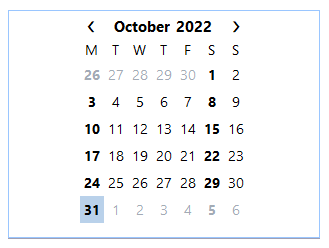
Click on the specified date in the calendar.
* **Work Week View**
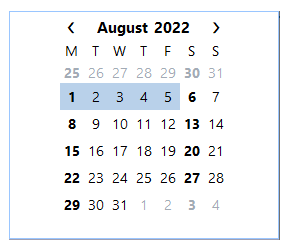
Click on the first day in the work week and the last day of the work week.
* **Week View**
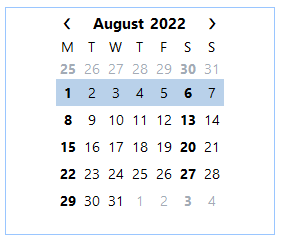
Click on the first day of the week and the last day of the week.
* **Month View**
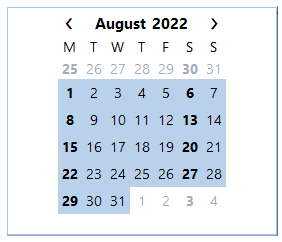
Click on the first day of the week and the last day of the month (at least 4 weeks).