# Data Views
## Content
List allows you to display data in different ways through DataView property of the C1List class. The **DataView** property accepts value from the [DataViewEnum](/componentone/api/win/online-list/dotnet-api/C1.Win.List.10/C1.Win.List.DataViewEnum.html) to set the data view to one of the following options:
| **Options** | **Image** | **Descriptions** |
| ------- | ----- | ------------ |
| MultipleLines | 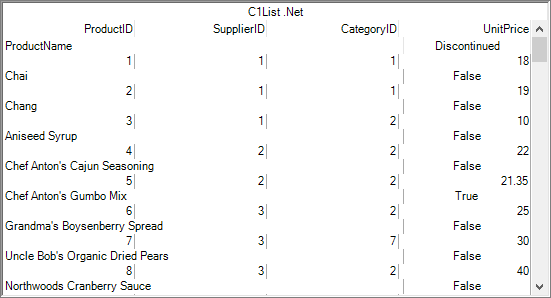 multiplelines | Displays fields with multiple lines. In multiple line view, if the dataset contains more fields than can fit in the list area, then a single record spans multiple lines. This enables the end user to simultaneously view all of the columns of a record within the width of the list without scrolling horizontally. |
| Normal | 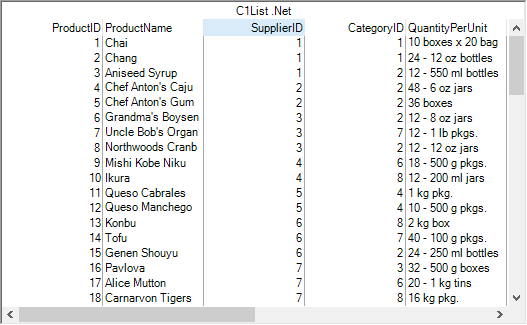 normalview | In the normal view, the list only displays flat data as it does not support hierarchical data. If the list is bound to a hierarchical data source, only the data from the master table gets displayed. |
## Set Data View
To customize the data view of the list, you can use the DataView property as shown in the following code snippet. Here, we set the value of DataView property to MultipleLines to display data in multiple lines view. This examples uses the sample created in the [Quick Start](/componentone/docs/win/online-list/listforwinformsquick) topic.
```csharp
c1List1.DataView = C1.Win.C1List.DataViewEnum.MultipleLines;
```
Similarly, you can display data in the normal view by setting the value of DataView property to Normal.