# Editing Gauges at Design Time
Quickly and easily edit gauges at design time with the help of various properties available with C1Gauge. See more demos, documentation, and samples here.
## Content
The [C1Gauge](/componentone/docs/win/online-gauges/) control is a container for multiple gauges. By default, you start with 1 radial or linear gauge in the container.
To edit the gauges within C1Gauge you can:
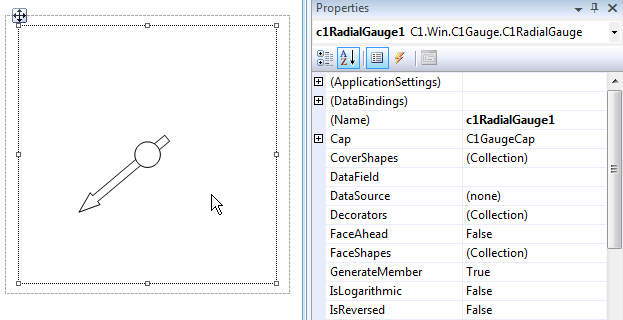
* Click and select the gauge inside the C1Gauge container on the form. Then, the properties window will now reflect the selected gauge.
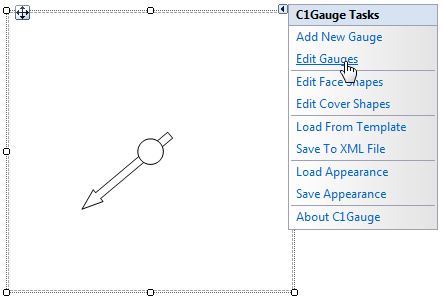
* Select “Edit Gauges” from the **C1Gauge Tasks** menu. This will open up the properties collection window where you can easily select each inner gauge component to modify its properties.
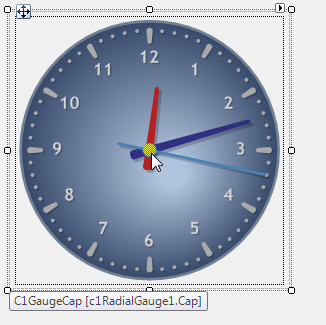
* Double-click an item on the gauge, the cap for example, to open the **Item Editor** and set the item’s properties.
## See Also
[Setting up the Scale](/componentone/docs/win/online-gauges/gaugesforwinformstas/settingupthescale)