# Print Dialog Box
## Content
The **Print dialog** box is used for managing printing tasks such as selecting the print style, specifying the content and font settings for the Header, Footer, and/or Legend, specifying page setup, and determining print range.
### Access the Print dialog box
Click the **Print** button, , on the GanttView Toolbar.
The **Print dialog** box appears like the following:
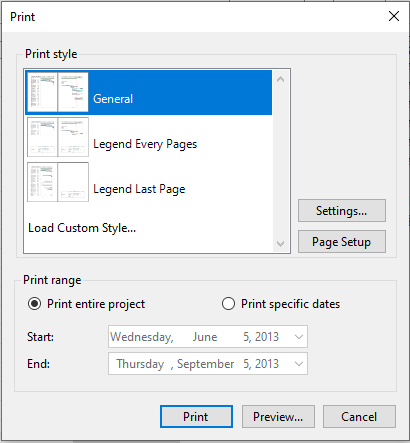
The Print dialog box consists of the **Print style** groupbox, **Print range** groupbox, **Print** button, **Preview** button, and **Cancel** button. The following section provides detailed explanation about these elements.
### The Print Style groupbox
In the **Print Style** groupbox, you can select the type of print style to determine your page layout. There are 4 different print styles to choose from: General, Legend Every Pages, Legend Last Page, and Load Custom Style.
* The **General** layout provides the layout that only includes GanttChart. This is the default style. The **General** layout appears like the following: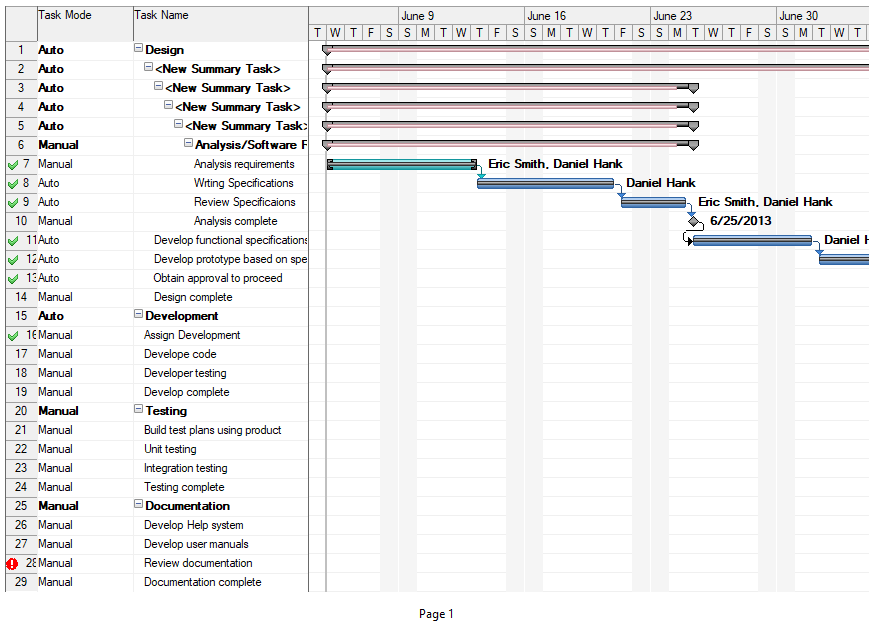
* The **Legend Every Page** layout includes the GanttChart and Legend on the last page. The Legend Every Page appears like the following: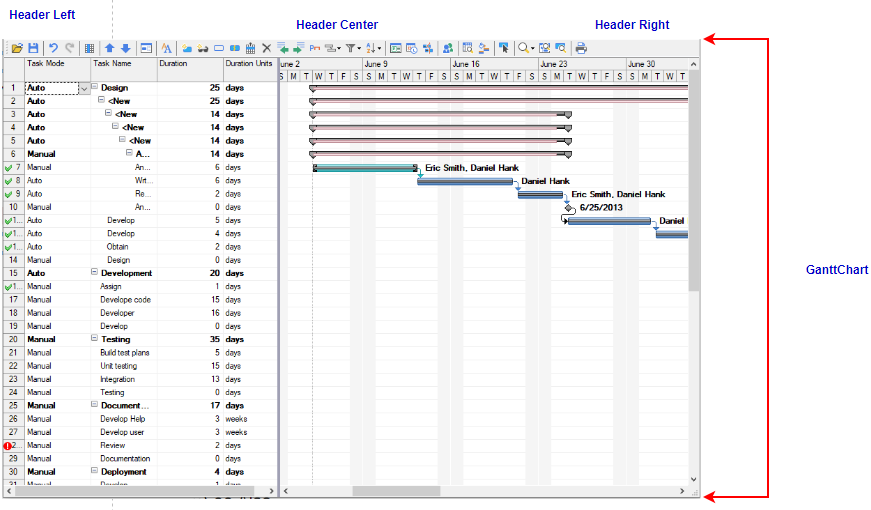
* The **Legend Last Page** layout include the GanttChart on every page and the Legend on the last page. The **Legend Last Page** layout appears like the following: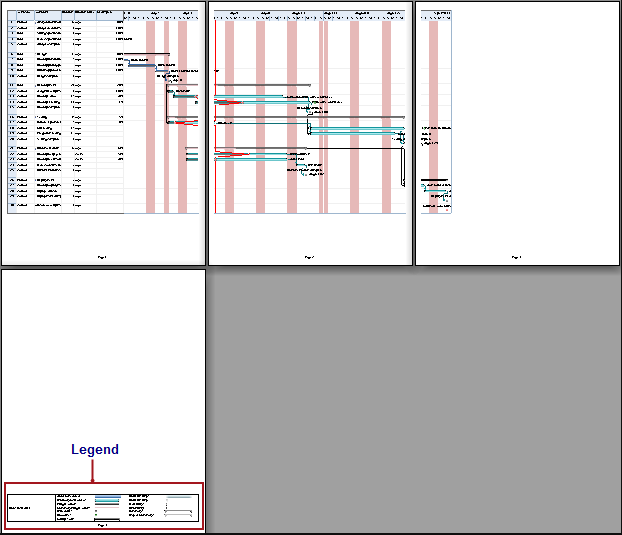
* The **Load Custom Style** opens the **Open File** dialog where you can load the custom style from the .c1d or .c1dx file.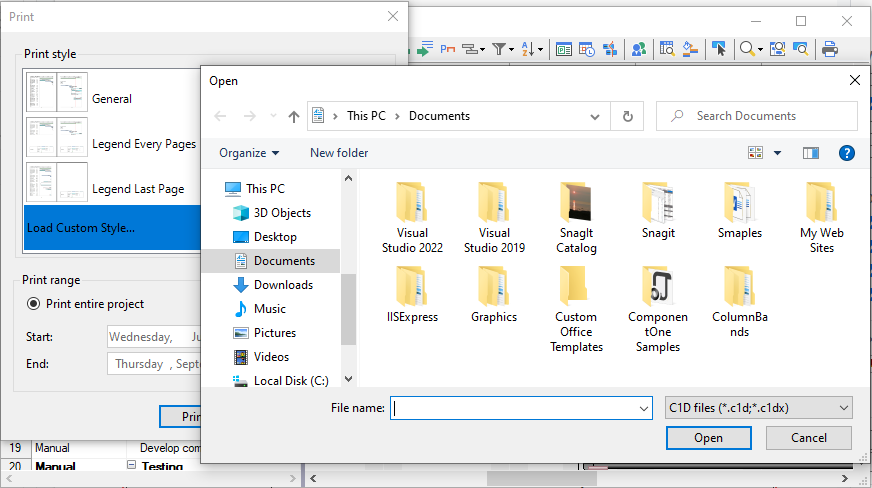
The following image illustrates the appearance of a custom print style: