# Customize Border
FlexGrid for WinForms lets you set custom borders on individual cells, row or column cells, and even the whole grid. Learn more about customizing borders here.
## Content
The FlexGrid control lets you customize the border of grid, row, column and even cells by changing its style, color direction and so on.
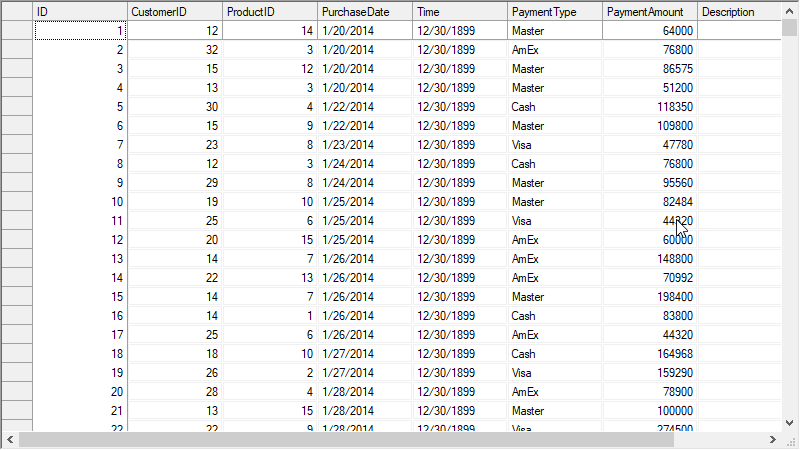
## Customize Grid Border
To customize border of the grid control, you can use the **BorderStyle** property which accepts values from **BorderStyleEnum** provided by the C1.Win.FlexGrid.Util.BaseControls namespace.
Following code shows how to customize border of the WinForms FlexGrid control.
```csharp
// Change the grid border to a three dimensional border
c1FlexGrid1.BorderStyle = C1.Win.C1FlexGrid.Util.BaseControls.BorderStyleEnum.Fixed3D;
```
```vbnet
' Change the grid border to a three dimensional border
c1FlexGrid1.BorderStyle = C1.Win.C1FlexGrid.Util.BaseControls.BorderStyleEnum.Fixed3D
```
## Customize Row/Column Border
To customize the border style of a particular row or column, you must access the **'Border'** item of CellStyle class using StyleNew property and set its properties such as border style, direction and color. The grid control provides **BorderStyleEnum** as well as **BorderDirEnum** to set the border style and direction respectively.
Use the below code to change border of rows or columns of the WinForms FlexGrid.
```csharp
// Set the border style for first column
c1FlexGrid1.Cols[1].StyleNew.Border.Style = BorderStyleEnum.Groove;
c1FlexGrid1.Cols[1].StyleNew.Border.Color = Color.Red;
c1FlexGrid1.Cols[1].StyleNew.Border.Direction = BorderDirEnum.Vertical;
//Set the border style for first row
c1FlexGrid1.Rows[1].StyleNew.Border.Style = BorderStyleEnum.Raised;
c1FlexGrid1.Rows[1].StyleNew.Border.Color = Color.Blue;
```
```vbnet
' Set the border style for first column
c1FlexGrid1.Cols(1).StyleNew.Border.Style = BorderStyleEnum.Groove
c1FlexGrid1.Cols(1).StyleNew.Border.Color = Color.Red
c1FlexGrid1.Cols(1).StyleNew.Border.Direction = BorderDirEnum.Vertical
'Set the border style for first row
c1FlexGrid1.Rows(1).StyleNew.Border.Style = BorderStyleEnum.Raised
c1FlexGrid1.Rows(1).StyleNew.Border.Color = Color.Blue
```
## Customize Cell Border
To customize border of every cell in the grid, you can access the built-in style "**Normal**" and set its border properties. Similarly, you can change the style of specific types of cells such fixed or frozen by accessing their corresponding styles from Styles collection.
Below code lets you customize the border of normal cells of the WinForms FlexGrid.
```csharp
// Set the border style for all grid cells
c1FlexGrid1.Styles.Normal.Border.Style = BorderStyleEnum.Double;
```
```vbnet
' Set the border style for all grid cells
c1FlexGrid1.Styles.Normal.Border.Style = BorderStyleEnum.Double
```