# Animation
Get started with MultiSelect, a WinForms control that makes selecting multiple objects from a list or a collection of selected items easy. See more in documentation here.
## Content
Animation gives an edge to any application and enhances the user experience by bringing life to its otherwise static elements.
**FlexChart** provides out of the box features to animate the charts. The AnimationSettings property of FlexChart class allows you to choose whether and where to show the animation. this property accepts the values from **AnimationSettings** enumeration and lets you set the animation to appear in case of chart load or update, axes load or update or in all situations. Variety of animation options help in making your charts dynamic and can be set using the AnimationLoad and AnimationUpdate properties. These properties are of AnimationLoadOptions and AnimationOptions type respectively and gives you access to the properties to set these options such as easing effects, duration, direction, type etc.
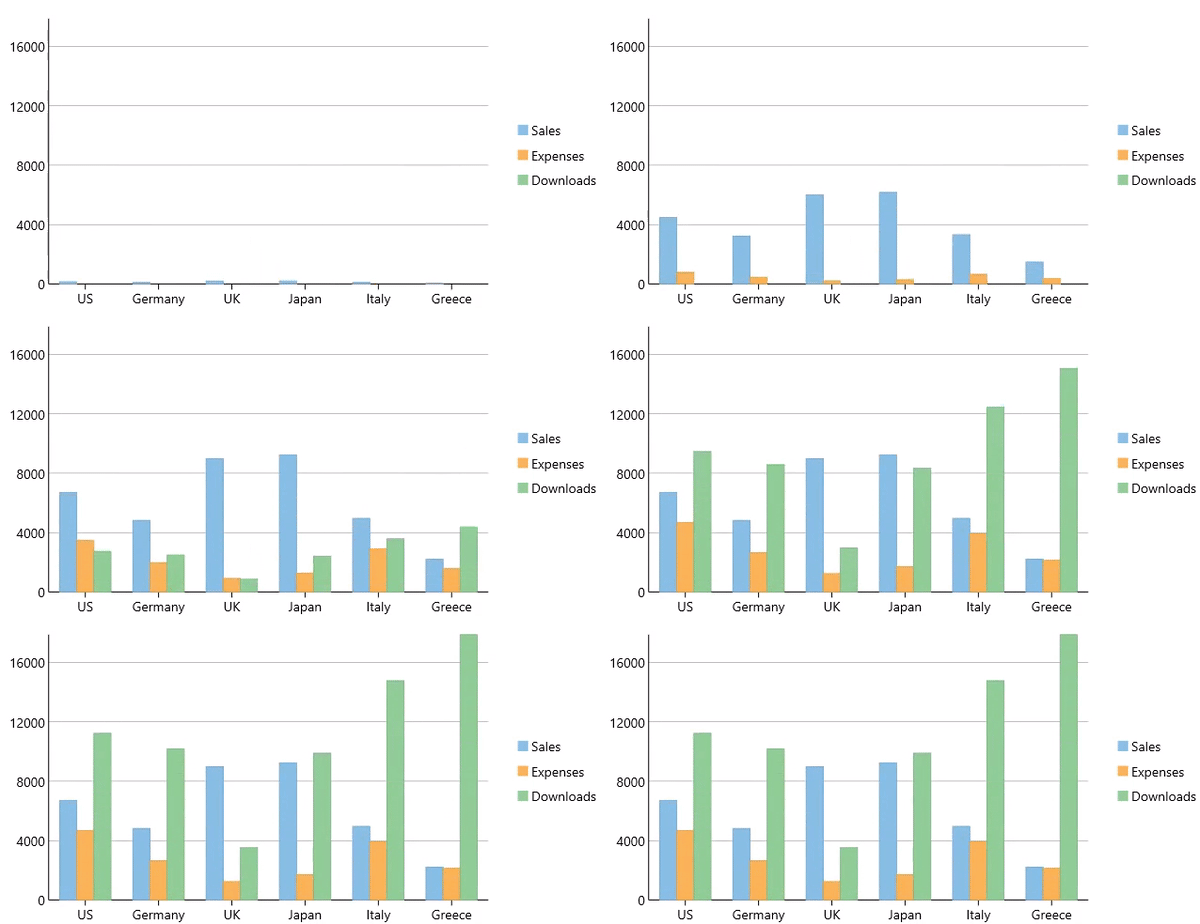
```csharp
// Apply animation to chart
flexChart1.AnimationSettings = C1.Chart.AnimationSettings.Load;
flexChart1.AnimationUpdate.Easing = C1.Chart.Easing.Linear;
flexChart1.AnimationUpdate.Duration = 500;
flexChart1.AnimationLoad.Type = C1.Chart.AnimationType.Series;
```
```vbnet
' Apply animation to chart
flexChart1.AnimationSettings = C1.Chart.AnimationSettings.Load
flexChart1.AnimationUpdate.Easing = C1.Chart.Easing.Linear
flexChart1.AnimationUpdate.Duration = 500
flexChart1.AnimationLoad.Type = C1.Chart.AnimationType.Series
```
## Animation in Pie Chart and Sunburst Chart
In the case of a pie chart or sunburst chart, AnimationSettings property of the FlexPie class lets you set the animation on chart load, update or both. Just like **FlexChart** class, the **FlexPie** class also lets you set the **AnimationLoad** and **AnimationUpdate** properties to specify various animation options such as easing, duration, as well as the slice attributes through PieAnimationOptions class.
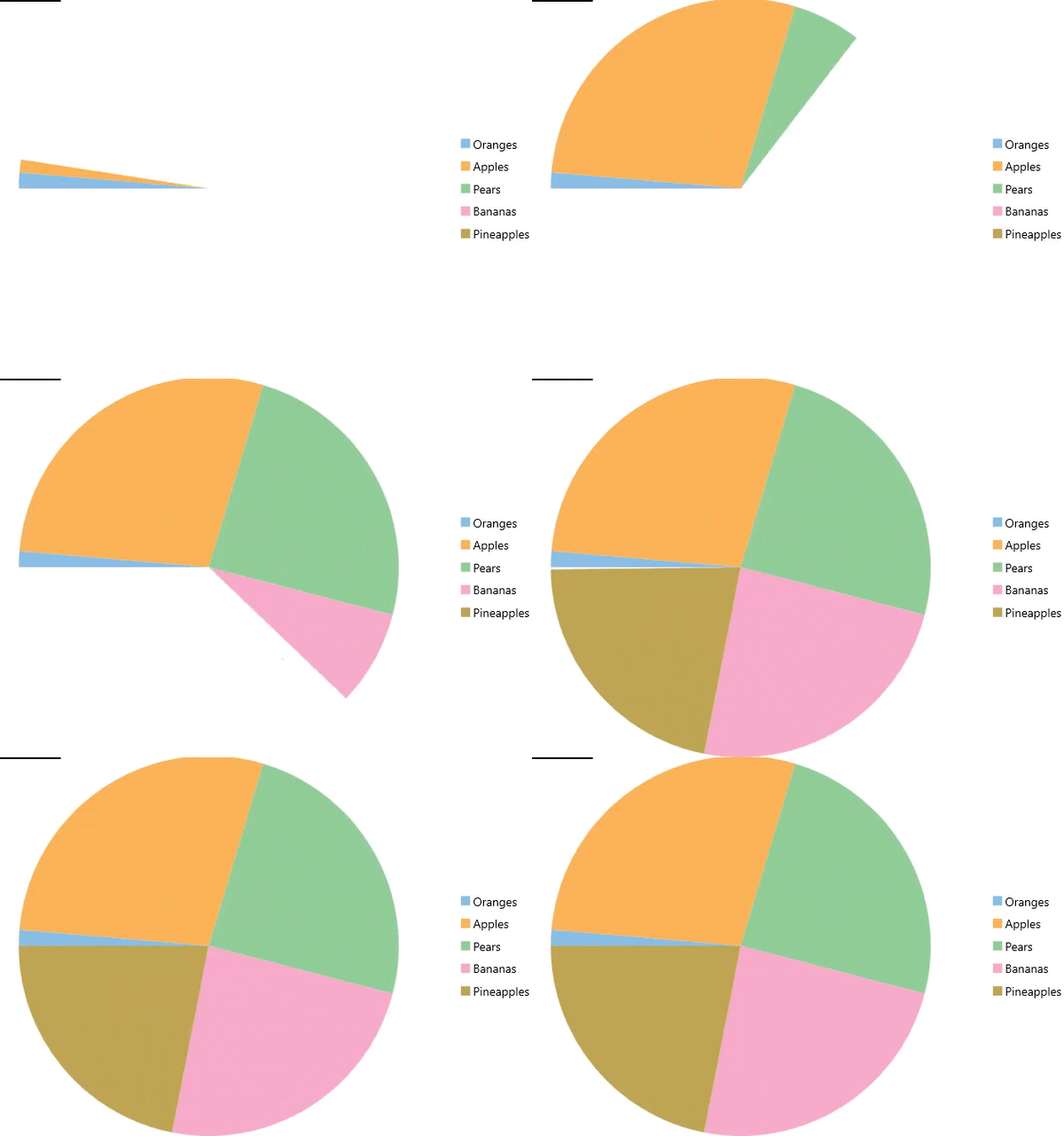
```csharp
// Apply animation to pie chart
flexPie1.AnimationSettings = C1.Chart.AnimationSettings.Load;
flexPie1.AnimationUpdate.Easing = C1.Chart.Easing.Linear;
flexPie1.AnimationUpdate.Duration = 500;
flexPie1.AnimationLoad.Type = C1.Chart.AnimationType.Series;
```
```vbnet
' Apply animation to pie chart
flexPie1.AnimationSettings = C1.Chart.AnimationSettings.Load
flexPie1.AnimationUpdate.Easing = C1.Chart.Easing.Linear
flexPie1.AnimationUpdate.Duration = 500
flexPie1.AnimationLoad.Type = C1.Chart.AnimationType.Series
```