# Modify the Appearance of the Chart Legend
## Content
To modify the appearance of the chart **Legend** using the **Properties** button in the Legend's floating toolbar, complete the following steps:
1. Select the **Properties** button from the Legend's floating toolbar.
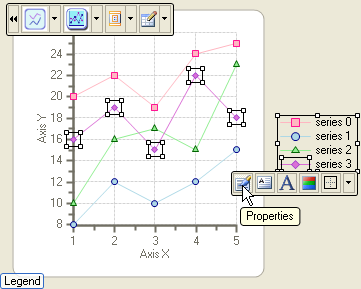
The Appearance Legend properties appear in the **Chart Properties** editor.
2. Modify its **ForeColor**, **Fill**, and **Border** properties to the following:
* Set its **ForeColor** to **Navy**.
* Set its **Fill** color to **Info**.
* Set its **Border** to **Raised**.
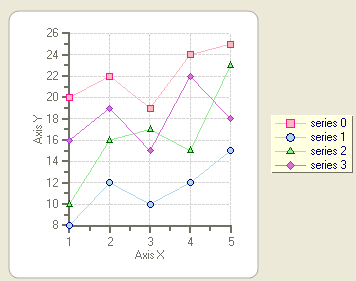
3. Select **OK** from its dialog box. The new changes for the **Legend** element appear on the chart.
## See Also
[Modify the Appearance of the Data Series](/componentone/docs/win/online-chart2d/chartforwinformstask/creatingandformattin1/modifytheappearanceo4)