# Edit the Chart Labels
## Content
To edit the chart labels using the Label floating toolbar, complete the following steps:
1. Select the existing label on the chart and select the **Edit text** button from the Label floating toolbar.
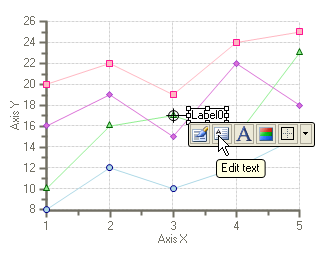
2. The text box for the Label becomes editable.
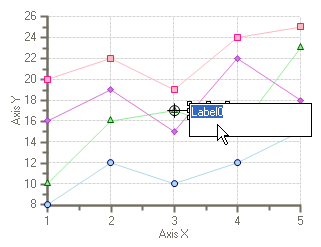
3. Place your cursor over the **Label0** and type its new label name.
## See Also
[Edit the X and Y Axis](/componentone/docs/win/online-chart2d/chartforwinformstask/creatingandformattin1/editthexandyaxis)