# Add a Chart Footer
## Content
To add a chart Footer using the C1Chart floating toolbar, complete the following steps:
1. Select the **C1Chart** control and click on the **Open** button to open the C1Chart floating toolbar if it is not already open.
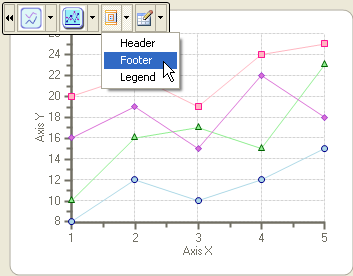
2. Select the **Layout** drop-down arrow from the C1Chart floating toolbar and choose the **Footer** item.
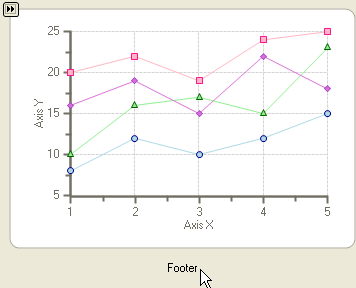
The **Footer** element appears below the chart area. This is the default position for the chart **Footer** element.
## See Also
[Add a Chart Header](/componentone/docs/win/online-chart2d/chartforwinformstask/creatingandformattin1/addachartheader)