# Chart Animation
Develop powerful and lightweight web applications using ASP.NET MVC controls. Learn more about the ComponentOne MVC controls in ASP.NET MVC documentation.
## Content
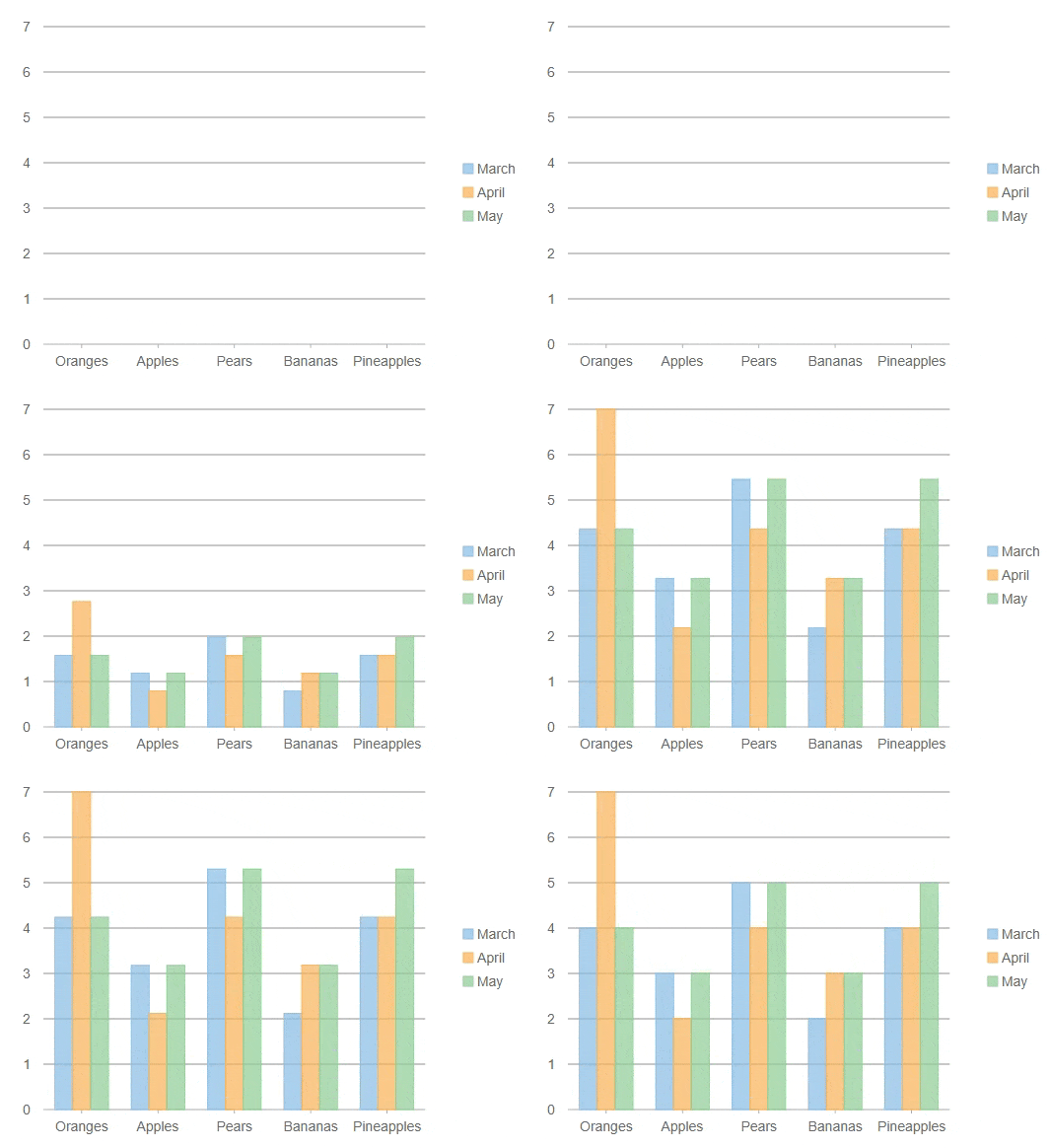
The **ShowAnimation** property allows chart animation while loading and updating it. The animation can be configured by the user through several properties that include duration, easing function, and animation mode.
|  |
| --- |
The following code example demonstrates how to enable Chart Animation using several properties such as duration, easing, and animation mode. This example uses the Fruit class available in the MVCExplorer product sample at "Documents\\ComponentOne Samples\\ASP.NET MVC\\vx.x.x\\MVC\\CS\\MvcExplorer\\Models" location on your system.
**Controller Code**
1. Include the following reference in the code:
`using .Models;`
2. Add the following code:
```csharp
public ActionResult Index()
{
return View(Fruit.GetFruitsSales());
}
```
**View Code**
```razor
@using .Models
@model IEnumerable
@(Html.C1().FlexChart()
.Bind(Model)
.ChartType(C1.Web.Mvc.Chart.ChartType.Column)
.BindingX("Name")
.Series(sers =>
{
sers.Add().Binding("MarPrice").Name("March");
sers.Add().Binding("AprPrice").Name("April");
sers.Add().Binding("MayPrice").Name("May");
})
.ShowAnimation(ca => ca.AnimationMode(AnimationMode.All).AxisAnimation(true).Duration(1000).Easing(Easing.Linear))
)
```
**Chart Animation Properties**
You can make use of the following properties to enable animation in your charts.
| Name | Type | Description |
| --- | --- | --- |
| AnimationMode | Animation Mode | Gets or sets whether the plot points animate one at a time, series by series, or all at once. The whole animation is still completed within the duration. |
| Axis Animation | Boolean | Gets or sets a value indicating whether animation is applied to the axis. |
| Duration | Integer | Gets or sets the length of entire animation in milliseconds. |
| Easing | Easing | Gets or sets the easing function applied to the animation. |
**AnimationMode Enumeration**
You can use the AnimationMode to apply the animation to the Points, Series or both.
| Name | Description |
| --- | --- |
| All | All points and series are animated at once. |
| Point | Animation is performed point by point. Multiple series are animated simultaneously at the same time. |
| Series | Animation is performed series by series. Entire series is animated at once, following the same animation as the "All" option, but just one series at a time. |