# XML Serialization
DashboardLayout supports serialization through the client-side methods. Learn how DashoboardLayout supports serialization in MVC documentation.
## Content
Serialization refers to converting an object into a stream of bytes. The purpose of serialization is to save the current state of an object so that it can be recreated when required. DashboardLayout supports serialization through **saveLayout** and **loadLayout** client-side methods of the DashboardLayout control. The **saveLayout** method saves the DashboardLayout properties, i.e., order and bounds of tiles, to an XML stream or file. The **loadLayout** method loads the DashboardLayout layout properties from an XML stream or file.
The following image shows DashboardLayout control with load and save layout options.
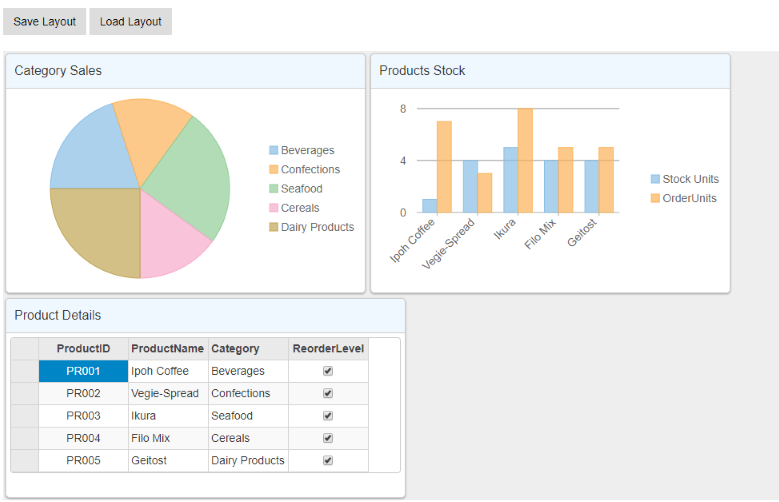
The following code shows the example of saving and loading the DashboardLayout to and from an XML file.
```razor
```