# Resizing
DashboardLayout for MVC allows you to resize the tiles at runtime. Learn more about the resizing tiles in MVC documentation.
## Content
DashboardLayout allows you to resize the tiles at runtime. The resizing behavior for the tiles differ for different layouts. You can resize any tile with the help of double-header arrow, which appears when you select the tile and place your cursor at the bottom right corner of the tile. The different behaviors for different layouts are discussed below.
### Resizing in Flow Layout
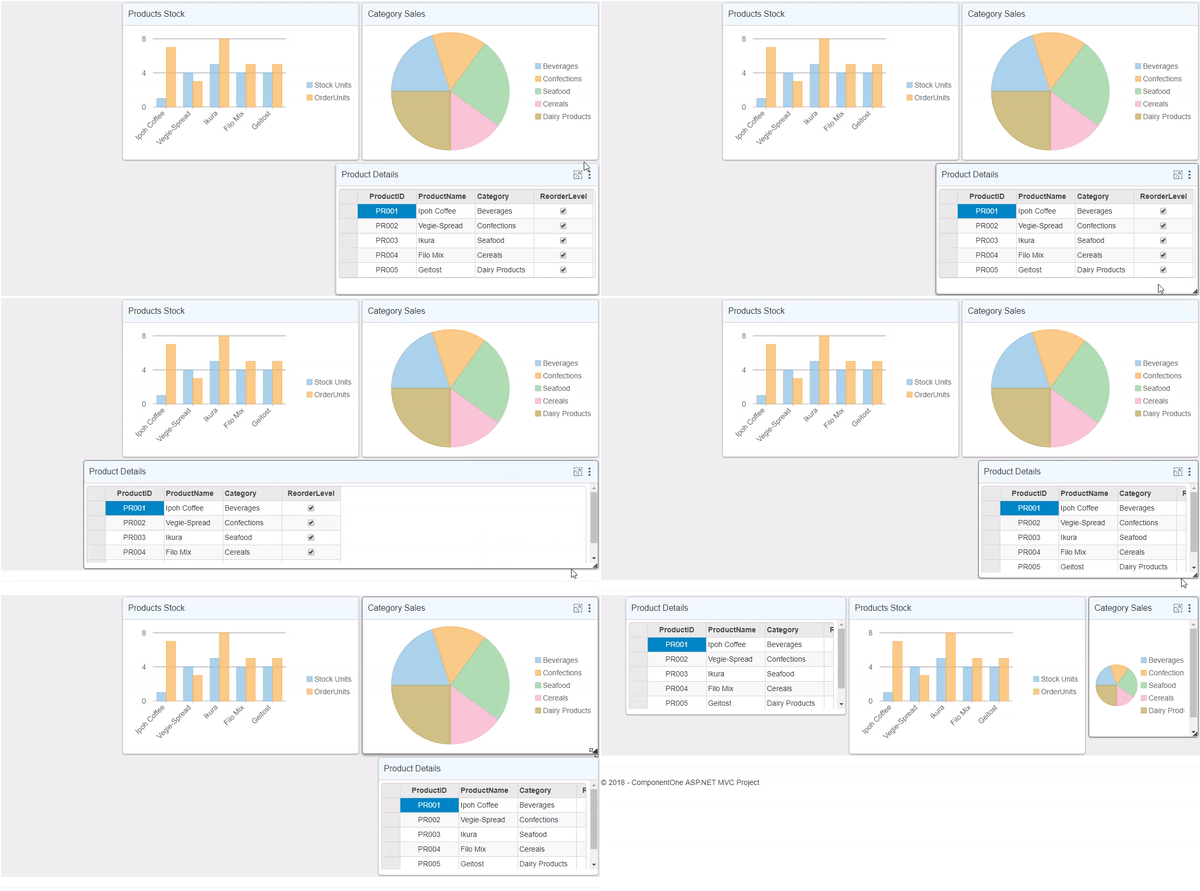
On resizing a specific tile, other tiles rearrange themselves maintaining the flow direction.
### Resizing in Auto Grid Layout
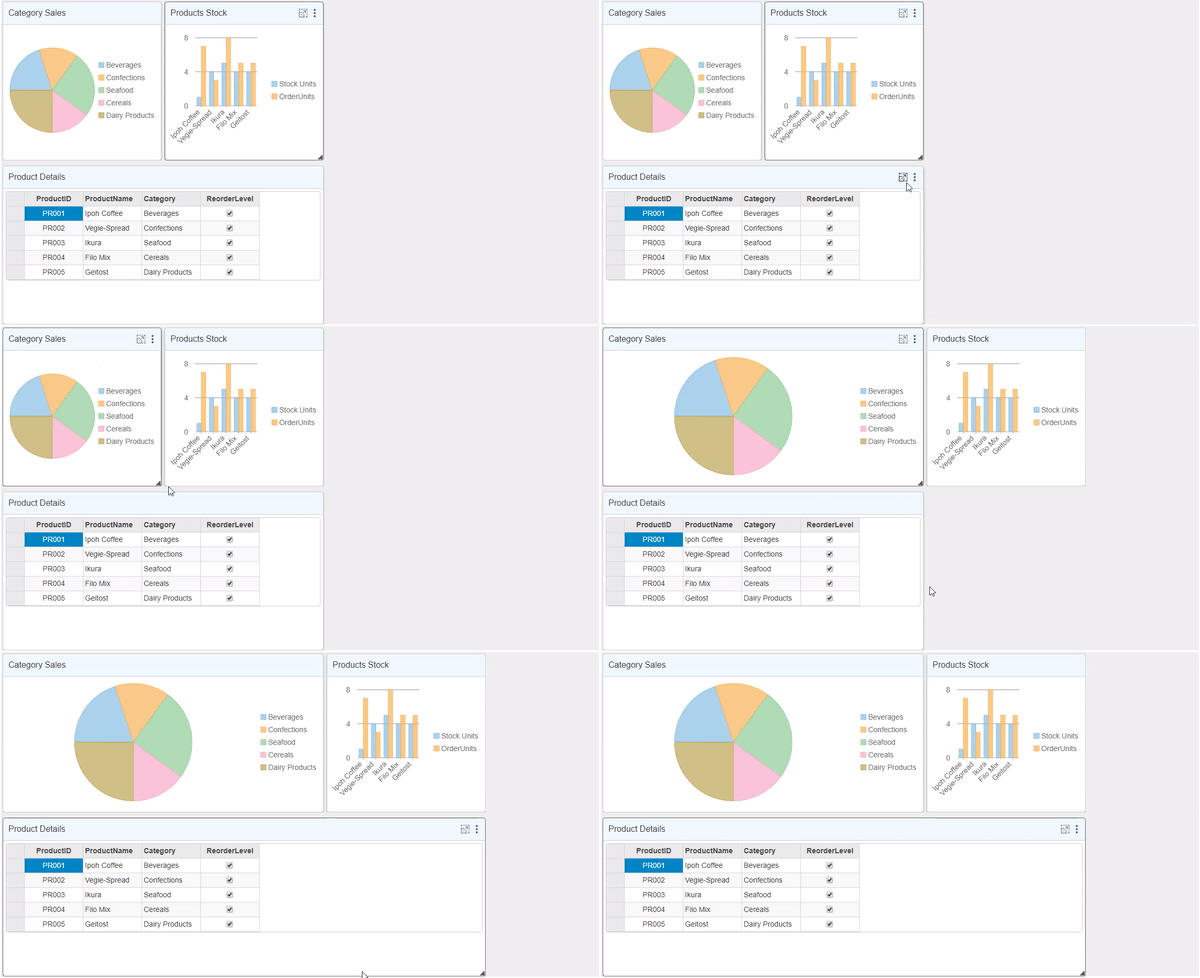
On resizing a specific tile, it spans the adjacent column or row depending on whether the width/height of the tiles are increased respectively.
### Resizing in Manual Grid Layout
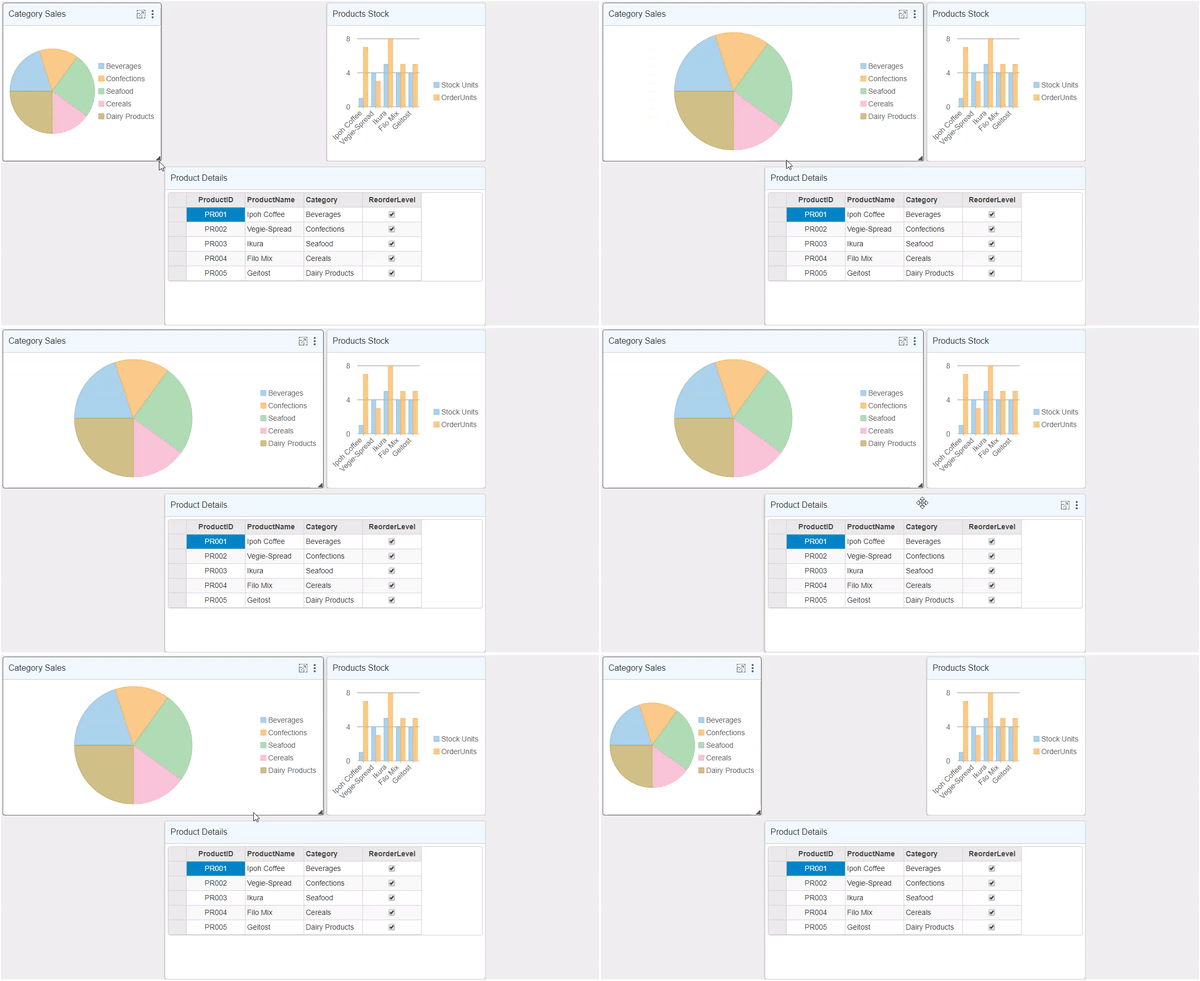
On resizing a specific tile, it spans the adjacent column or row depending on whether the width/height of the tiles are increased respectively.
### Resizing in Split Layout
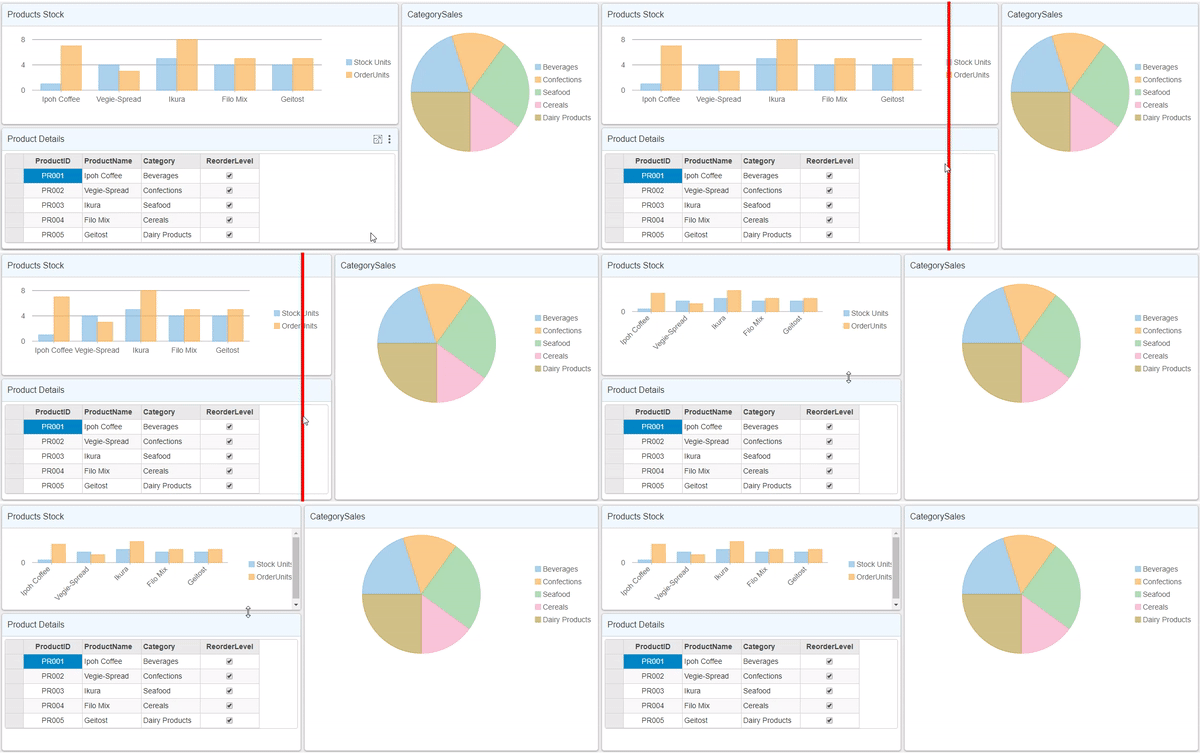
On hovering mouse over the split line, a resizing handle appears over the bar which can be used to resize the tiles at runtime.
By default, in the DashboardLayout control resizing is enabled. However, in case you want to disable resizing of tiles, you can make use of [AllowResize](/componentone/api/mvc/online-mvc/dotnet-framework-api/C1.Web.Mvc/C1.Web.Mvc.DashboardLayout.AllowResize.html) property provided by the [DashboardLayout](/componentone/api/mvc/online-mvc/dotnet-framework-api/C1.Web.Mvc/C1.Web.Mvc.DashboardLayout.html) class.
```razor
// Restricts resizing of tiles
.AllowResize(false)
```