# Multi Row
## Content
The **MultiRow** control provides a powerful and flexible way of using multiple rows to represent each data item in tabular format. MultiRow control allows the users to view and edit data in a tabular form, just like any other conventional grids. But, MultiRow is different from these grids in a way that it allows you to bind each data item to multiple rows, creating form-like interfaces that can display a large number of columns with minimal horizontal scrolling.
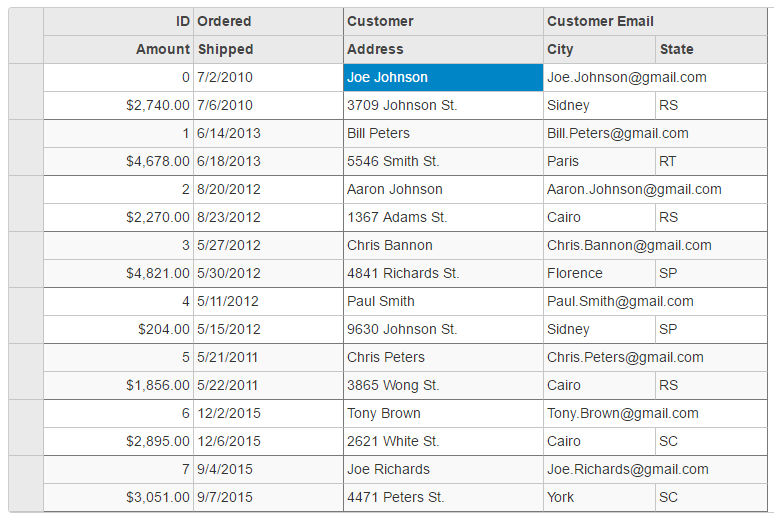
To work with MultiRow control, you need to create an instance of **MultiRow** class, which is a part of **C1.Web.Mvc.MultiRow** namespace. MultiRow class extends from the **FlexGrid** class. Users already working with [FlexGrid](/componentone/docs/mvc/online-mvc-core/WorkingwithControls/FlexGrid) control, it will be easier for them to understand and implement MultiRow control. For more information, see QuickStart: Add Data to MultiRow.