# Culture Settings
Blazor Edition provides a set of native UI controls built for Blazor such as FlexGrid, Chart, ListView, and input controls including AutoComplete and ComboBox.
## Content
By default, Blazor formats and parses data using the current culture of the user's system. It allows you to set different masks for different cultures in the MaskedTextBox control. For example,you can set comma as the thousand separator mask character, a currency symbol, say "$", for currency mask character, etc.
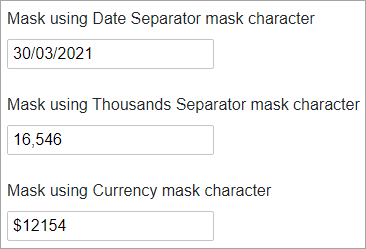
In the following example, we used date separator, thousand separator, and currency mask characters for showcasing different cultures.
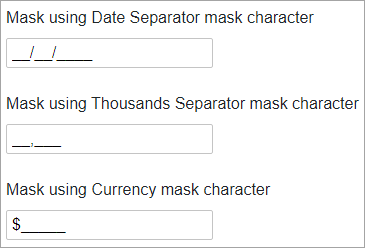
This is how the output looks like after entering user input:
The following example shows how to set a culture-specific mask:
```razor