# Add New Row
Adding a new row in Blazor Grid using new row template.
## Content
FlexGrid allows you to add a new row using new row template. The row can be added at the top or bottom of the grid using [NewRowPosition](/componentone/api/blazor/online-blazor/dotnet-api/C1.Blazor.Grid/C1.Blazor.Grid.FlexGrid.NewRowPosition.html) property of [FlexGrid](/componentone/api/blazor/online-blazor/dotnet-api/C1.Blazor.Grid/C1.Blazor.Grid.FlexGrid.html) class, which takes values from the [GridNewRowPosition](/componentone/api/blazor/online-blazor/dotnet-api/C1.Blazor.Grid/C1.Blazor.Grid.GridNewRowPosition.html) Enumeration. In the new row template, the display value can be set using [NewRowPlaceHolder](/componentone/api/blazor/online-blazor/dotnet-api/C1.Blazor.Grid/C1.Blazor.Grid.FlexGrid.NewRowPlaceholder.html) property.
The GIF below shows the implementation of adding a new row template to the FlexGrid.
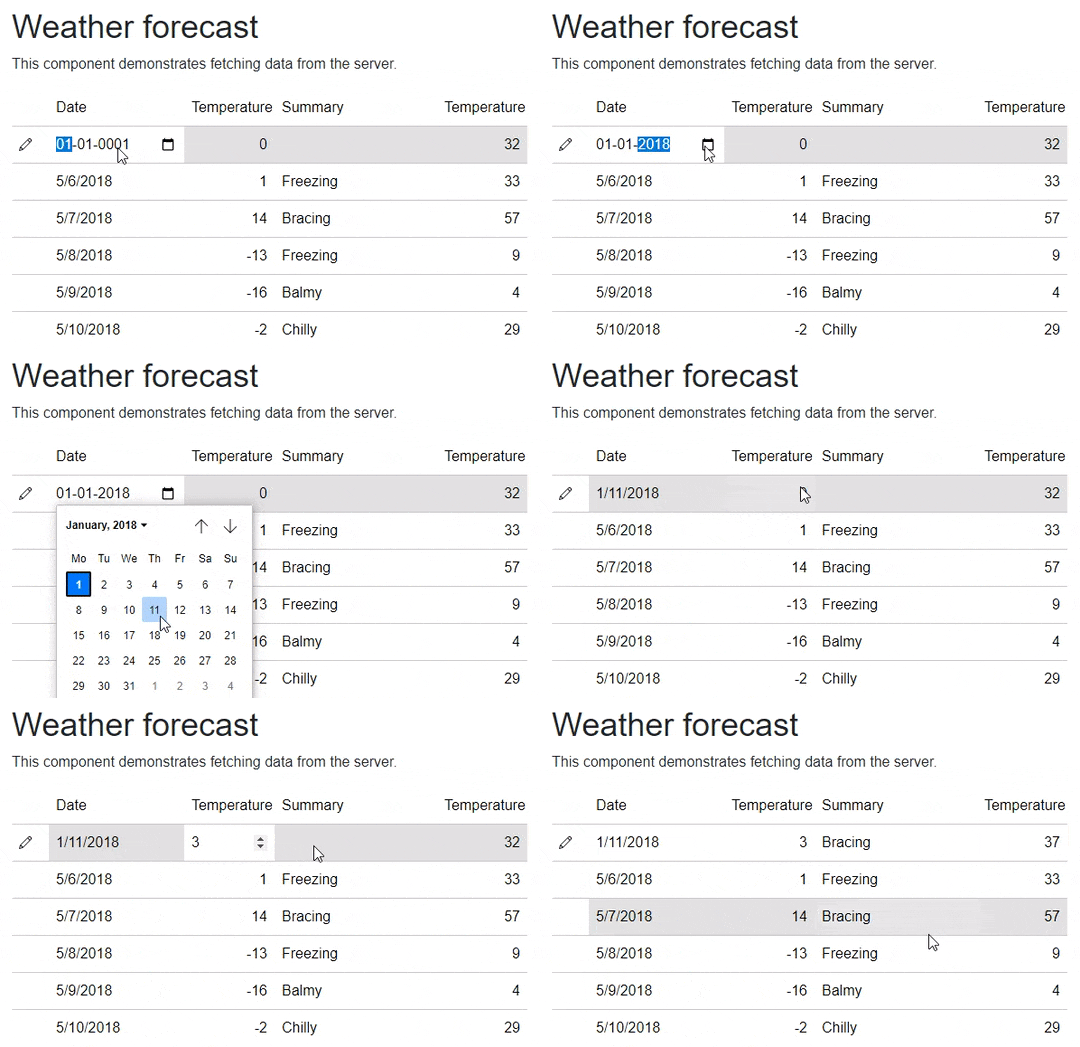
The following **code example** demonstrates how to implement addition of new row in FlexGrid. The following example uses the same data as used in [Quick Start](/componentone/docs/blazor/online-blazor/controls/flexgrid/flexgrid_quickstart).
```razor
@page "/FlexGrid/NewRow"
@using FlexGrid_NewRow_Server.Data
@inject WeatherForecastService ForecastService
@using C1.Blazor.Grid
Weather forecast
This component demonstrates fetching data from a service.
@if (forecasts == null)
{
Loading...
}
else
{
}
@code {
private WeatherForecast[]? forecasts;
protected override async Task OnInitializedAsync()
{
forecasts = await ForecastService.GetForecastAsync(DateTime.Now);
}
}
```