# Paging
FlexGrid supports Pager control through which you can implement paging. Through paging, you can customize the number of items that should be displayed per page and provide a UI for navigating the pages in the grid.
## Content
FlexGrid supports Pager control through which you can implement paging. Through paging, you can customize the number of items that should be displayed per page and provide a UI for navigating the pages in the grid. You can enable paging using [C1DataCollection](/componentone/api/blazor/online-blazor/dotnet-api/C1.DataCollection/C1.DataCollection.C1DataCollection-1.html) class which wraps another collection of [C1PagedDataCollection](/componentone/api/blazor/online-blazor/dotnet-api/C1.DataCollection/C1.DataCollection.C1PagedDataCollection-1.html) class to be shown in pages.
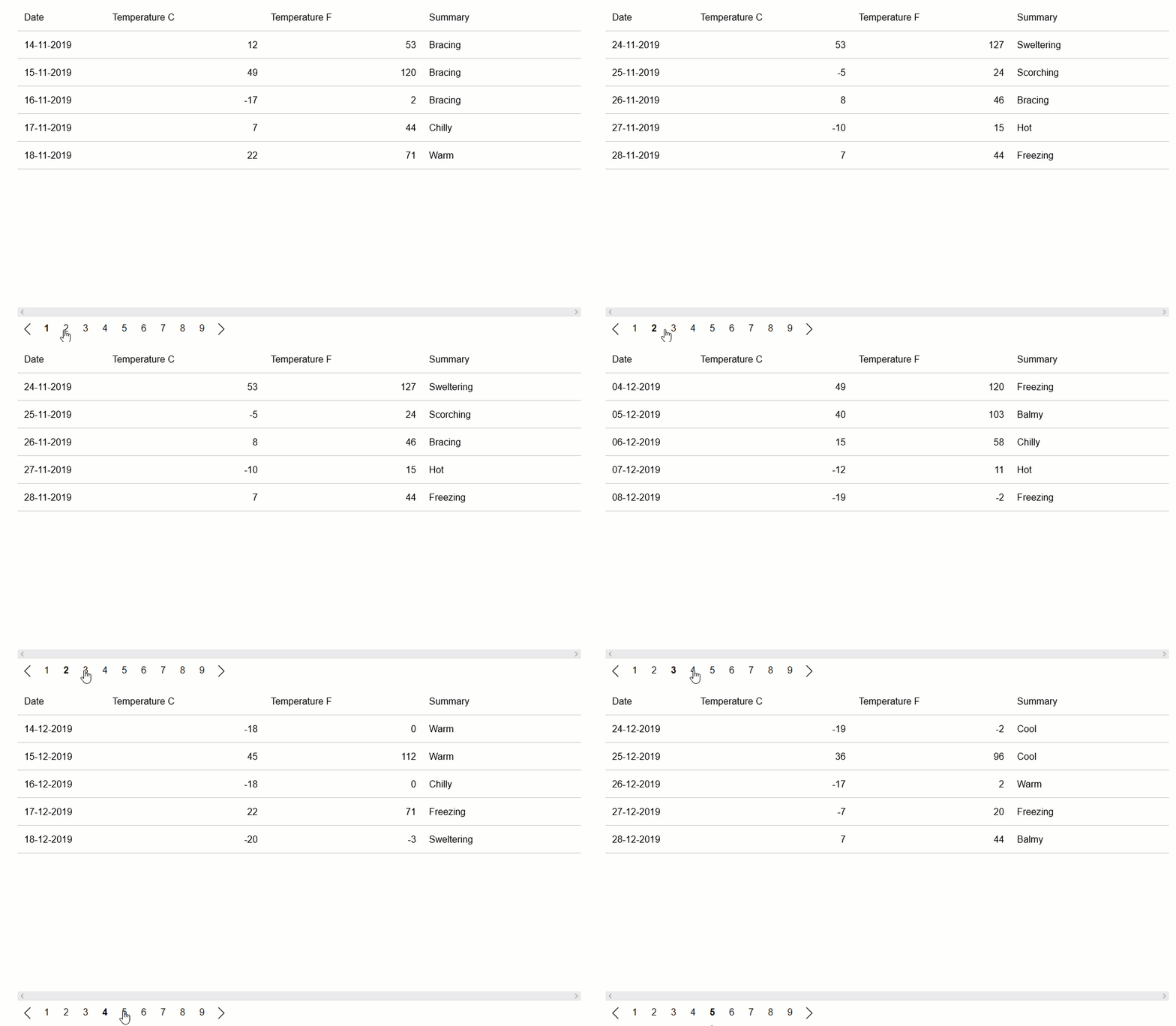
**C1DataPager** can be used to navigate through different pages of data bound to FlexGrid. The following GIF shows how the FlexGrid appears after setting the paging feature.
The following **code example** demonstrates how to enable paging in FlexGrid. To use DataPager with FlexGrid, you need to install C1.Blazor.DataPager NuGet package.
```razor
@page "/FlexGrid/paging"
@using C1.DataCollection
@using C1.Blazor.Core
@using C1.Blazor.Grid
@using C1.Blazor.DataPager
@code {
C1PagedDataCollection customers;
protected override void OnInitialized()
{
customers = new C1PagedDataCollection(new VirtualModeDataCollection() { PageSize = 10 });
}
}
```