# Selecting Cells
FlexGrid supports single row and cell selection modes, and also row and cell ranges using the shift key.
## Content
FlexGrid supports selection through the [SelectionMode](/componentone/api/blazor/online-blazor/dotnet-api/C1.Blazor.Grid/C1.Blazor.Grid.FlexGrid.SelectionMode.html) property of the [FlexGrid](/componentone/api/blazor/online-blazor/dotnet-api/C1.Blazor.Grid/C1.Blazor.Grid.FlexGrid.html) class. This property determines how the cell or rows are selected in grid. The **SelectionMode** property sets the selection behavior through [GridSelectionMode](/componentone/api/blazor/online-blazor/dotnet-api/C1.Blazor.Grid/C1.Blazor.Grid.GridSelectionMode.html) enumeration. This enumeration specifies the following values to define the selection behavior:
| **Selection Mode** | **Image** | **Description** |
| --- | --- | --- |
| Cell | 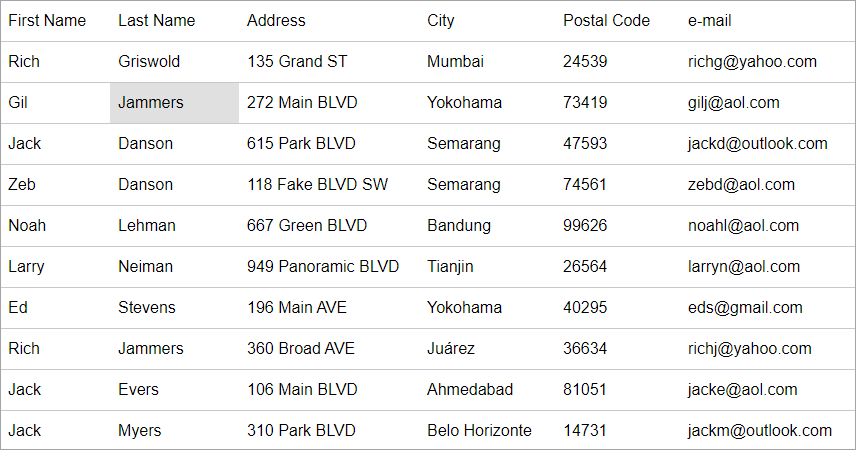 Single Cell Selection | Cell selection allows you to select a single cell and perform data operations like copy, paste, print etc. |
| CellRange | 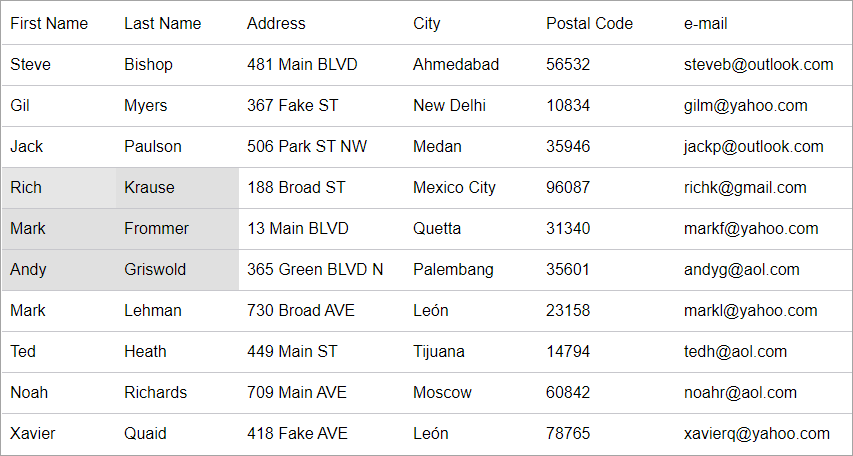 Cell Range Selection | Cell range selection allows you to select multiple cells using the mouse while holding Shift key. |
| Row | 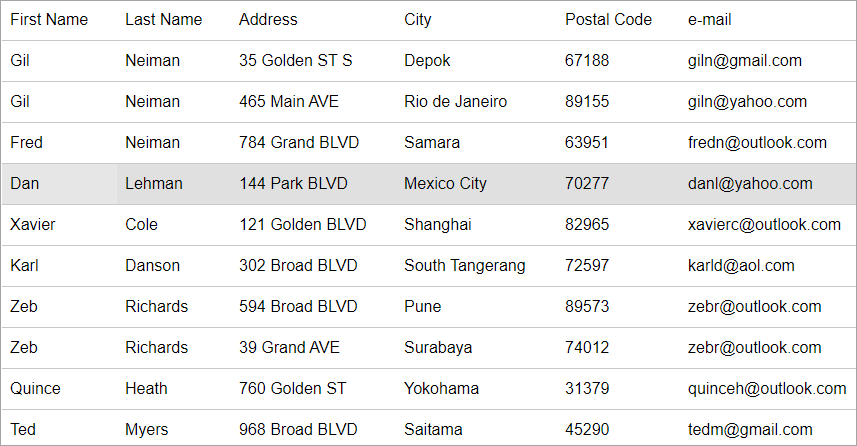 Single Row Selection | Row selection option allows you to select a single row from the grid and perform operations. |
| RowRange | 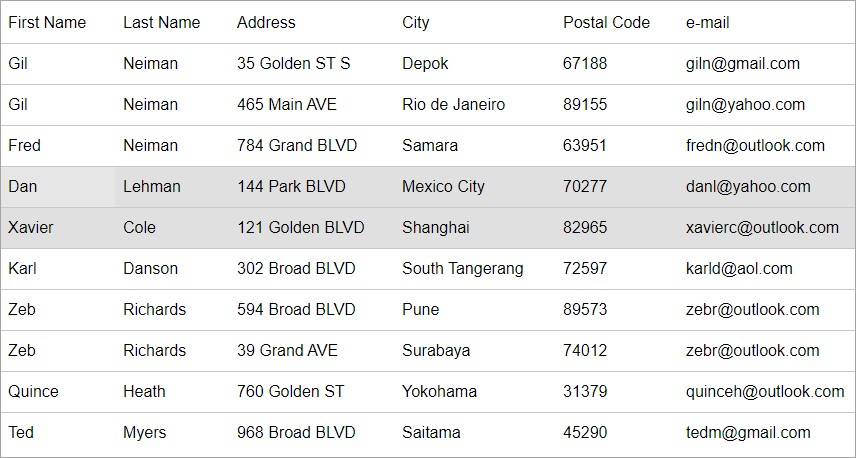 Row Range Selection | RowRange selection allows you to select multiple rows using the mouse while holding Shift key. |
| Column | 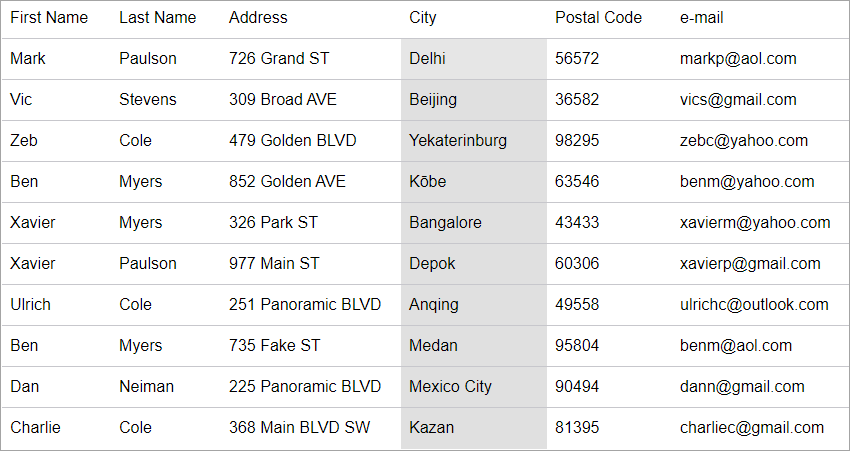 Column Selection | Column selection allows you to select a set of contiguous columns. |
| ColumnRange | 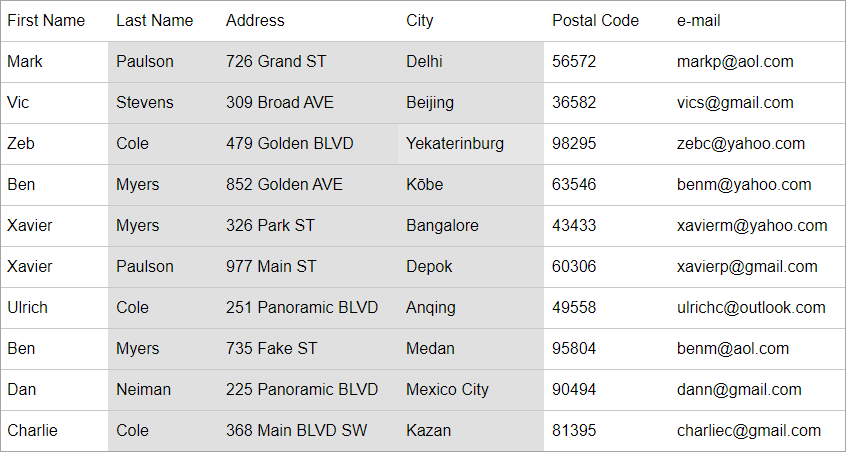 ColumnRange Selection | ColumnRange selection allows you to select a set of contiguous columns. |
| MultiRange | 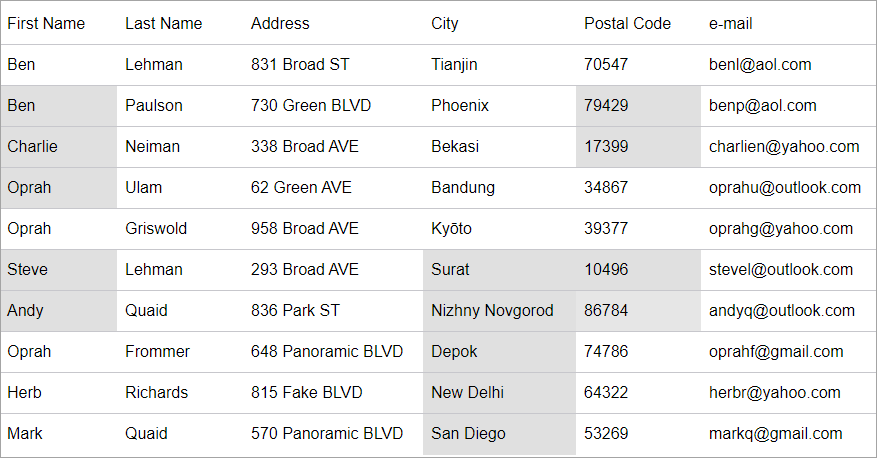 MultiRange Selection | MultiRange selection allows you to select a set of collection of ranges. |
| ListBox | 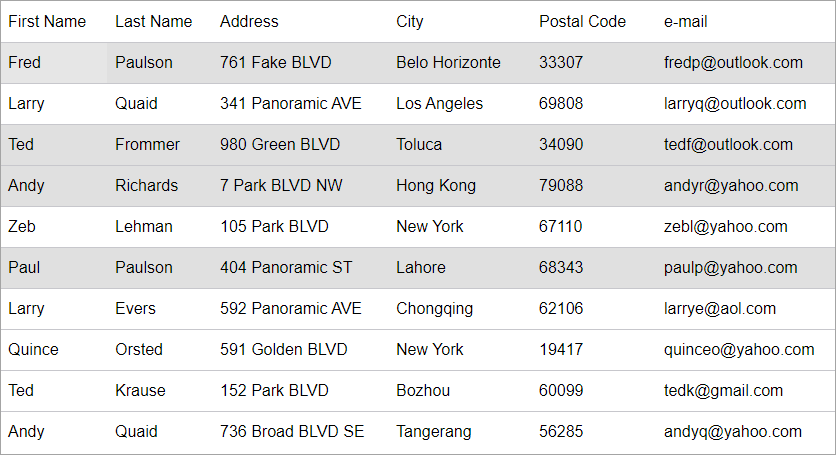 ListBox Selection | ListBox selection allows you to select non-contiguous rows by ctrl+clicking. |
| MultiColumns | 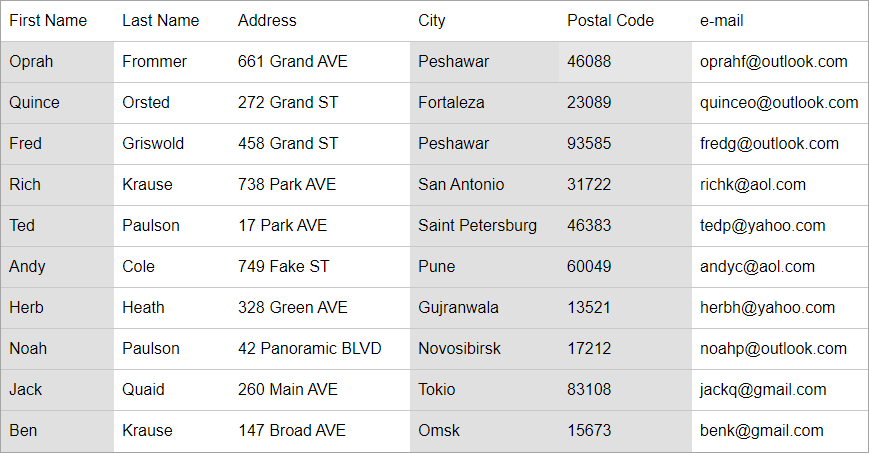 MultiColumns Selection | MultiColumn selection allows you to select non-contiguous rows by ctrl+clicking. |
The following example demonstrates how to set the selection mode in FlexGrid. This example uses the Customer.cs class available in the BlazorExplorer product sample.
```razor
@page "/"
@using System.Collections.ObjectModel;
@using C1.Blazor.Grid
@code {
ObservableCollection customers;
protected override void OnInitialized()
{
customers = Customer.GetCustomerList(10);
}
}
```