# Skip Page Generation in Page Reports
Learn how to control visibility of the pages in a Page report at run time.
## Content
In ActiveReports, you can easily hide the pages in a [Page report](/activereportsnet/docs/v20.1/report-authors/reporttypes/page-report-type) at run time using the visibility properties.
The visibility properties for a report page can be set using the **Hidden** property.
In the rendered report, the page generation for the hidden pages is skipped.
## Hidden Property
This property controls the visibility of the report page based on the expression that you specify or the value you set, that is, True or False. If you want to hide the report page, set the property to True. In case you want to conditionally hide the report page, enter a suitable expression.
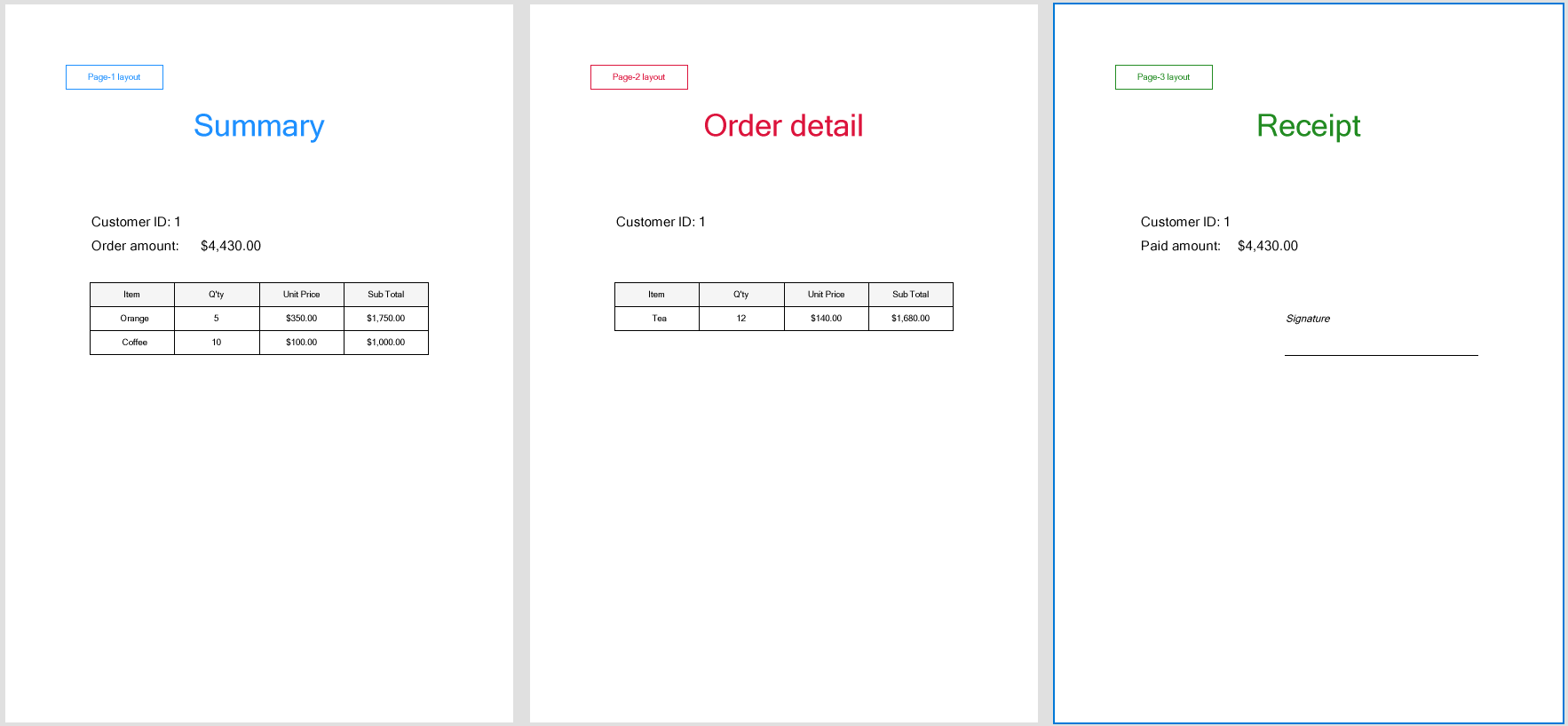
Consider a scenario where a Page report contains three pages: Page 1, Page 2, and Page 3.
* Page 1 of the report consists of the report header and order summary details,
* Page 2 of the report contains the overflowing content of Page 1, that is, order summary details, and
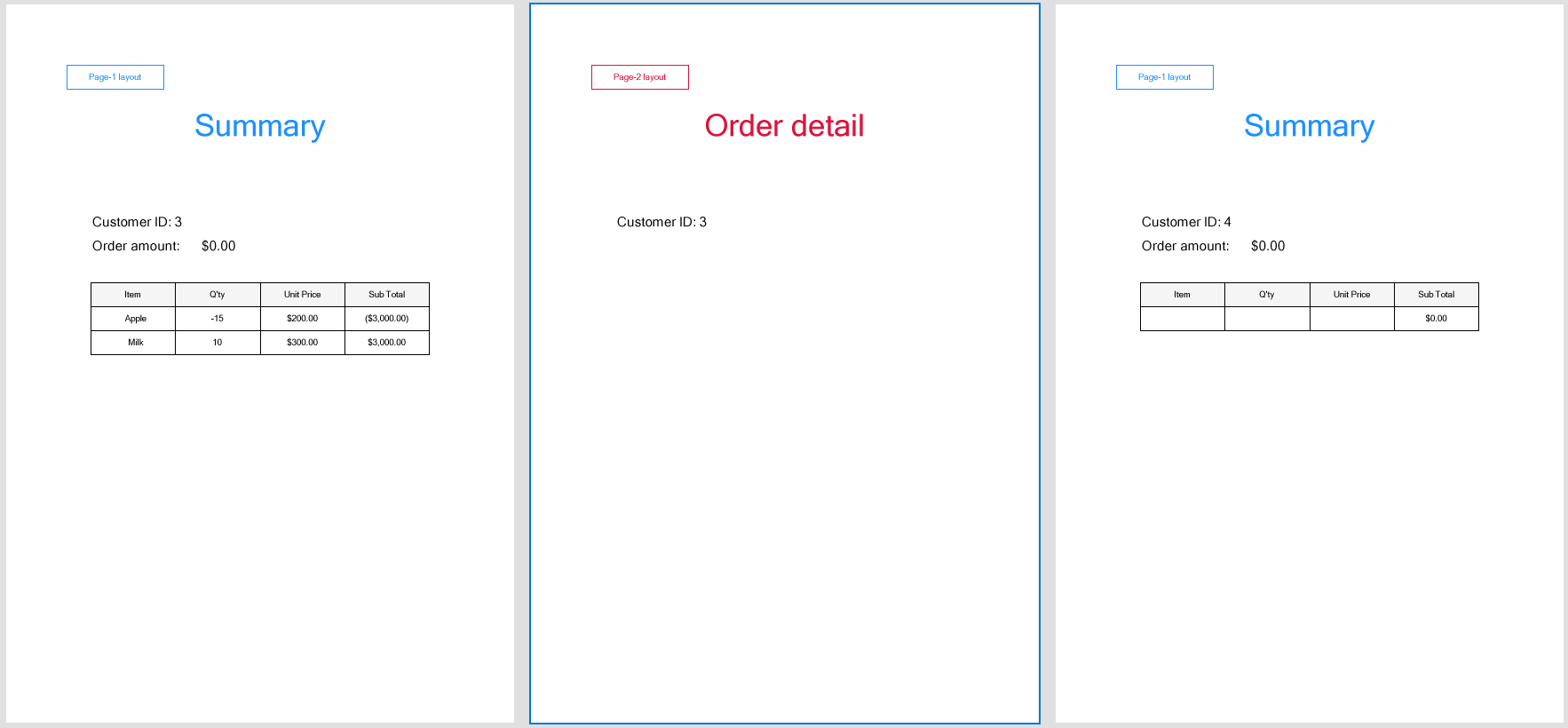
* Page 3 consists of a receipt. You want the page generation for Page 3 to skip in case the order amount or the amount paid is zero.
For the report pages to appear in this manner, you need to set the **Hidden** property for Page 3 to the expression like follows, which calculates the order amount and hides the receipt page in case the order amount calculates to zero:
```
=iif(Sum(Fields!Quantity.Value*Fields!UnitPrice.Value)=0, True, False)
```
This is how the three pages of an order in a report are rendered when the order amount is not zero:
When the order amount is zero, only the first two pages of the order are rendered and the receipt page is skipped: