# Add a Title to the Map
This topic provides steps on how to add a title on a map control.
## Content
Map Title describes the theme or subject of the map. Use these steps to learn adding a title on a map control.
1. On the design surface, select the [Map](/activereportsnet/docs/v19.2/report-authors/report-controls/report-controls-page-rdl-report/map) control.
2. In the Properties window, click the **Titles (Collection)** property and then click the ellipsis (...) button that appears.
3. In the **MapTitleDesigner Collection Editor** that appears, in the Members list of titles, **Title** with the default property settings already exist.
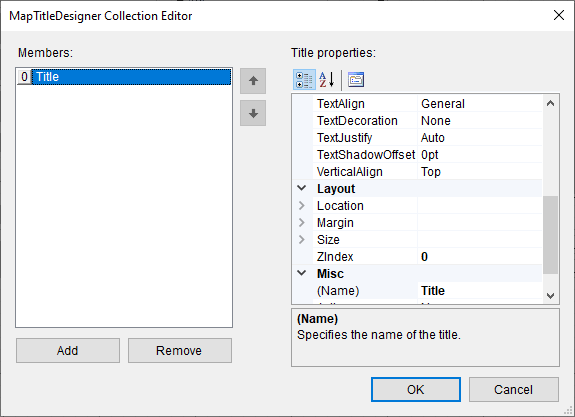
4. In the **Properties Panel**, you can modify the text, font, border and the background color settings of the map title.
5. Click **OK** to close the dialog.